
What website is this?
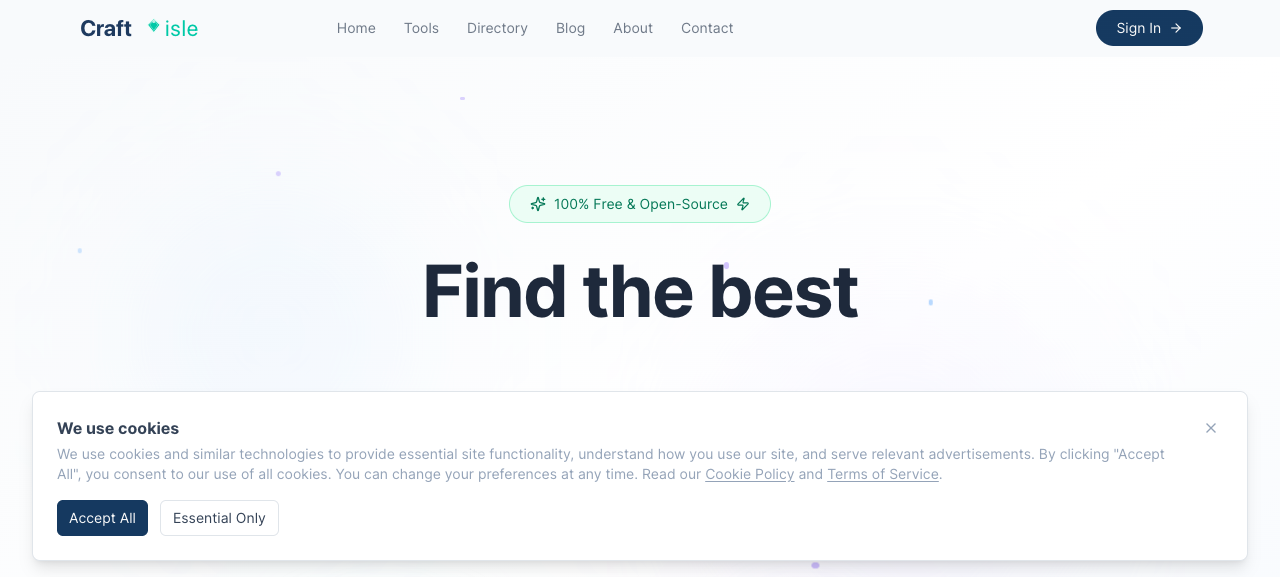
Craftisle combines a free/open-source software directory with browser-based online utilities on one site: roughly 16,000 curated listings across 200+ categories, plus tools you can open directly—PDF processing, regex testing, ID photo generation, and more. It mainly serves two needs: finding free alternatives quickly, or handling files temporarily without installing desktop software. Compared with generic search, the emphasis is on pre-filtered free resources and zero-signup entry; if you need enterprise private deployment or SLAs, this kind of aggregator is usually not the first choice.
Key Features
- Browse ~16,000 free/open-source directory entries across 200+ categories
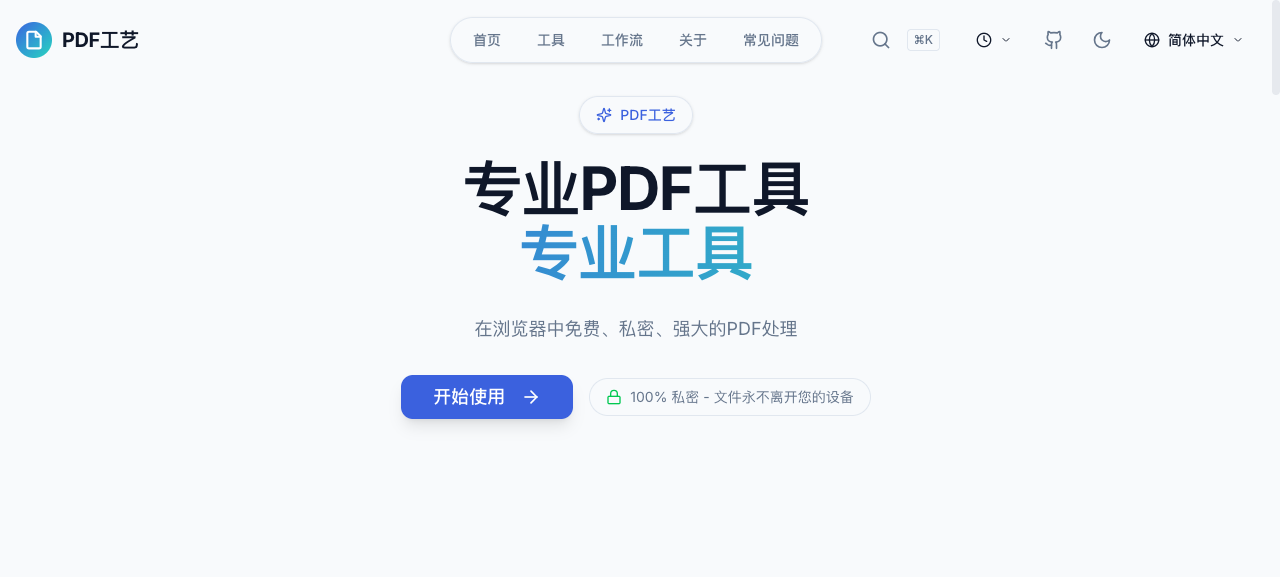
- Browser-based PDF sub-site for merge, split, compress, convert, and related tasks
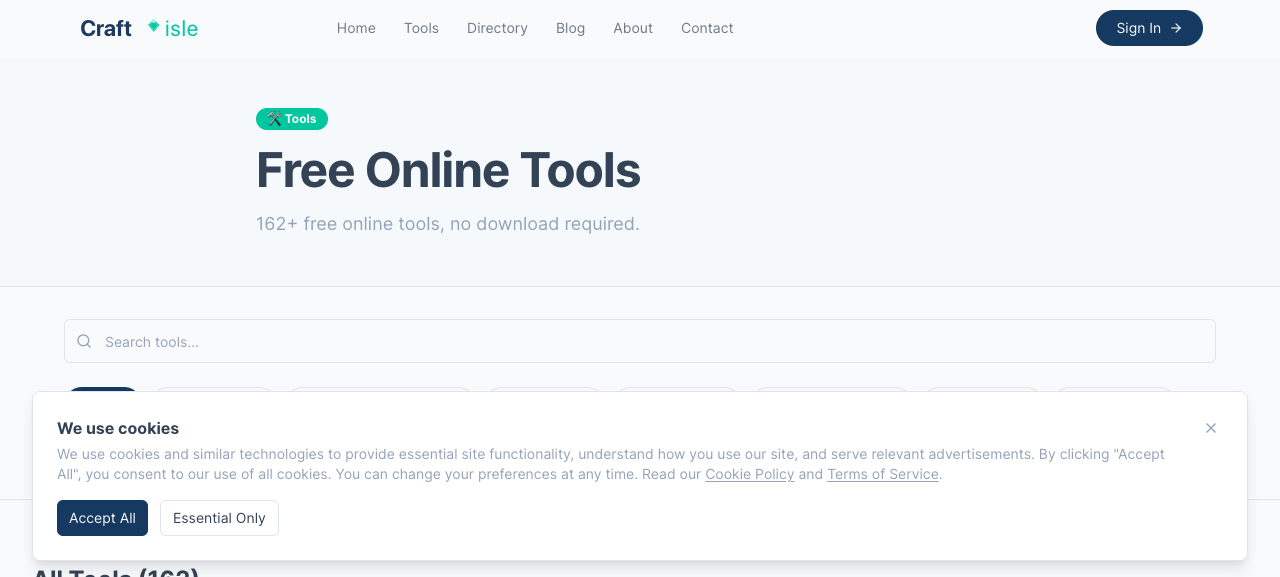
- Built-in online tools such as regex visualizer, HTML visual editor, and image format conversion
- Hot categories and weekly trending resources across AI, reading, gaming, Linux, and more
- Dedicated sub-sites for resumes, file preview, collaborative whiteboard, AI prompts, and other tasks
- Most tools claim in-browser local processing; main site and sub-sites open without signup
Use Cases
- Developers who need instant regex validation open Regex Visualizer to see highlighted matches and groups
- Job seekers who want ATS-friendly resumes quickly use the Resume Builder sub-site to pick templates and export PDFs
- Users who receive PDFs to merge or compress—but do not want to install software—handle them in the PDF Tools sub-site
- People comparing free AI or privacy tools filter listings under Artificial Intelligence, Adblock, and similar categories
- Remote teams needing a simple whiteboard for discussion can use the Online Whiteboard sub-site (capabilities vary by sub-site)
Who is it for?
- Individuals and students who often look for free/open-source software alternatives
- Visitors who want PDF/image/text light processing in the browser without registration
- Bilingual users (Chinese or English UI) who prefer a one-stop discovery entry
- Hobbyists who periodically scan new tools in AI, reading, gaming, and related areas
- Enterprise IT needing offline batch processing, private deployment, or API automation (lower fit)
- Large organizations relying on official paid support and compliance audit workflows (free aggregators rarely cover this)
How It Compares to Similar Tools?
Versus launch-oriented platforms like Product Hunt, Craftisle behaves more like a searchable free-tool directory with its own PDF, resume, and other sub-site toolboxes. Single-purpose online converters usually do one job; here discovery, category browsing, and multiple built-in tools are stacked together. If your goal is in-depth commercial software reviews or procurement decisions, traditional review sites may be more structured; if you care about no-signup, in-browser ad-hoc processing, or scanning free alternatives by category, the integrated entry saves hops.
Pricing Details
The homepage and About page describe a free, open-source orientation; the directory and sub-sites are labeled as no signup required; no public paid tiers or subscription price list was found. The Privacy Policy notes third-party ads (e.g., Google AdSense, Media.net) may appear. Some trending entries link to external AI services that may require their own registration—limits follow each landing page. Refer to https://www.craftisle.com/ for the latest details.
FAQs
Q: Does Craftisle require signup or downloads?
A: The main site states tools run in the browser; directory browsing and sub-site entry need no signup—some outbound links may have their own registration rules.
Q: Are processed files uploaded to servers?
A: The Privacy Policy says most tools run client-side and files are generally not uploaded; for sensitive content, check each sub-site’s notes first.
Q: Are all ~16,000 directory entries built by Craftisle?
A: No. The core is a curated free/open-source navigation directory, plus self-built sub-sites (PDF, resume, whiteboard, etc.) and built-in online tools.
Q: How is it different from a standalone PDF online tool?
A: Beyond the PDF sub-site, it adds directory search, trending resources, and multiple built-in tools—useful for one-stop discovery and ad-hoc tasks.
Why We Recommend
Free/open-source listings and browser utilities sit in one entry, so ad-hoc PDF edits or alternative hunts involve fewer site hops. Categories span AI, reading, Linux, and more, with weekly updates noted—handy if you periodically scan new tools. Trending outbound links may have their own signup rules; read each landing page before committing. Versus single-converter sites, the “directory + sub-site toolbox” combo is where it stands out.


