
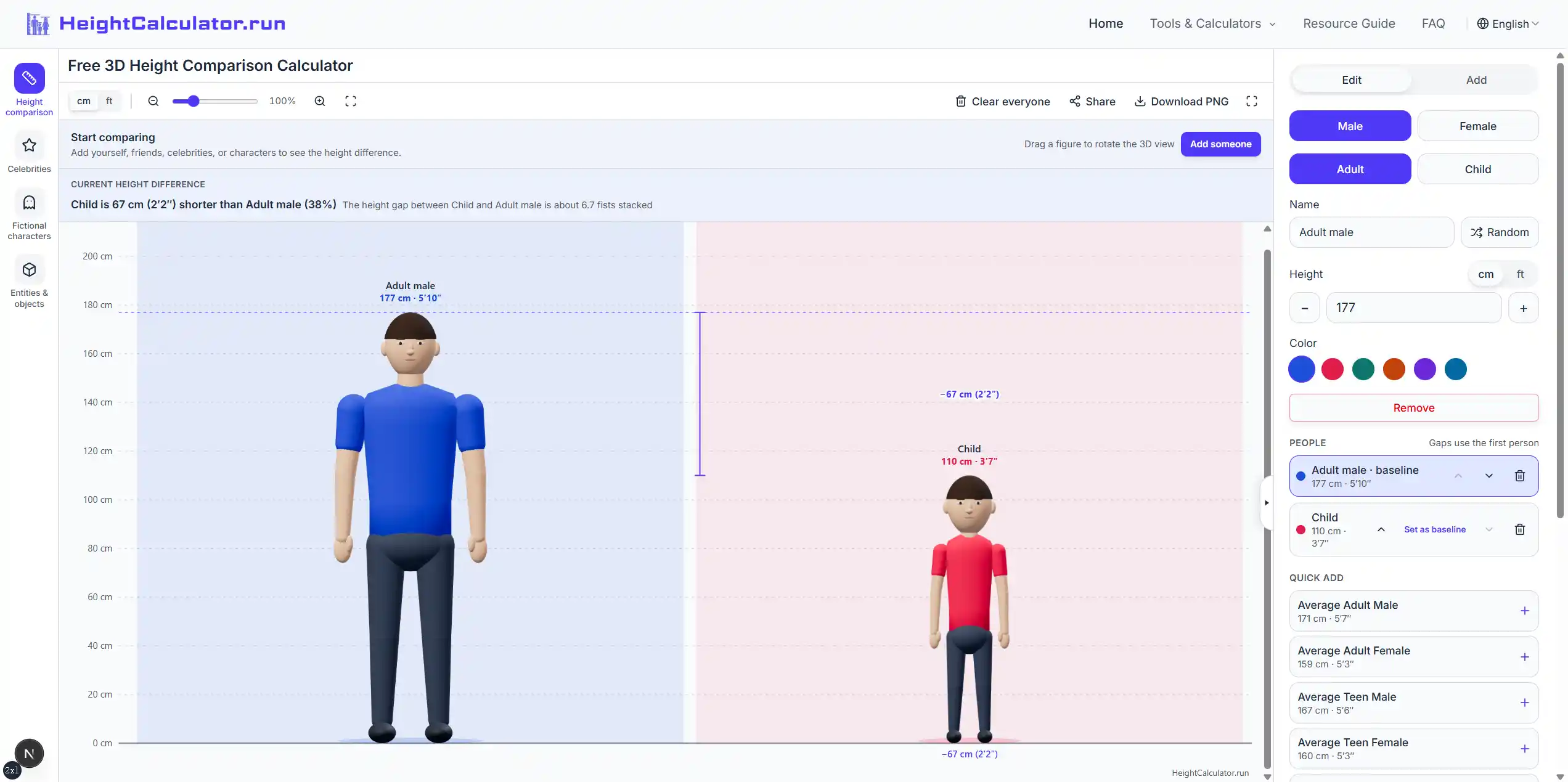
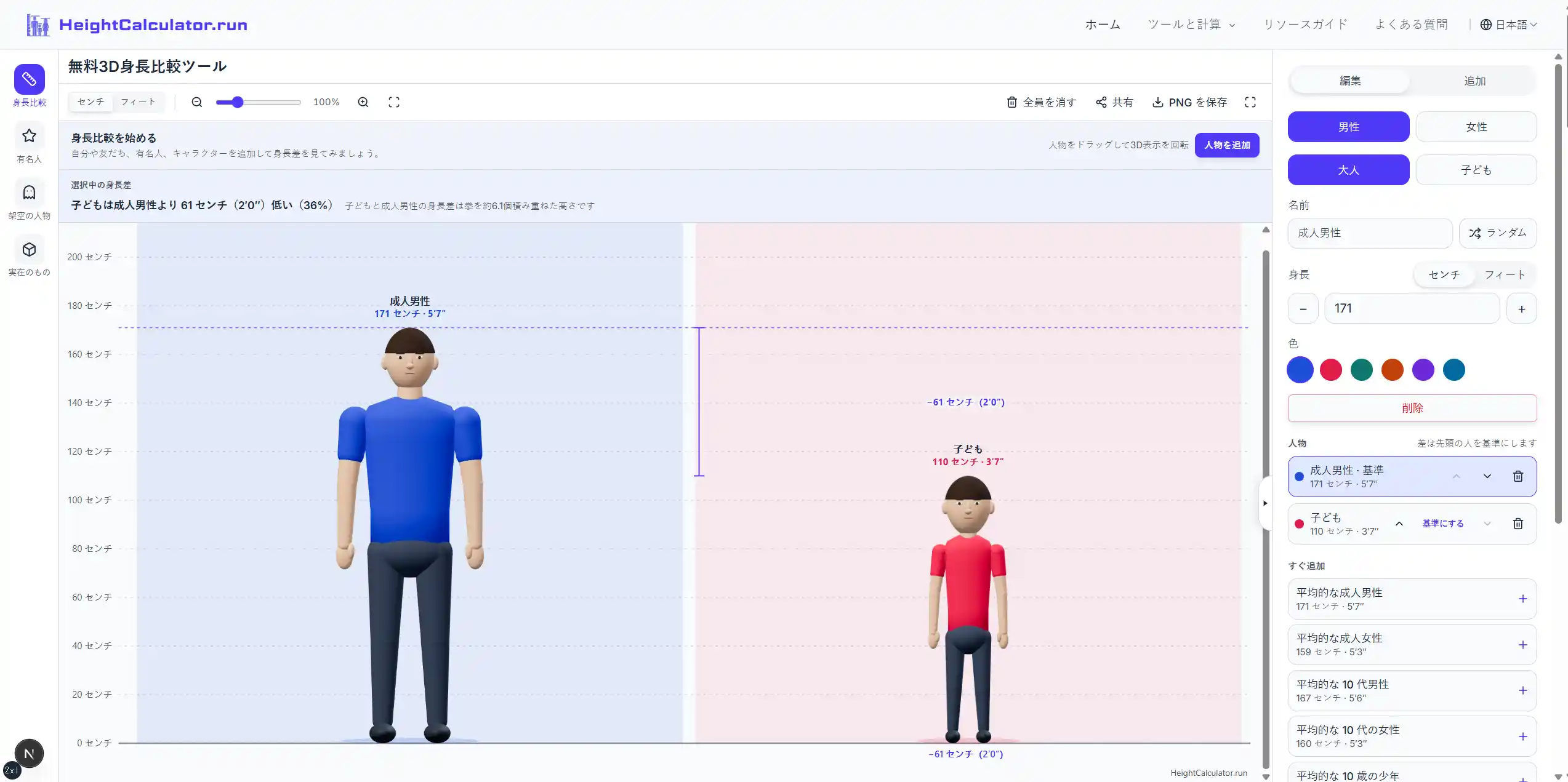
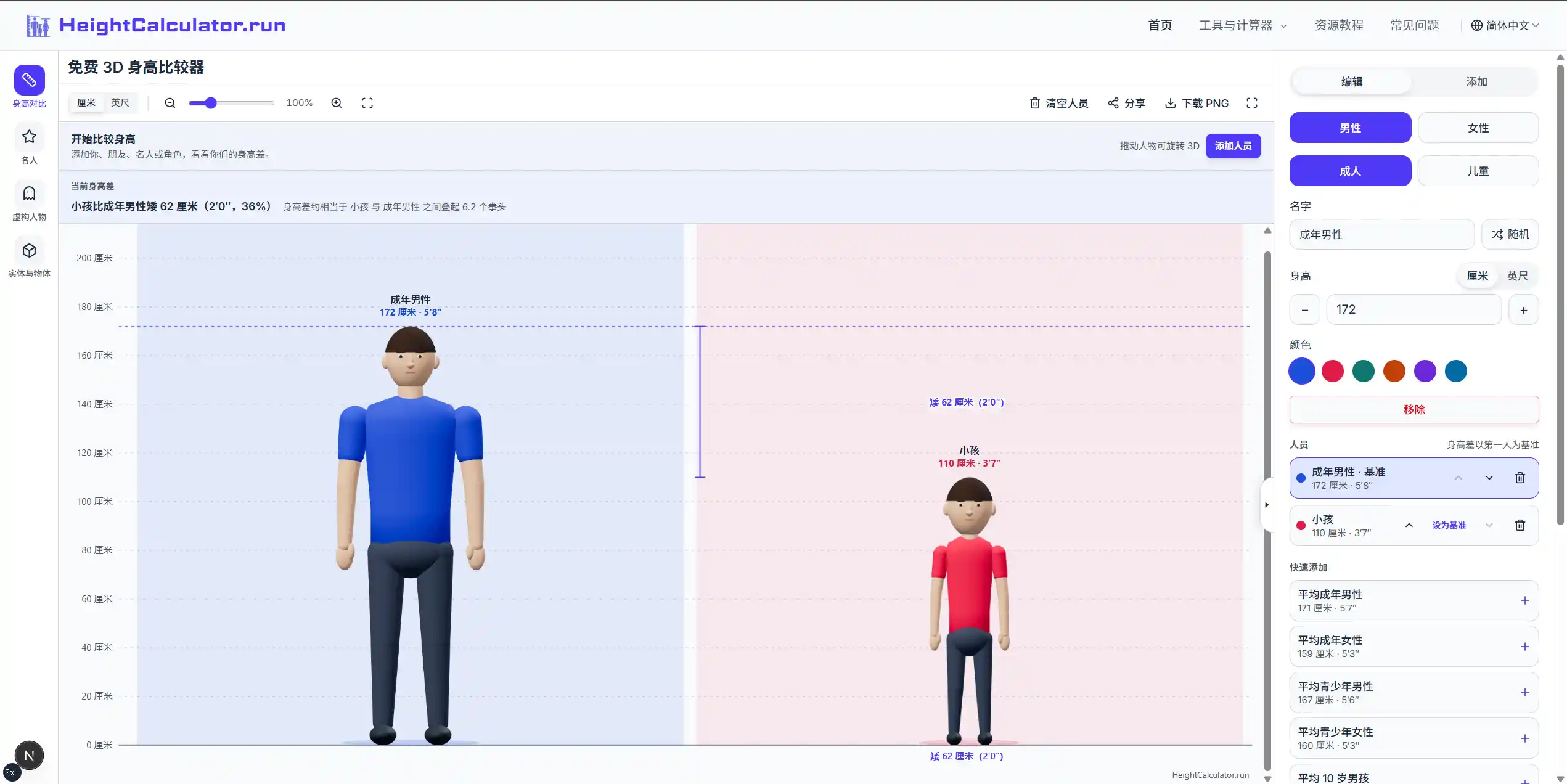
What is this website?
HeightCalculator.run is a free height-comparison site: it places centimeters or feet and inches on one ground line and one scale, then shows the gap with rotatable 3D figures. The homepage holds up to 12 entries, including custom people, celebrities, characters, or schematic objects, and it can download a PNG or copy an editable link. Separate calculators cover differences, conversion, a parent-height reference, percentiles, and the jump needed for a dunk. The public tools run in the browser, and no account is required.
Core features
- One chart holds up to 12 heights. The first person in the list is the baseline, and you can switch the baseline to someone else, then read everyone else's gap in centimeters and as a percentage. The on-screen example also restates a gap as about how many fists stacked.
- Adult and child models can change color, and dragging left or right turns them to the front, side, or back. Zoom, fit-all, and full screen change only the view, not the scale. Models are scaled to the height you enter and do not generate a face or body from a name.
- Templates add editable examples of friends, family members, celebrities, or characters and keep people you already added. The library can search celebrities, fictional characters, animals, landmarks, and everyday objects. Objects use schematic shapes, and library heights need to be checked against original sources.
- After a preview, you can download a PNG with a light, dark, or transparent background. The image includes names, comparison results, and HeightCalculator.run branding. A link or QR code opens an editable copy, and the recipient does not need an account.
- The height-difference page compares only two people: a signed gap, an absolute gap, A÷B, and a percentage that uses B as the denominator. One inch is converted as 2.54 centimeters, and the input range is 0.1 to 300 centimeters.
- The height calculator turns parent heights and a ±13 centimeter sex adjustment into a mid-parental family reference: for boys, (father + mother + 13) ÷ 2; for girls, subtract 13 instead. You can optionally compare a measurement with the U.S. CDC 2000 stature curve for ages 2–18. Child height and weight percentiles, WHO length from 0–24 months, growth velocity between two measurements, country means, photo-calibrated height estimates, ideal-body-weight screening, and dunk jump estimates from standing reach each live on their own pages.
Common use cases
- Couples, friends, or family members who want to see how they would stand together before meeting or taking a photo replace the sample names and measured heights, then set the baseline to the person they want to compare against.
- When writing a story or arranging characters, take a height reference from the library, check the story version or source first, use colors to tell people apart, and export a PNG when the picture should stay fixed.
- Parents who want the family-height formula and where a child's current measurement sits enter both parents' heights, and add age and current height when they also want the CDC comparison. That number is not a prediction of adult height.
- To explain size, place a person beside an animal, landmark, or familiar object on the same ground line. The page states that these illustrations are not engineering measurements.
- Use a PNG for a post, lesson, or presentation that needs a picture that will not change. Send a share link when the other person still needs to edit a height. The link includes the names and heights you put in.
Who is it for?
- People who already have height numbers and want to see how far apart two people, or a group, are on one scale.
- Creators using characters, athletes, or objects as a size reference, and who are willing to check library heights themselves.
- Parents and teachers who want to read which ages and populations the mid-parental formula and the CDC or WHO references cover.
- People who only want an exact two-person gap, a unit conversion, or a percentile, and do not need the 3D scene yet, can open the matching calculator directly.
- People who want to treat a result as a medical diagnosis, predict a particular child's adult height, or expect the model to recreate a real body do not match this site. The about page and the terms label it as an educational reference, not a clinical service.
How does it compare with similar tools?
Pick the page by the question. That fits how this site is built better than looking for a "more accurate" height website. For two people's gap in centimeters and inches, their ratio, and a percentage, use the height-difference calculator. It does not cite population data. To line up several people, rotate models, download an image, or send an editable link, use the comparison studio on the homepage. The family reference uses the parent-height formula. Where a child's current measurement sits in a distribution uses the CDC or WHO percentile pages, with the age range stated there. Photo estimates, means for an 18-year-old country cohort, and dunk-jump estimates each explain their own method and limits, and they do not stand in for one another. The site does not provide a clinical judgment, and it does not guarantee how people look in shoes, with a particular hairstyle, or at different times of day.
FAQ
Q: Can HeightCalculator.run predict how tall a child will be?
A: No. The homepage only compares heights you enter or select. The height calculator gives a mid-parental family reference and can add a CDC comparison for the current measurement. The page states that this is not an individual adult-height prediction and that it does not provide a validated prediction interval.
Q: How accurate is the 3D height comparison?
A: Entries share one height scale, based on the measurements you enter. The models are stylized, and conversions shown on screen are rounded. Read the numbers and the vertical scale for height. The figures do not reproduce an individual's head-to-body ratio, and they do not generate a likeness from a name.
Q: Is it free, and is my comparison saved?
A: Comparison, PNG download, and sharing are free and do not require an account. A lineup is normally stored in this browser. Clearing site data removes it, and private browsing or storage limits can prevent saving. Keep the share link if you change devices. The link contains the names and heights in the comparison. Anyone with it can view them and edit their own copy.
Q: Why can't I see the 3D figures on my device?
A: 3D rendering needs WebGL. The site suggests a current browser with hardware acceleration enabled. If the browser or device does not support WebGL, the figures may not render.


