
What website is this?
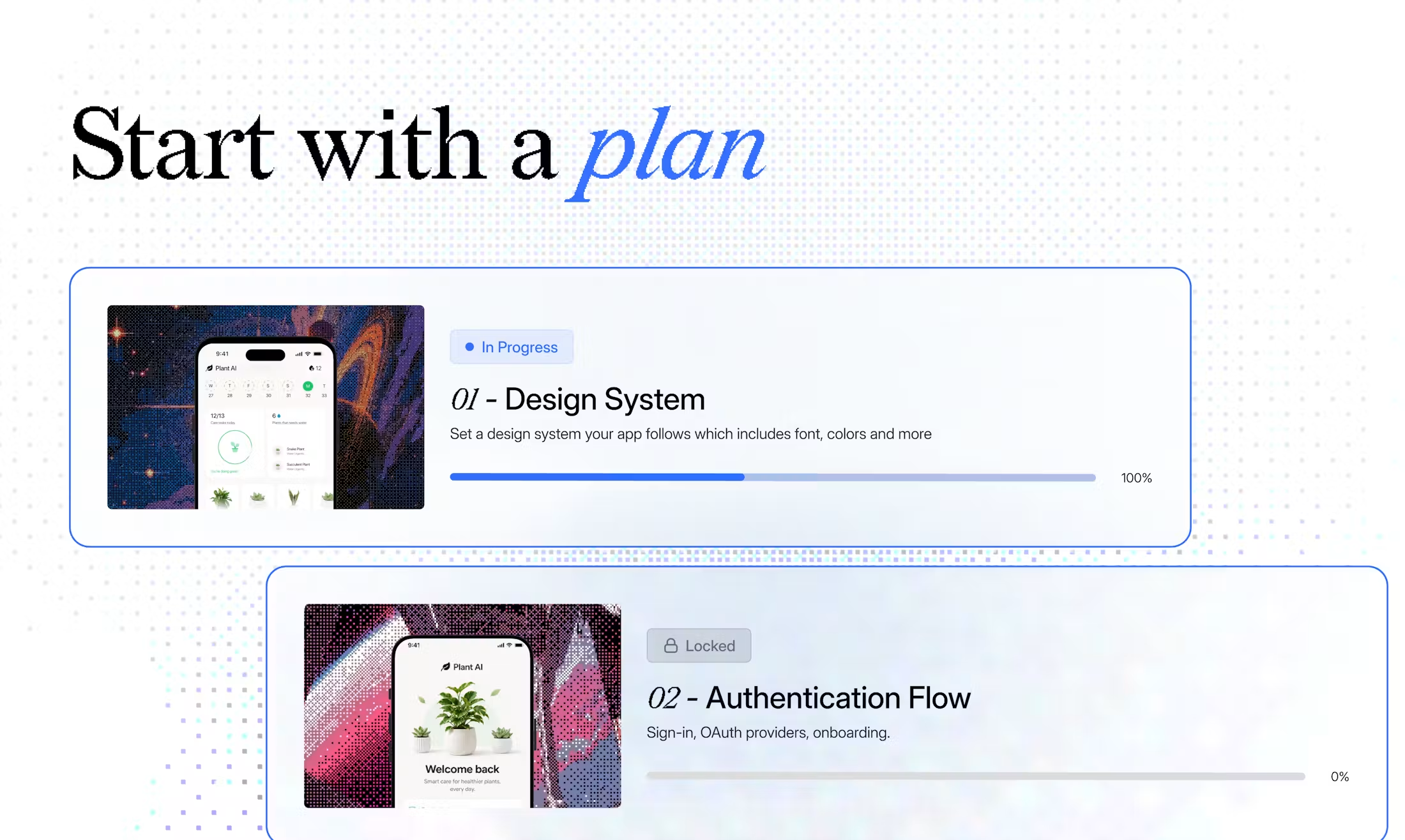
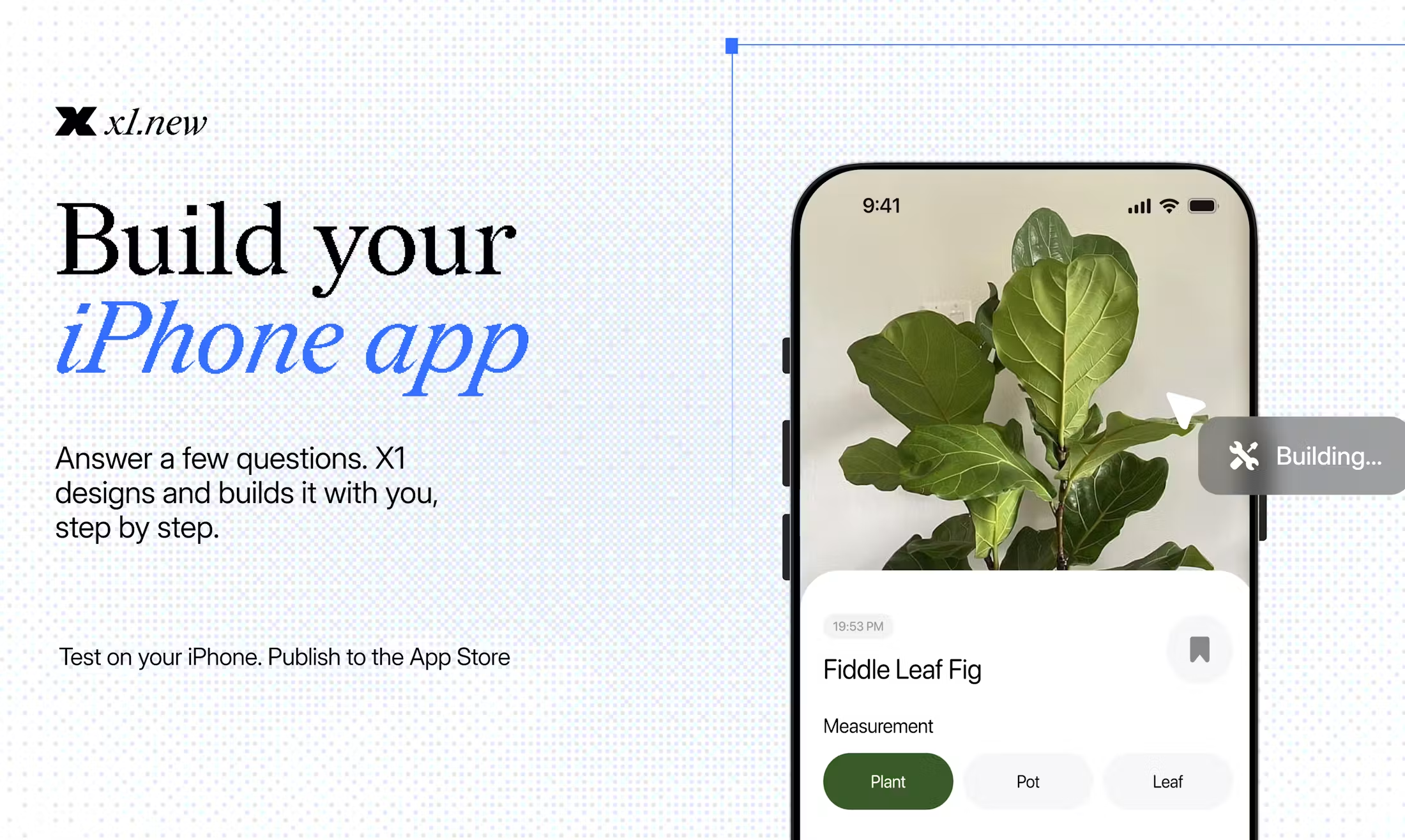
x1.new is an AI app studio for people creating iPhone apps. It starts with a written idea or PDF, checks feasibility, and works through users, screens, features, and monetization before moving through design, build, QA, and launch preparation in reviewable milestones. The product is built around continued iteration and App Store delivery, so it is a weaker fit for one-prompt complex builds or projects that start with Android, 3D games, a backend-heavy system, or highly customized hardware.
Key Features
- Accept a natural-language idea or PDF and turn it into a product plan, user flows, screens, and a scoped feature set through questions and feasibility checks.
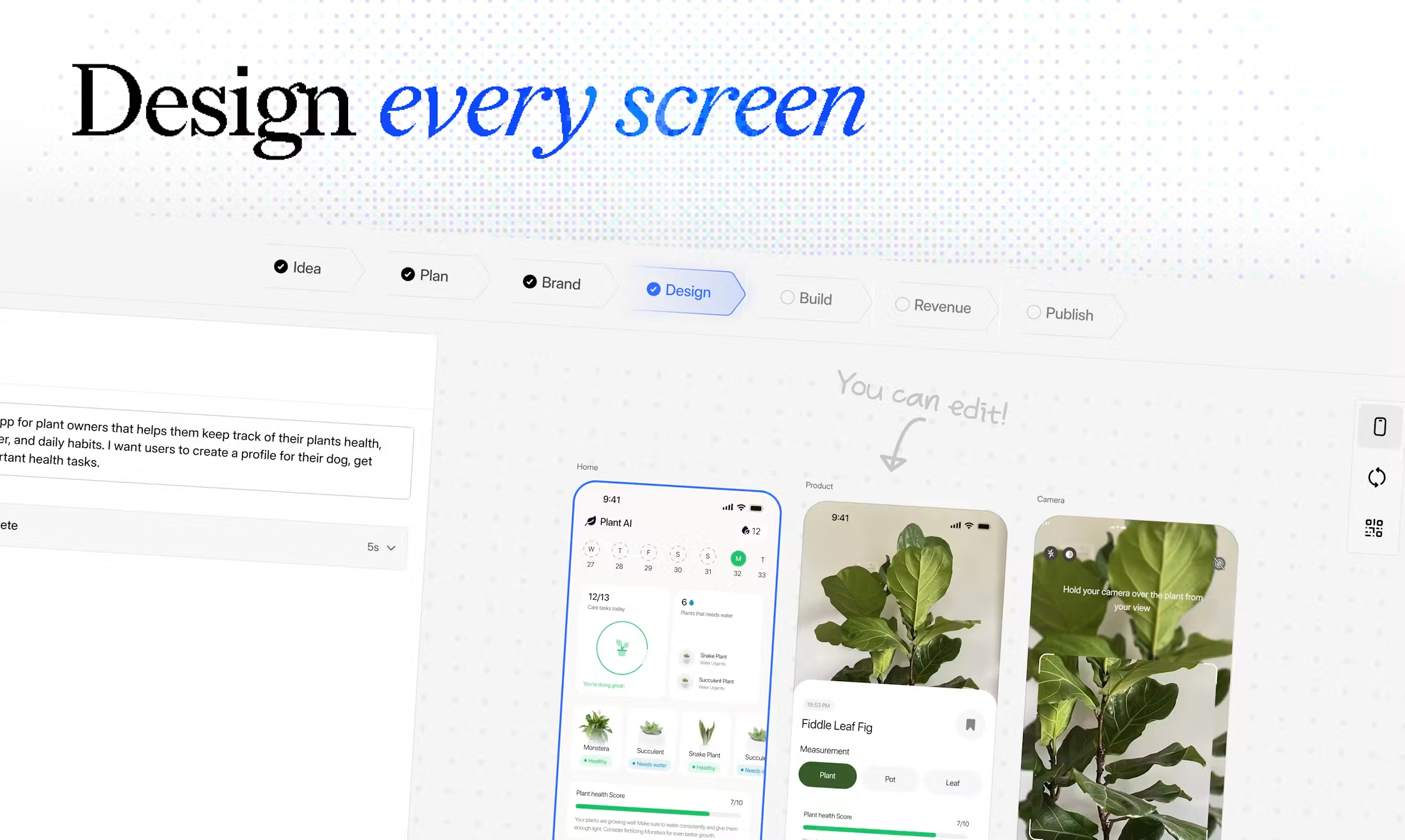
- Use separate Idea, Brand, Design, Build, Publish, and Revenue studios for product memory, visual design, building, testing, launch assets, and monetization.
- Review screens and flows before each milestone, run milestone QA after building, and continue editing in Free Flow Mode after the structured workflow.
- Build iPhone apps with React Native, preview them with Expo Go, test privately through TestFlight, and prepare materials for Apple App Store submission.
- Export the full React Native source as a ZIP on paid plans; the pricing page lists Starter, Builder, and Pro plans, alongside 100 free credits that do not expire.
Common Use Cases
- When a founder without a mobile engineering team wants to validate an iPhone product idea, the free credits can be used for idea evaluation, planning, and a first milestone before deciding whether to continue.
- When a product manager or designer needs to map screens and flows before development, Design Studio provides a place to review the visual direction before implementation proceeds milestone by milestone.
- When a creator wants to turn audience needs or content into a mobile product, the process can begin with text or a PDF and continue through building, QA, screenshots, App Store listing preparation, and release.
- When a small team needs to think through subscriptions, paid features, and upgrade logic, Revenue Studio can help define those assumptions before they are carried into product iterations.
Who is it for?
- Non-technical founders with iPhone app ideas who do not want to manage a traditional mobile engineering process from day one.
- Creators, product managers, designers, and students who want to turn user insight into a mobile product.
- Individuals and small teams that need to validate a product through planning, design, build, QA, and publishing rather than generate a one-off demo.
- People whose first priority is Android, a complex 3D game, deeply customized hardware, a backend-heavy enterprise system, or manual control over every line of code may be a poor fit for x1.
How does it compare with similar tools?
- Compared with tools optimized for a fast prototype from one prompt, x1 puts feasibility, product planning, visual design, milestone building, QA, and publishing preparation into one guided process.
- Compared with mobile development that starts from code and engineering configuration, x1 is better suited to clarifying a product in natural language before forming a React Native app; people who need complete low-level code control from day one should confirm the editing and export boundaries first.
- x1 focuses on iPhone apps and App Store delivery, with source export on paid plans. Projects that start with Android or require a complex backend should verify platform scope and integration needs before choosing it.
FAQs
Q: Can I use x1 without knowing how to code?
A: Yes. The website says x1 guides users through planning, design, building, QA, and launch preparation without requiring prior coding experience.
Q: Can x1 publish an app to the App Store?
A: It supports Expo Go previews, private testing through TestFlight, and preparation for Apple App Store submission. A formal submission still requires an Apple Developer account.
Q: Does x1 have free credits and paid plans?
A: New users receive 100 free credits that do not expire. The pricing page lists Starter, Builder, and Pro at $20, $50, and $100 per month, with yearly options; check the current website for the applicable terms.
Q: Can I export the code after building?
A: Yes. Paid plans support exporting the full React Native source as a ZIP for continued maintenance, extension, and monetization.


