
What website is this?
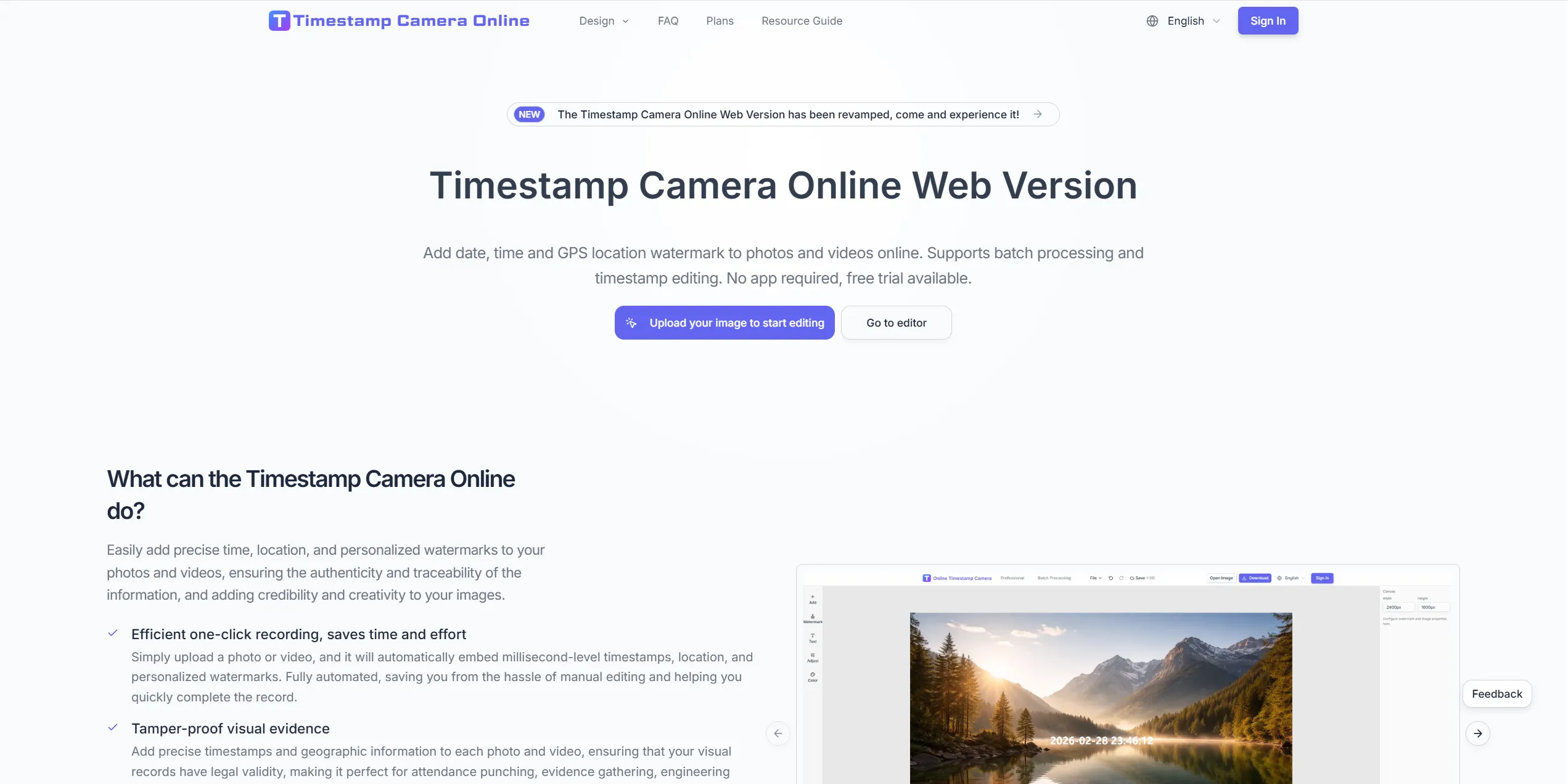
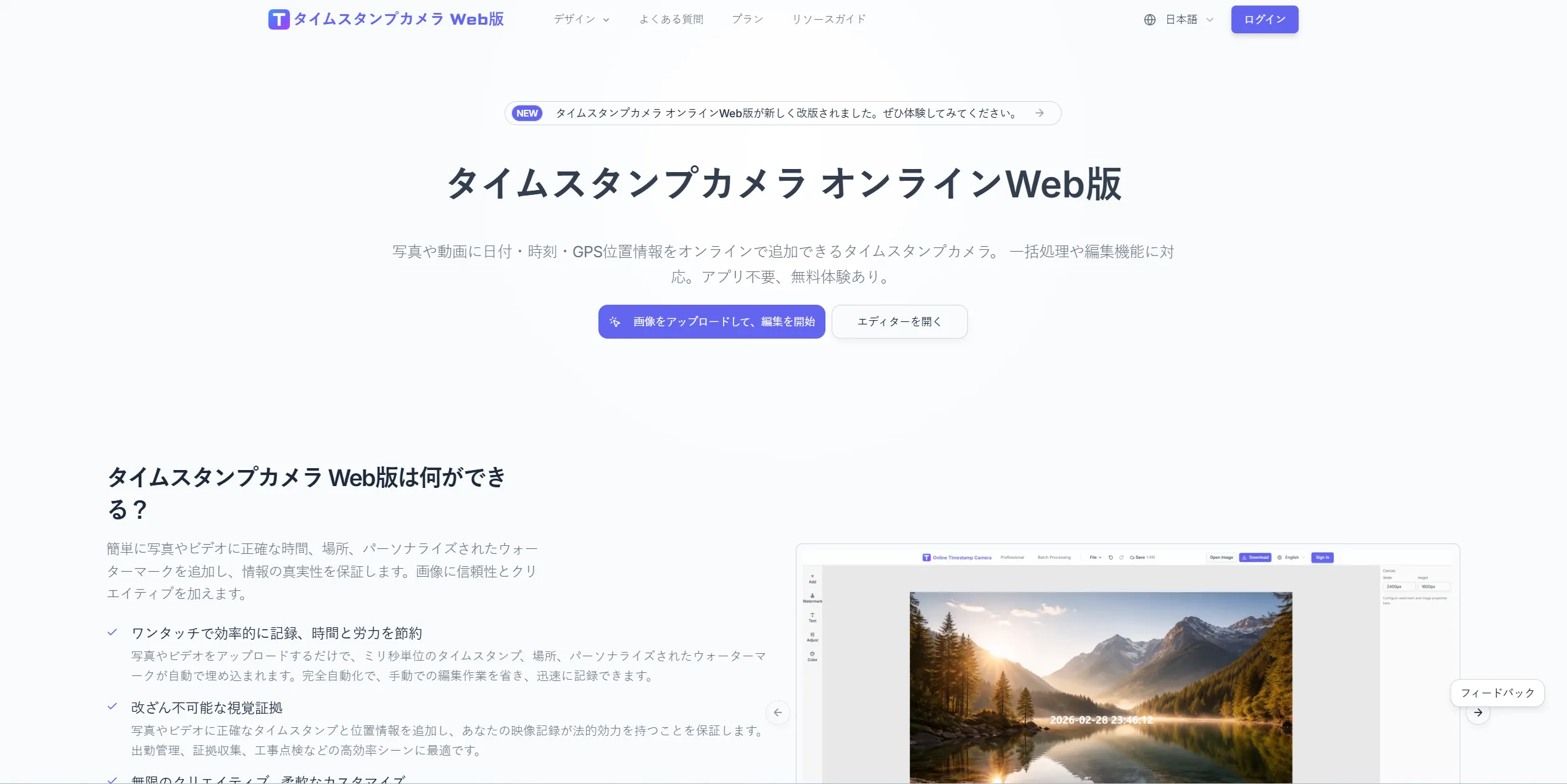
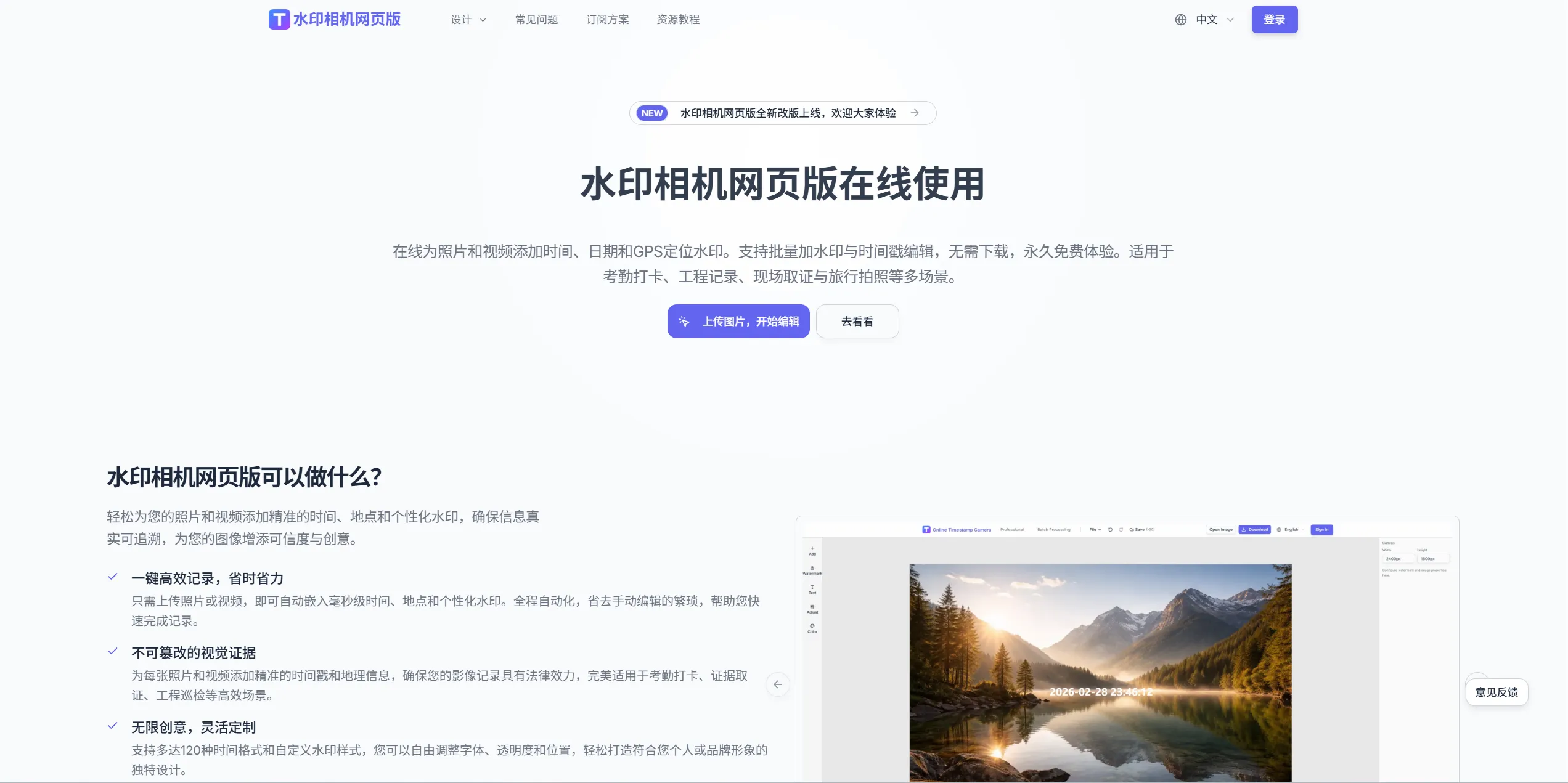
Timestamp Camera Online is an online timestamp and location watermark tool for adding time, GPS location, and custom signature information to photos or videos. It is better suited to evidence recording, on-site documentation, and traceable management workflows than to general photo beautification. Compared with local editing software, this type of web tool is easier to start with, supports batch processing, and provides finer control over time formats and visual styles, making it practical for teams or individuals who need verifiable records quickly.
Key Features
- Adds millisecond-level timestamps and location data to photos and videos for verifiable records.
- Offers multiple time formats and style settings, including transparency, placement, and displayed fields.
- Supports batch processing of multiple images with synchronized watermark settings.
- Provides built-in editing tools such as crop, rotate, brightness, and contrast adjustment.
- Lets you add logo or text signatures for branding and copyright marking.
Use Cases
- Site engineering teams use timestamped and geotagged photos during inspections or acceptance checks to track milestones for later audit.
- Attendance and workforce managers use time-location watermarked images in remote or field check-in workflows to reduce disputes.
- Claims or dispute handlers add capture time and location context to incident photos to improve material verifiability.
- Content creators use consistent date-time-location overlays to organize travel logs or project documentation assets.
Who is it for?
- Engineering, property, inspection, and project teams that need on-site evidence records.
- Field operations, attendance, and compliance staff who must document when and where photos were taken.
- Creators who need consistent time-location and brand markings on published assets.
- Small teams and individual users who prefer fast online processing with batch export.
- Not ideal for professional post-production users focused on advanced retouching, layered compositing, or heavy design pipelines.
How It Compares to Similar Tools?
For this category, the key differences are usually not whether a watermark can be added, but record credibility, batch workflow efficiency, and depth of style control. Based on the website content, Timestamp Camera Online emphasizes time-location marking, batch processing, and subscription/credit-based usage.
If your priority is site documentation, attendance evidence, or project tracking, focus on timestamp-location precision, batch capability, and export flow. If you need complex retouching or multi-layer creative editing, a design-oriented editor may be a better fit.
Pricing Details
The website shows two pricing models: subscriptions and one-time credit packs, with yearly subscription display prices:
- Starter: $2.00/month (shown as yearly subscription), 300 credits/month, about 15 images.
- Lite: $6.00/month (shown as yearly subscription), 2500 credits/month, about 125 images.
- Pro: $10.00/month (shown as yearly subscription), 5000 credits/month, about 250 images.
Examples of one-time credit packs shown on the pricing page:
- Small Pack: $9.90 (600 credits)
- Medium Pack: $19.90 (3000 credits)
- Large Pack: $29.90 (7000 credits)
Actual billing cycles, promotions, limits, and feature availability should be confirmed on the latest official pricing page.
FAQs
Q: Can I try Timestamp Camera Online for free?
A: The pricing page includes an FAQ entry about trial availability, but the exact trial method and limits depend on the current official page details.
Q: What watermark content does this tool mainly support?
A: Based on the homepage, key options include timestamps, GPS location info, logo overlays, and custom text signatures, with style and position controls.
Q: Does it support only images, or videos too?
A: The homepage references both photo and video scenarios. Specific support can vary by upload and export flow, so verify current format support before use.
Q: Does it support batch processing?
A: Yes, the page indicates batch processing with synchronized settings, which is useful for repetitive inspection, attendance, and archival tasks.
Q: Is this kind of timestamp-location watermark suitable for legal evidence?
A: It can improve readability of time and location context for records, but formal legal admissibility still depends on jurisdictional rules and evidence-chain completeness.
Q: What is the difference between subscription credits and one-time credits?
A: The pricing page shows both models: subscription credits are generally periodic, while one-time packs are purchased as needed. Rollover and consumption order should be checked in the official FAQ.
Q: Is it suitable if I only need fast documentation, not advanced retouching?
A: Yes. Its strength is quick online timestamp-location overlays and batch export.


