

What Is This Website?
Directory Badge Desk is a browser workspace where admins record listings, embeds, and placement rules.
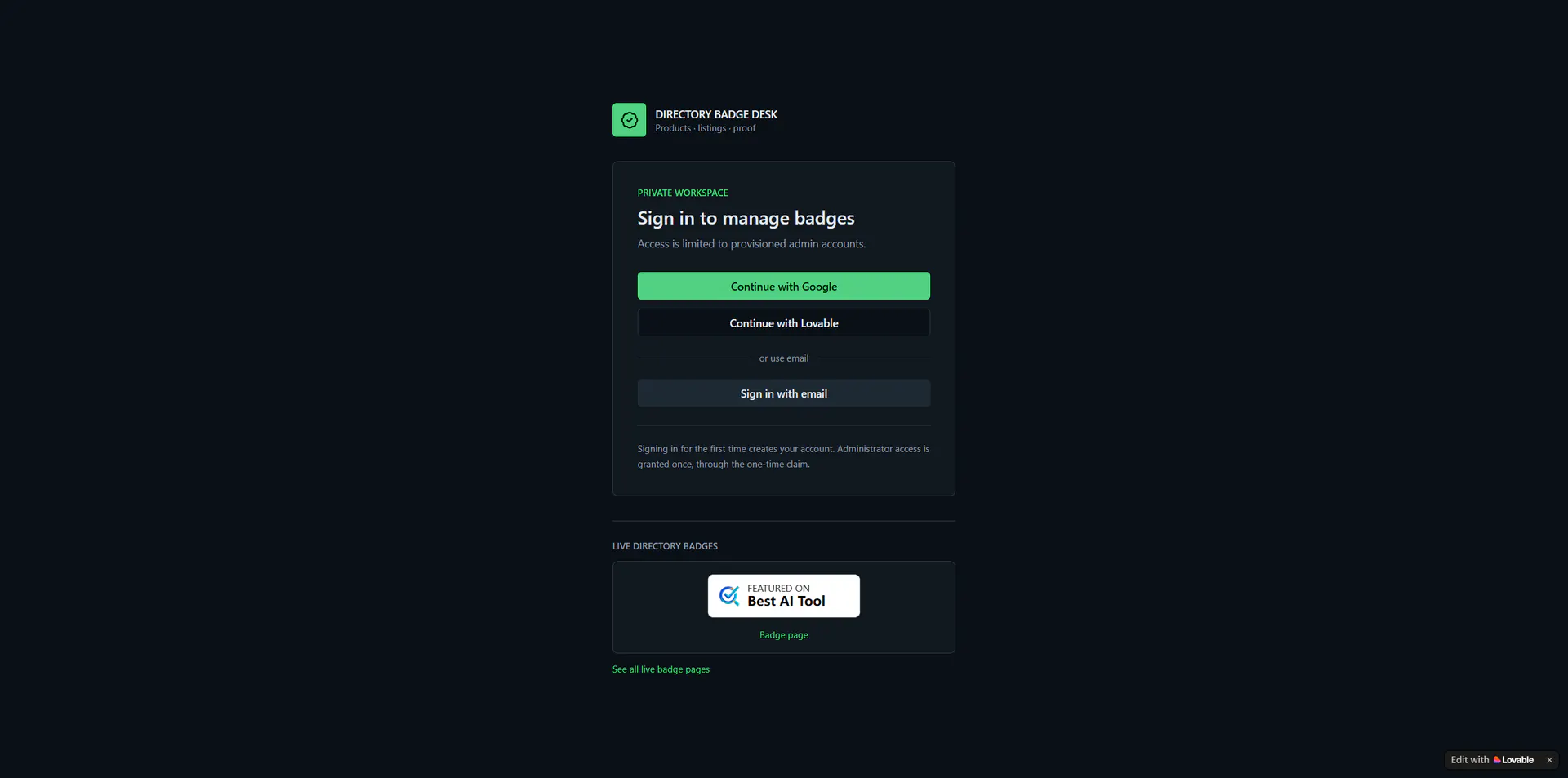
Public badge pages show the badge image and backlink supplied by each directory. The workspace also totals outbound clicks and referral hosts. A listing stays off those public pages until it is enabled. The homepage limits the workspace to provisioned admin accounts; the first sign-in creates an account, and admin access is claimed once.
Key Features
- Stores the directory name, product name, website, listing URL, and backlink destination.
- Accepts badge embed code, previews it in isolation, and removes inline scripts.
- Marks whether placement must be on the product site, may be on an external page, or either is allowed.
- Turns each public badge page on separately; a disabled page stays private.
- Summarizes total listings, live pages, items awaiting approval, and outbound clicks.
- Records the referral host when visitors use a published page, and shows click and referral totals.
Common Use Cases
- Directory operators add a new product listing and keep the badge code, backlink, and placement rule on one record.
- Product owners open the public badge page to check that the displayed badge and backlink match the directory’s instructions.
- Reviewers leave an unconfirmed listing pending so a disabled page is not treated as already published.
- Someone checking traffic opens the published page’s totals to see which host referred the visit.
Who Is It For?
- Operators who register several products and more than one directory listing.
- Product owners who need to check whether a badge belongs on the main site or an external page.
- Visitors who only want to view badge pages that are already public.
- A poor fit for people who want to draw a badge; the workspace stores the badge and code supplied by the directory.
- A poor fit for people without admin access. The homepage says the workspace is limited to provisioned admin accounts.
How Does It Compare?
- Against keeping only a badge image, this record also holds the embed code, placement rule, and public page.
- Against a single site-wide click total, clicks and referrals are tied to the badge page and the referring host.
- It does not replace the directory’s own review. When placement rules are unconfirmed, the public page says it is not proof that the badge is installed on the main site.
Pricing Details
The site has no pricing page, and the interface shows no plans, checkout, or paid tier. Public badge pages open without signing in. The workspace accepts Google, Lovable, or email sign-in, and admin access is granted once through a one-time claim. No billing cycle or usage cap is shown. If the site later publishes prices, use that page.
FAQ
Q: What does Directory Badge Desk do?
A: It is a browser workspace for recording product directory badges and placement rules, and for viewing referral visits on public badge pages.
Q: What can I see without signing in?
A: Enabled badge lists and individual badge pages are public. They show the directory’s badge, backlink, and placement note. Adding or removing listings requires sign-in.
Q: Does a public badge page prove the badge is on the product website?
A: No. When placement requirements are unconfirmed, the page says it is not proof of installation on the main site.
Q: How does someone get workspace access?
A: The homepage offers Google, Lovable, and email sign-in. The first sign-in creates an account. Admin access is claimed once; after an administrator is already configured, another account does not receive it.
Why We Recommend?
One record holds the directory name, product site, badge code, and placement rule, so a listing can be checked in one place. Each public page can be switched on by itself, and a disabled listing does not appear in the public list. Clicks and referrals accumulate per published page, including the referring host.


