

What Is This Website?
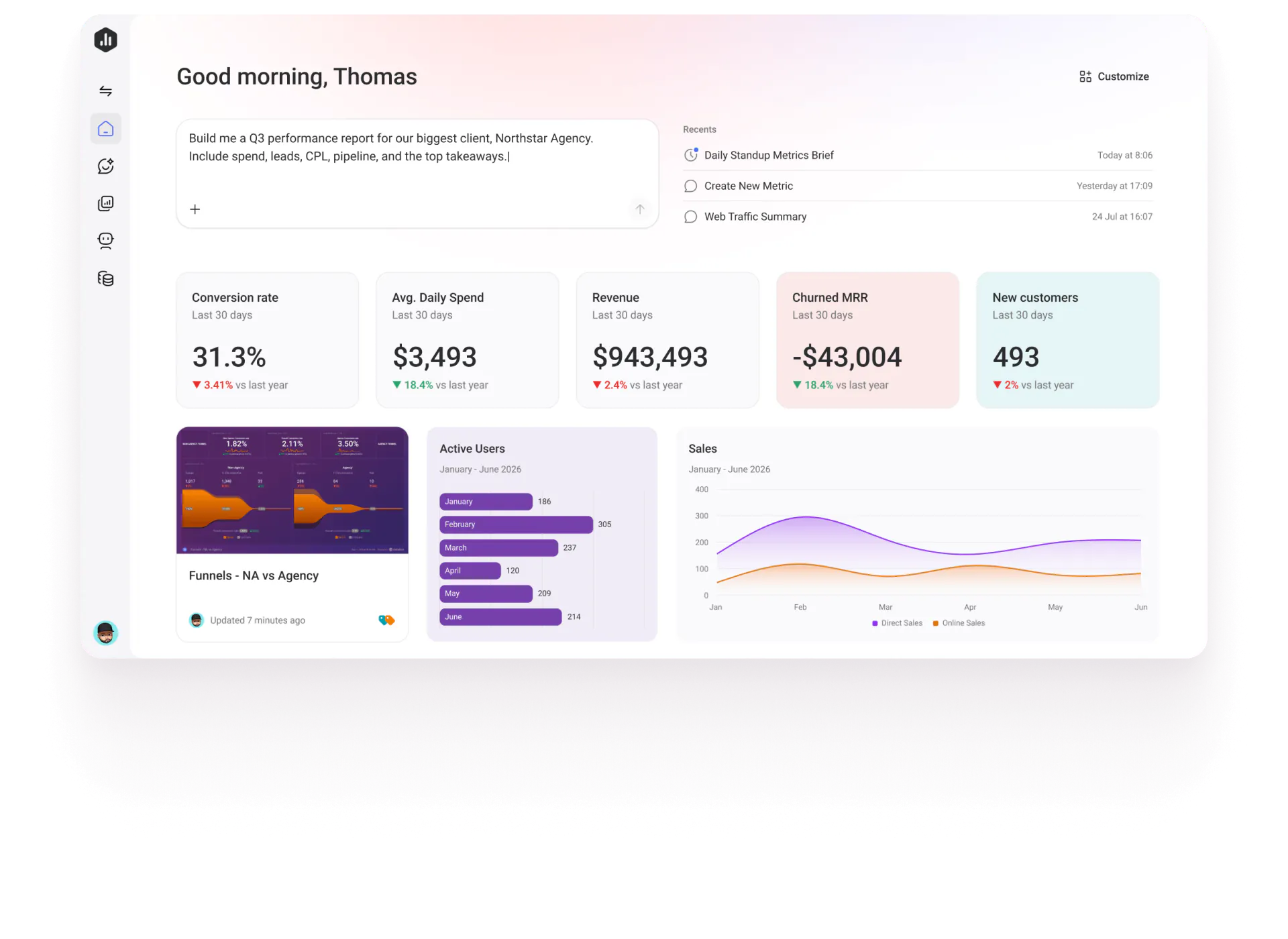
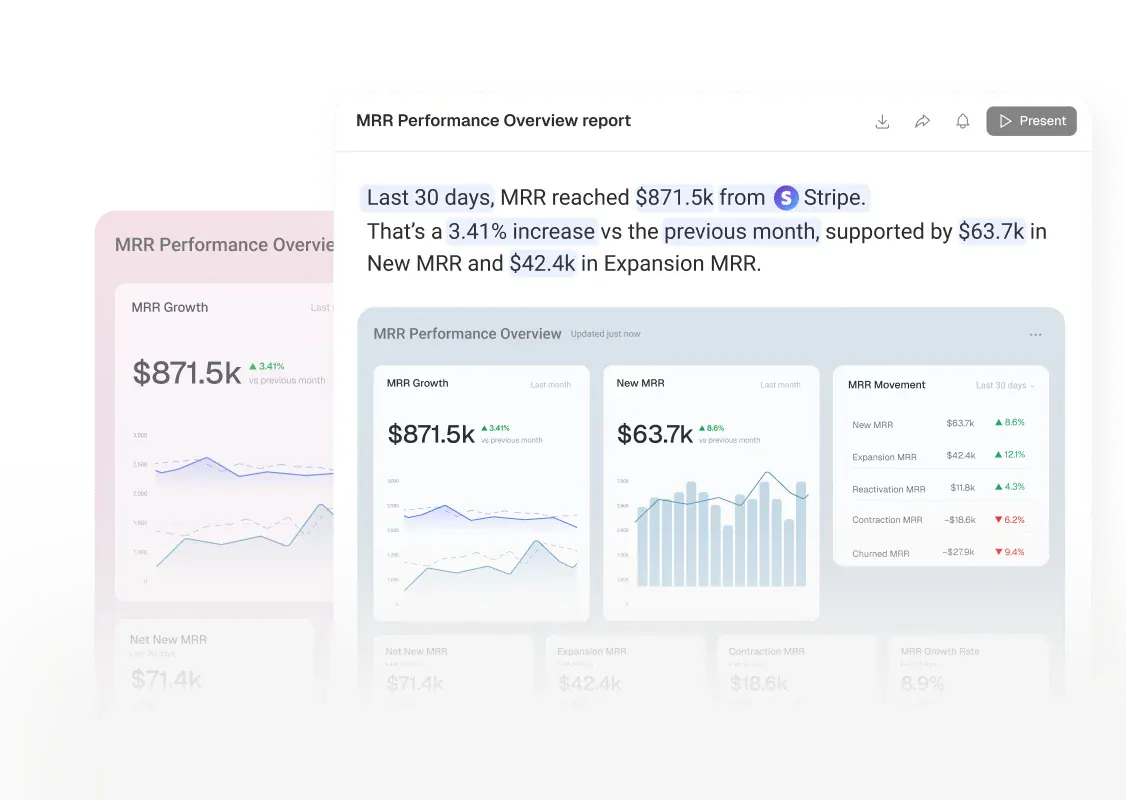
Databox is an analytics website for teams and agencies. It gathers metrics from separate business tools under one set of definitions. Dashboards, reports, and the AI analyst named Genie all use that same wording, so questions and recurring reports do not each invent a metric. Compared with handing an export to a general model, it emphasizes ownership, targets, and sources that can be traced. It fits teams that already have CRM, ad, or finance data and need to report on it repeatedly.
Key Features
- Connect 130+ tools, spreadsheets, databases, and APIs.
- Keep one definition, an owner, and a verification status for each metric.
- Track revenue and other key performance with dashboards, reports, and goals.
- Ask Genie in plain language and see the reasoning behind the answer.
- Hand recurring analysis to agent workflows, and connect other AI tools through MCP.
Common Use Cases
- Before a client meeting, an agency prepares the previous week's performance report for several client accounts.
- Finance or operations compares results with set targets and sees where revenue, pipeline, or acquisition changed.
- An implementation consultant connects client metrics to a governed data layer, then lets an external model read them.
- A marketing team puts ads, the site, and the CRM on one dashboard that can be viewed without a login.
Who Is It For?
- Marketing or data agencies that deliver performance reports across clients.
- Growing companies that want one metric set for operating reviews.
- Implementation consultants who need external AI to use a client's business definitions.
- If the data stays in one spreadsheet that is no longer updated, and shared definitions are unnecessary, this sync is not needed.
How Does It Compare?
- If one company-wide metric definition matters, and AI answers should follow it, look at Databox first.
- The pricing page says you can connect existing tools without a data warehouse. Having a warehouse is not a requirement.
- If the task is a one-time read of a static export, a general model is enough. A semantic layer is optional.
Pricing Details
The pricing page lists Free at $0 per month and marks it as ongoing: 1 user, 3 data sources, 1 dashboard, 10 custom metrics, and 50 AI credits per month, including Genie. Prices shown as billed annually are Analyst at $71 per month, Team Core at $199 per month, and Team Scale at $319 per month, with annual billing labeled as 20% off. Agency starts at $79 billed annually, plus account packs, and Custom is also listed. Team includes a 14-day trial, and the homepage says no credit card is required to try it. The macOS, iOS, and Android apps are free to download; what they show follows the account plan. Prices can change; check the live site.
FAQ
Q: Does Databox have an ongoing free plan?
A: Yes. Free is $0 per month, with 1 user, 3 data sources, and 50 AI credits per month.
Q: Do you need a data warehouse first?
A: No. The pricing page says you can connect the tools you already use, and raw data can be prepared in Databox.
Q: Do the phone and Mac apps cost extra?
A: Downloads are free. The macOS, iOS, and Android apps use the same account, and the data scope follows the plan.
Q: Is account data used to train models?
A: The site says those numbers are not used to train AI models, and it mentions SOC 2 and GDPR-related practices.
Why We Recommend?
Databox fits teams that want metrics from several sources under one reusable definition, then used in dashboards and Genie. Teams that report to clients or managers each week can use it to reduce conflicting numbers. It is not a general chatbot. The free plan caps data sources and AI credits, and more automation is on paid plans.
Sources
- Sources: https://databox.com/ , https://databox.com/pricing , https://databox.com/download
- Last checked: 2026-11-10
- Note: Prices and quotas follow the live site. Monthly figures above are the annual-billed prices shown on the pricing page.


