

What Is This Website?
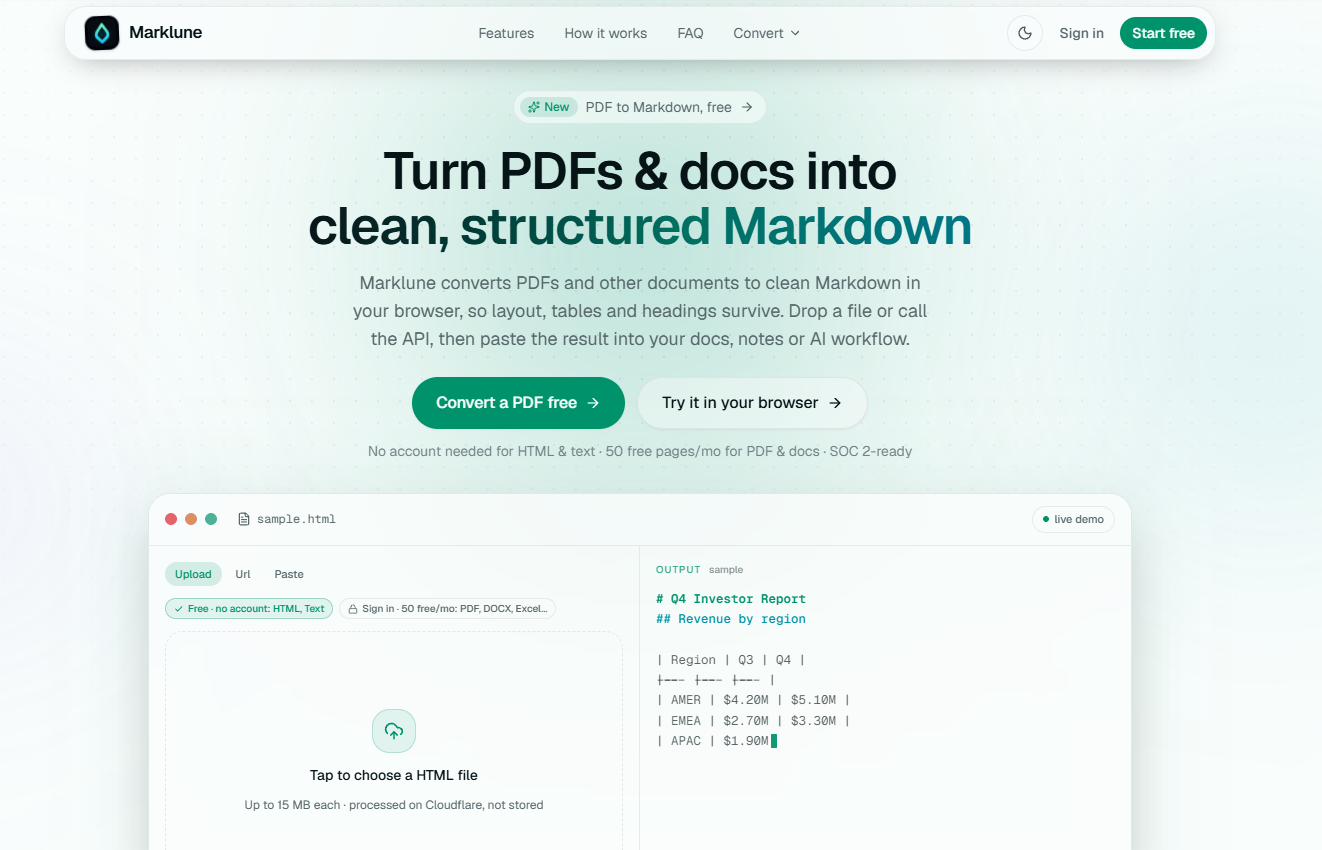
Marklune is a browser-based document conversion service that turns PDFs and other files into structured Markdown. It is designed for people who need document headings, lists, tables, and layout represented in a format that can be edited, archived, or supplied to AI workflows. In addition to file conversion, the site offers converters for formats such as HTML, JSON, spreadsheets, presentations, and web pages, with API access for workflows that need programmatic conversion.
Core Features
- Convert PDFs, Office documents, HTML, and other listed formats into Markdown through dedicated format converters.
- Preserve document structure such as headings, lists, tables, blockquotes, and code blocks where the source material supports it.
- Use OCR for scanned or image-only PDFs; the site states that it supports more than 100 languages.
- Export conversion results as Markdown, structured JSON, or HTML.
- Use a REST API, Python and Node SDKs, webhooks, and batch processing on paid plans.
- Try light browser use without an account; the site lists a free allowance of 50 pages per month.
Common Use Cases
- A developer preparing PDFs or office files for an LLM or retrieval workflow converts them to Markdown so headings and tables can be handled as structure rather than plain text.
- A documentation or knowledge-base maintainer converts existing source files before moving their content into a Markdown-based repository or notes system.
- A team processing scanned records uses OCR conversion when a PDF has no selectable text, then reviews the resulting Markdown.
- An engineering team with recurring document intake uses the API, SDKs, webhooks, or batch processing instead of manually converting files one at a time.
Who Is It For?
- Developers and AI workflow builders who need document content in Markdown, JSON, or HTML.
- Writers, researchers, and knowledge workers who want to reuse document content in Markdown-oriented tools.
- Teams that need to inspect how tables, headings, and other layout-derived structure carry over from source documents.
- Less suitable for users who only need an unstructured plain-text extractor or expect converted output to remove the need to review complex source layouts.
How Does It Compare With Similar Tools?
When comparing document converters, it helps to separate plain-text extraction from layout-aware conversion, and browser use from API-based processing. Marklune presents its output as structured Markdown and also offers JSON and HTML exports; its site emphasizes preservation of headings, lists, and tables. For a specific workflow, test representative files, especially scanned pages and complex tables, and check whether the available plan, output format, and integration options fit the volume and review process required.
Frequently Asked Questions
- Q: Which files can Marklune convert?
- A: The site lists PDF, Office documents, HTML, JSON, spreadsheets, presentations, image files, e-books, and web pages among its conversion categories.
- Q: Can Marklune process scanned PDFs?
- A: Yes. Its FAQ states that scanned and image-only PDFs can be read with built-in OCR before conversion to Markdown.
- Q: What output formats are available?
- A: Marklune lists Markdown, structured JSON, and HTML exports.
- Q: Is a free option available?
- A: The site offers light browser use without sign-up and lists a free allowance of 50 pages per month; higher-volume and API features are described separately.


