
What website is this?
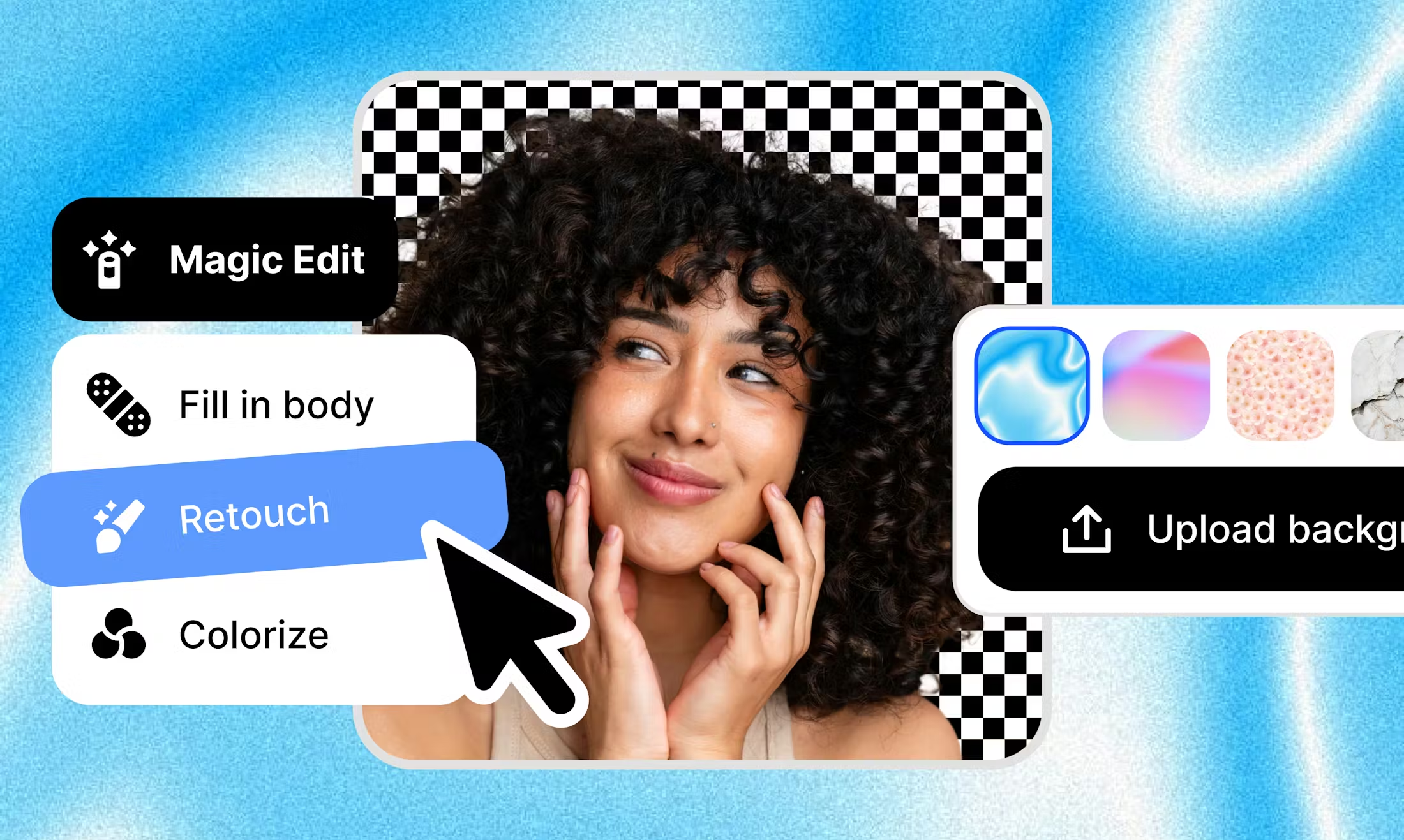
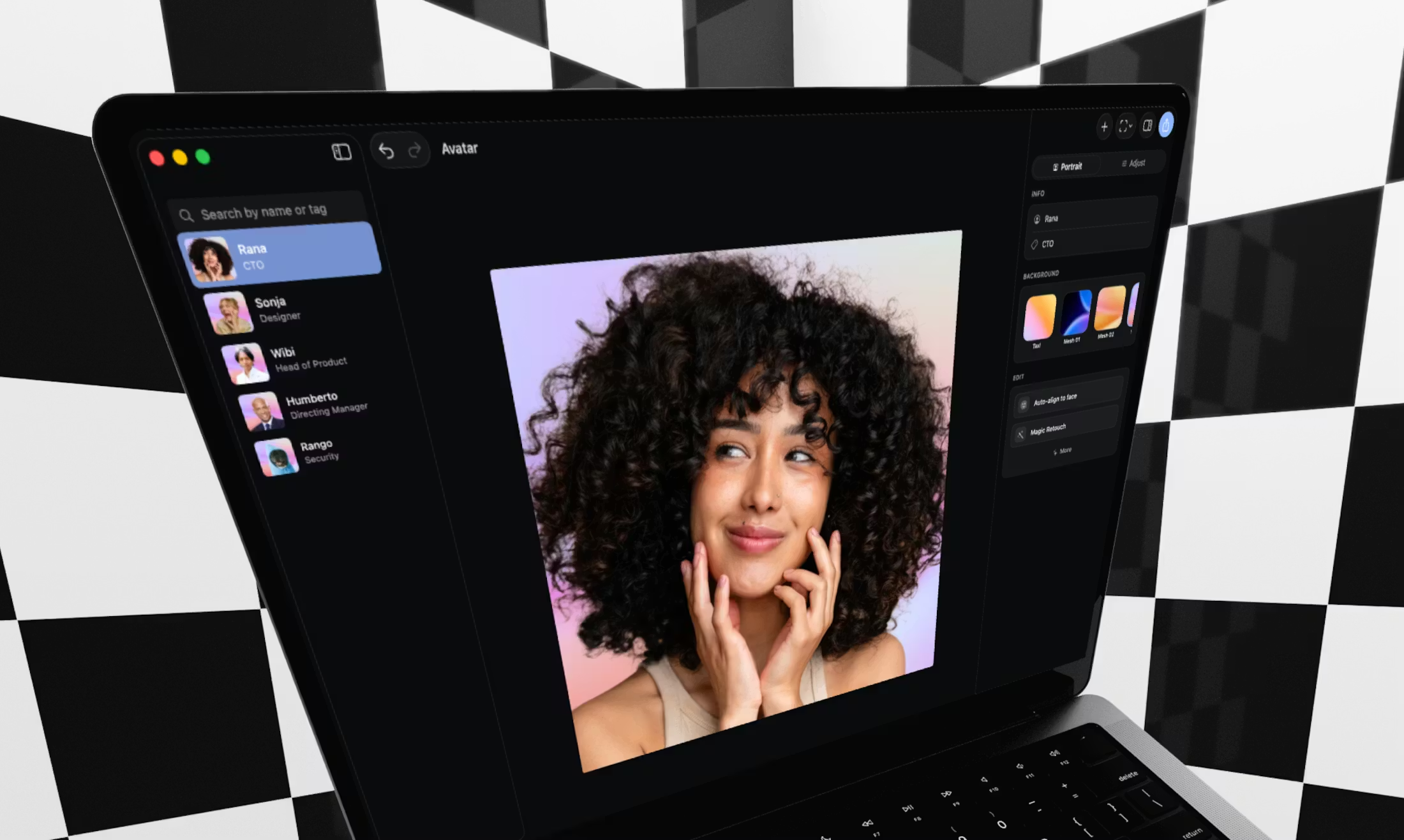
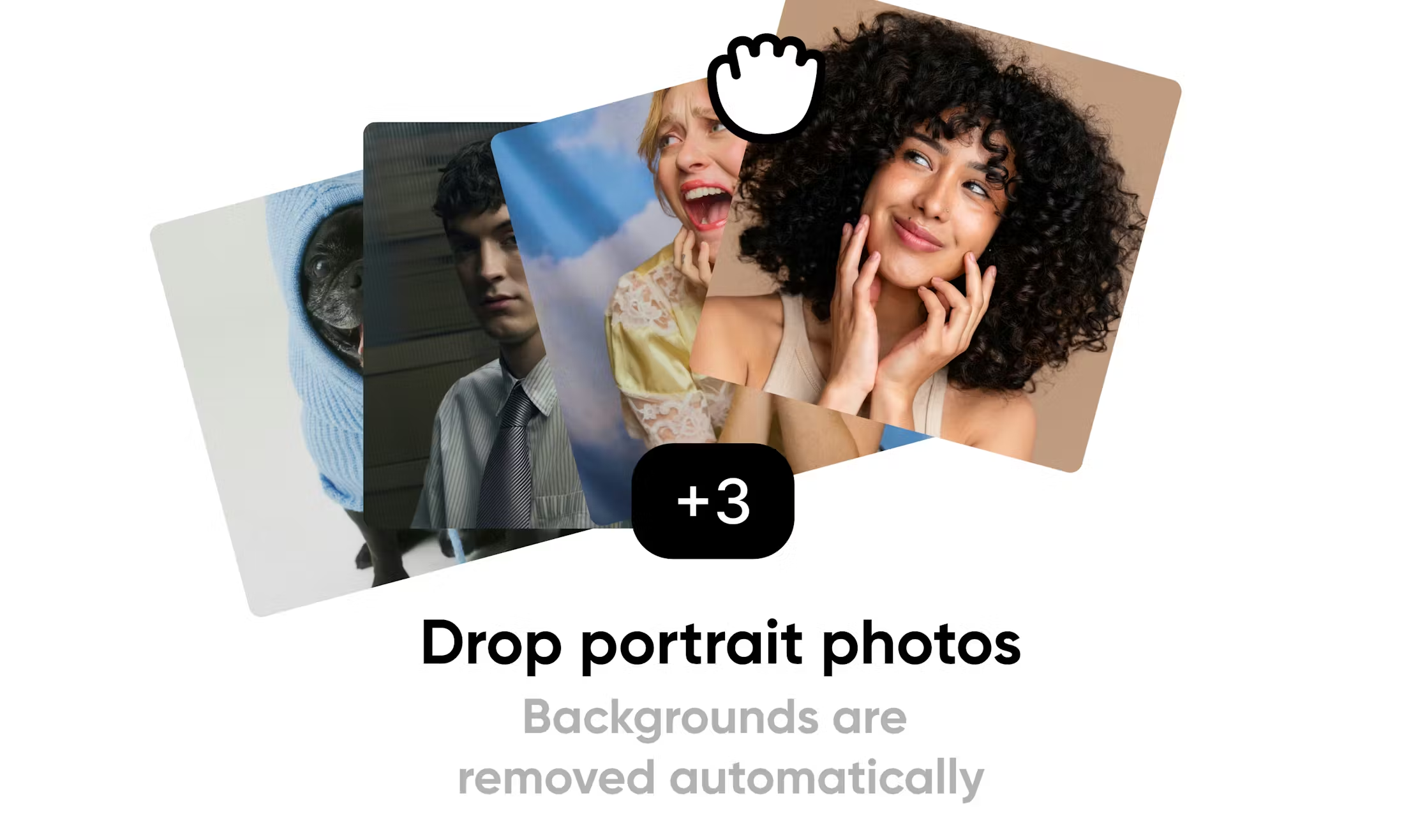
Aaavatar (aaavatar.nl) from Square One is a local portrait editing app for macOS: import team photos in bulk to remove backgrounds, then choose presets or custom backgrounds aligned with brand colors, fix missing shoulders and align faces in one pass, and export to LinkedIn, Slack, email, and similar channels. Optional collaboration assets can live in your own Google Drive; the privacy policy describes a local-first design without a Square One–operated backend that centrally stores portraits. Compared with browser-only cutout tools, it favors desktop batch workflows with consistent export sizing.
Key Features
- Batch-import portraits and remove backgrounds automatically, cutting repetitive manual masking.
- Switch among preset backgrounds, brand-color matching, and user-uploaded backdrops.
- One-click retouching: fill missing shoulder edges, auto-align faces, and harmonize the overall look.
- Export finished portraits to LinkedIn, Slack, email, and other common outbound channels.
- Optionally enable a Google Drive workspace so teammates share assets inside Drive folders you control (account authorization required).
- Store imports and preferences locally; updates are delivered via Sparkle using a GitHub-hosted appcast.
Use Cases
- HR or internal comms refreshing employee directories and “About us” pages: collect raw photos, batch-remove backgrounds, apply one backdrop template, then export consistently sized avatars.
- Marketing or brand teams building decks, site bios, and email signatures: align many headshots to one visual standard with less screenshot ping-pong.
- Design or ops groups that need shared portrait and background libraries: where policy allows, use the optional Drive workspace so collaboration stays on your side of Google Drive (per the privacy policy).
- Small companies standardizing founder and leadership shots for fundraising collateral and social profiles, shortening back-and-forth retouching.
Who is it for?
- Teams and individuals on macOS who periodically need unified-style headshots at scale.
- Users who prefer originals to stay on-device or in their own Google Drive rather than a vendor’s shared cloud by default.
- People comfortable installing the .dmg from GitHub Releases and noting that terms reserve room for future paid capabilities.
- Not ideal for users on Windows or Linux who will not process headshots on a Mac; anyone who only needs an occasional browser cutout and does not care about batching or export consistency.
How It Compares to Similar Tools?
Browser cutout services emphasize instant access and single-image flows; Aaavatar is a desktop app focused on batch imports, exports toward LinkedIn/Slack-style destinations, and optional Drive collaboration with data remaining under user-controlled storage. For one-off edits, lightweight web tools are often faster; for recurring multi-person cleanup with stable output specs on macOS, this workflow is the natural fit—confirm cross-platform needs against your hardware first.
Pricing Details
Per the Terms of Service on aaavatar.nl (dated April 2026 on the page), the current release is free; the same terms note that paid features or subscription tiers may arrive later, must be clearly labeled, apply only after explicit opt-in, and will be preceded by updated terms. If pricing changes, rely on https://aaavatar.nl/terms-of-service plus whatever the app or site publishes at that time for amounts, billing cadence, and limits.
FAQs
Q: Is Aaavatar macOS-only?
A: The site links to a macOS .dmg; no official Windows installer was listed—follow publisher announcements for other platforms.
Q: Are portraits uploaded to Square One servers?
A: The privacy policy states a local-first posture without a Square One backend that centrally collects portraits; Drive-backed files stay in your Google Drive when that option is used.
Q: It’s free now—could it cost money later?
A: The terms confirm the current version is free while reserving future paid offerings; paid features should require updated terms and explicit consent before charging.
Q: How is this different from online cutout sites?
A: This is a native macOS workflow oriented to batching and exports to LinkedIn, Slack, email, etc.; browser tools suit quick single-image jobs.
Q: Can I use it without signing in to Google?
A: Core editing described on the home page runs locally; Drive collaboration and account-linked features are optional—check in-app guidance for limits.
Q: Can I use it fully offline?
A: The privacy policy mentions optional Drive access, Google sign-in, and Sparkle update checks against GitHub; offline viability depends on which of those you enable.
Q: Where do exports usually go?
A: The site lists LinkedIn, Slack, email, and similar destinations; available formats and menus depend on the client UI.


