
What website is this?
Firebase is an app development platform from Google that spans the full lifecycle from building and releasing to post-launch optimization. It brings authentication, databases, storage, hosting, crash reporting, messaging, and A/B testing into one project system, helping teams reduce the overhead of stitching together and maintaining separate infrastructure services. Compared with tools that solve only one narrow problem, it is generally a better fit for app or game teams that need cross-platform collaboration and want to manage data and quality signals in a unified console.
Key Features
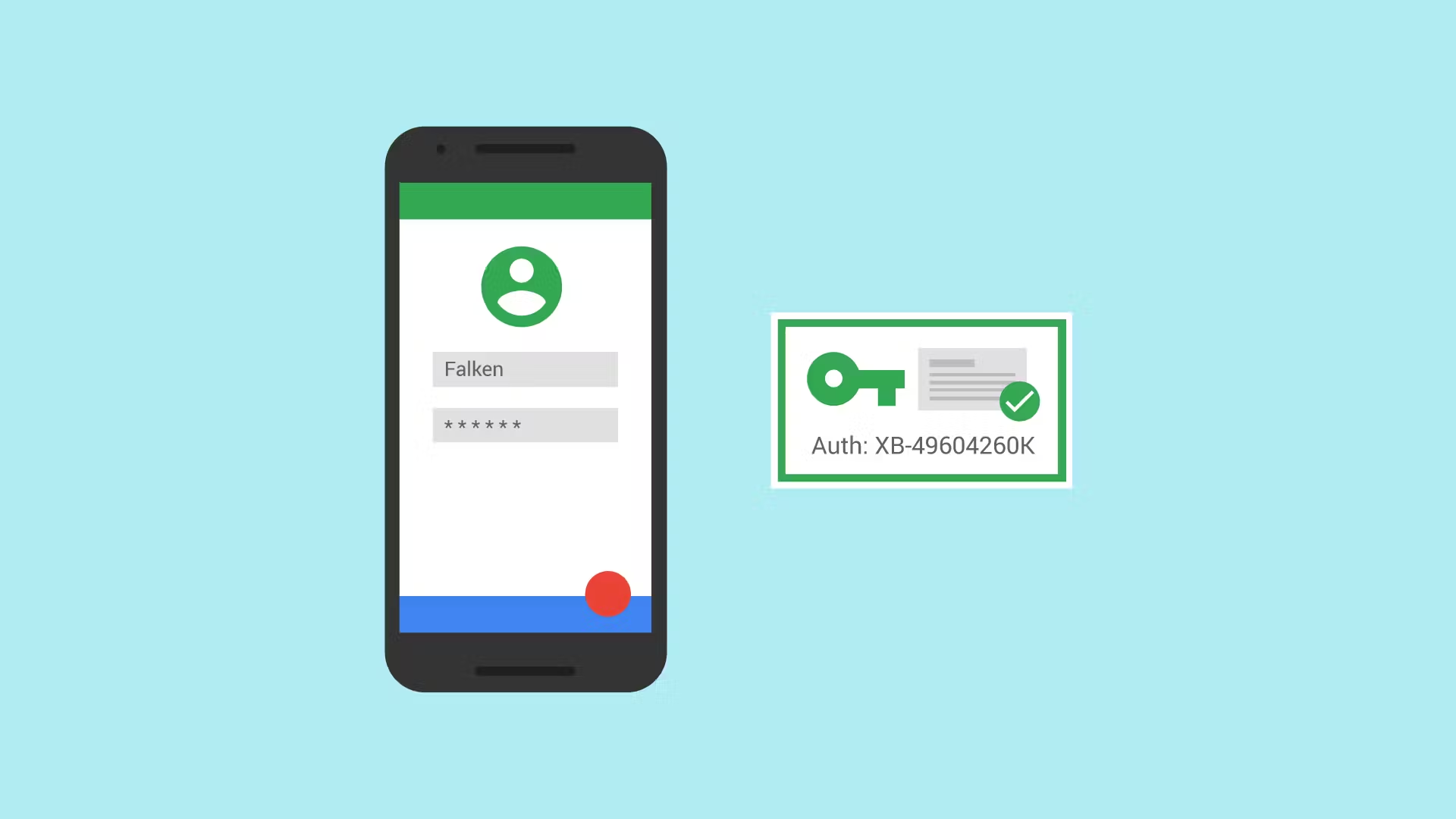
- Provides Authentication with common sign-in methods.
- Provides Firestore and Realtime Database synchronization.
- Provides Hosting and App Hosting for web deployment.
- Provides Crashlytics and performance monitoring for issues.
- Provides Cloud Messaging for user re-engagement pushes.
- Provides Remote Config and A/B Testing rollouts.
Use Cases
- Before launching a mobile app, solo developers use Authentication, databases, and hosting to assemble a usable backend quickly.
- After each game release, game teams use Crashlytics and performance monitoring to continuously locate crashes and frame-drop bottlenecks.
- During growth campaigns, marketing teams use Cloud Messaging and In-App Messaging for segmented outreach and user return flows.
- When avoiding a full app release, product teams use Remote Config and A/B Testing to validate strategy changes on limited traffic.
Who is it for?
- Mobile app teams that need both development and operations tooling.
- Small and mid-sized teams that want less backend and ops overhead.
- Organizations already using Google Cloud and unified permissions.
- Teams building across iOS, Android, and Web with shared backend needs.
- Not ideal for teams requiring fully self-hosted and deeply customized infrastructure control.
How It Compares to Similar Tools?
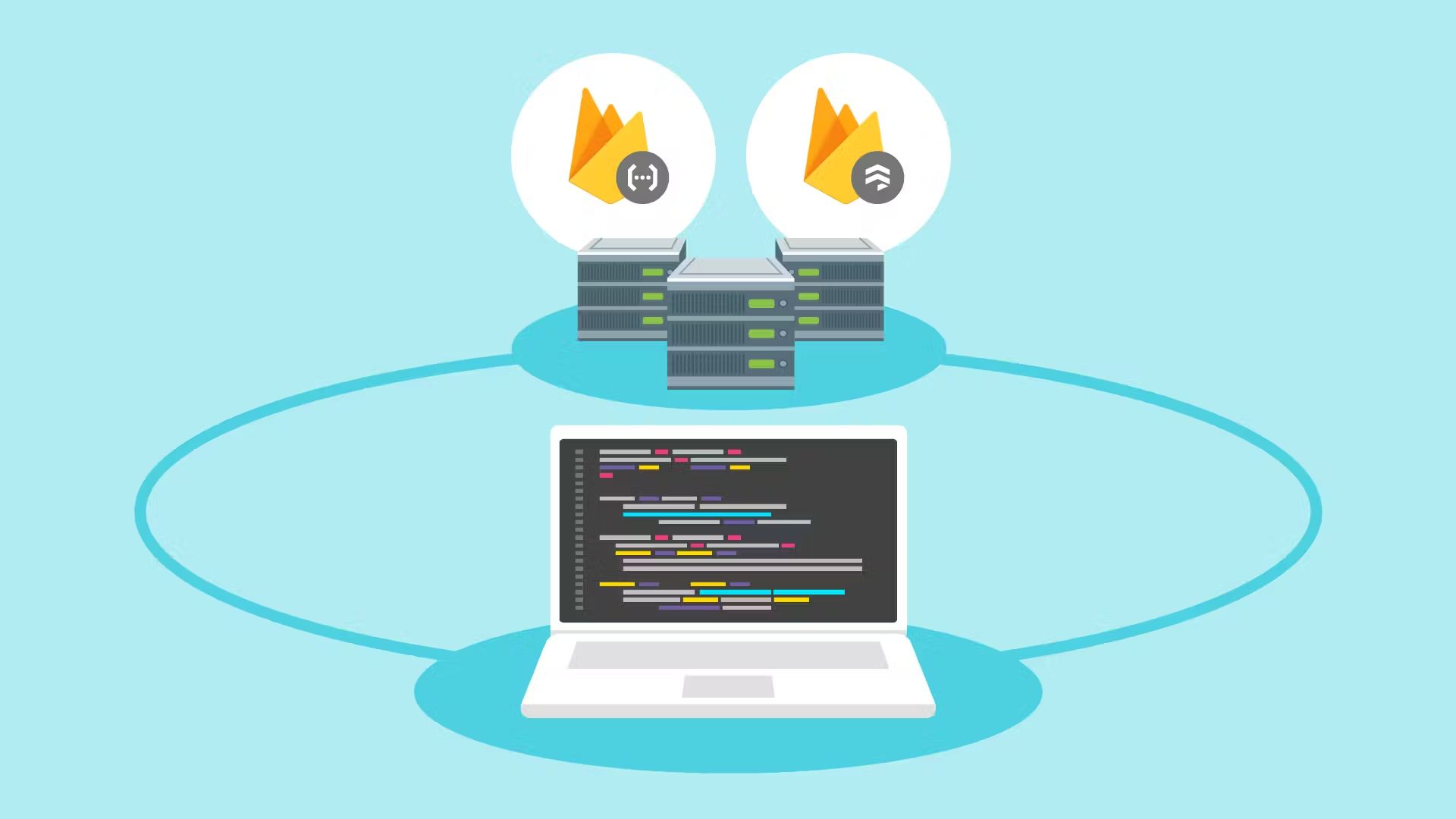
Firebase stands out as a combined platform that covers both build-stage and run-stage workflows: the first focuses on identity, data, and hosting, while the second focuses on monitoring, experimentation, and user messaging. If your priority is fast integration and a unified control plane, this integrated approach often lowers communication and integration cost. If your priority is maximum customization in each module, a modular stack of separate services may be more flexible. A practical way to choose is to first decide whether your team needs shared data and release metrics across multiple roles.
FAQs
Q: Is Firebase free?
A: Firebase offers a free tier and usage-based pricing. Actual cost usually depends on storage, request volume, network traffic, and the products you enable.
Q: Do I need to manage servers when using Firebase?
A: Many common capabilities are delivered as managed services, so teams often avoid building full backend infrastructure first; for complex systems, self-managed services can still be combined.
Q: Is Firebase only for mobile apps?
A: No. Firebase supports iOS, Android, and Web SDKs, and also works with ecosystems like Flutter and Unity, depending on your stack and architecture goals.
Q: How is it different from database-only or monitoring-only tools?
A: Firebase is more platform-oriented, combining data, identity, post-release observability, and growth tooling in one system for teams that want less toolchain fragmentation.


