
What website is this?
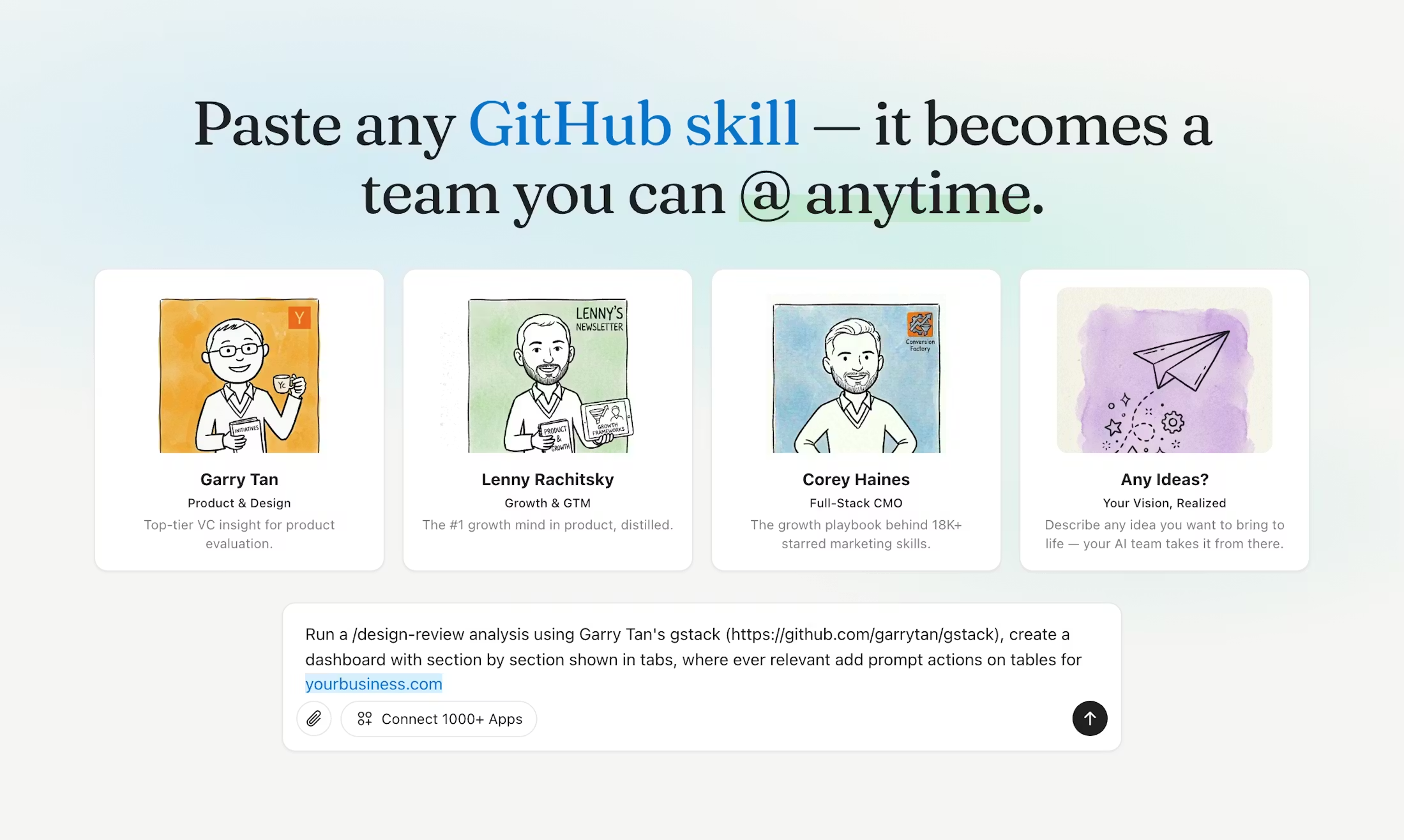
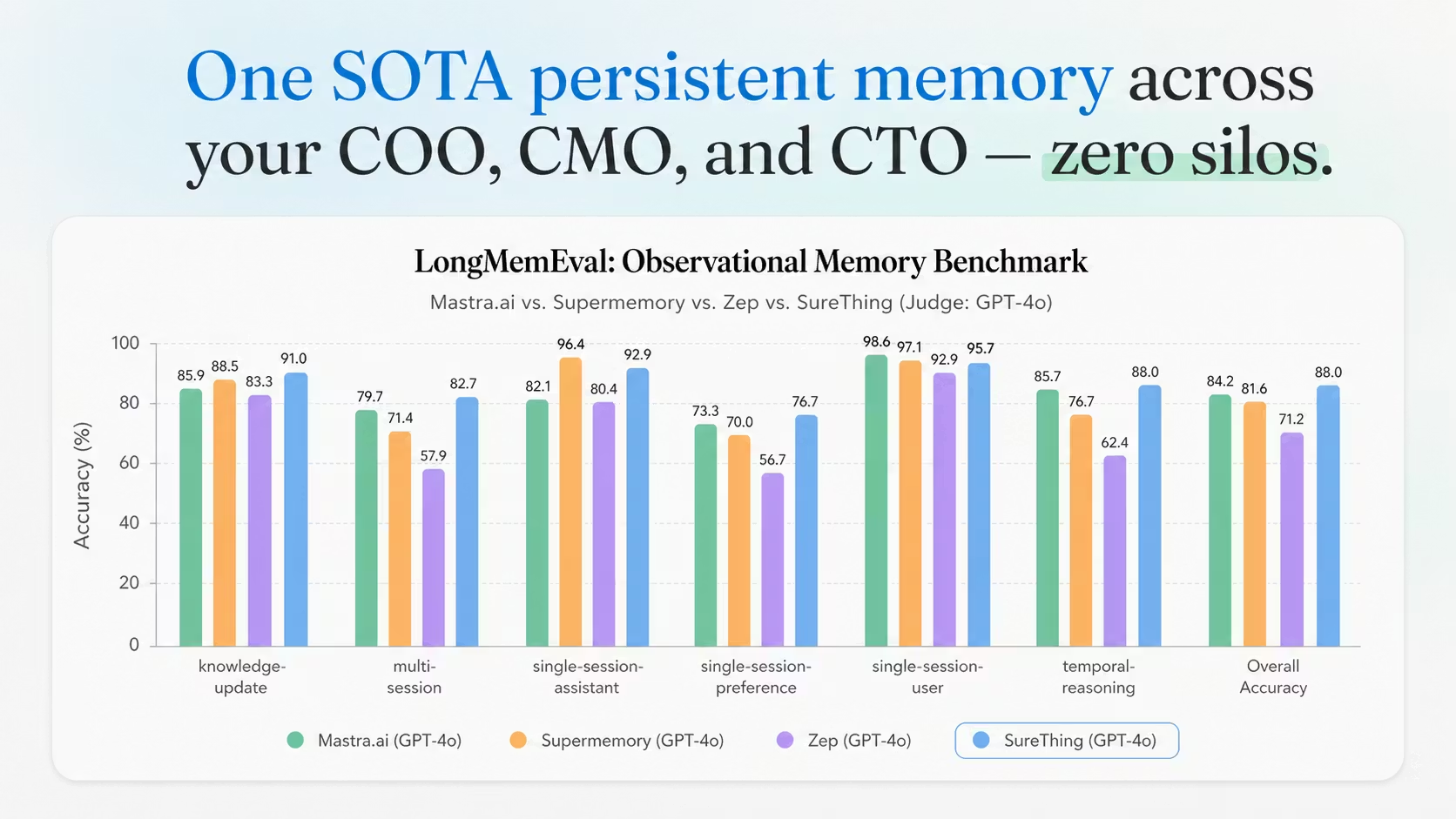
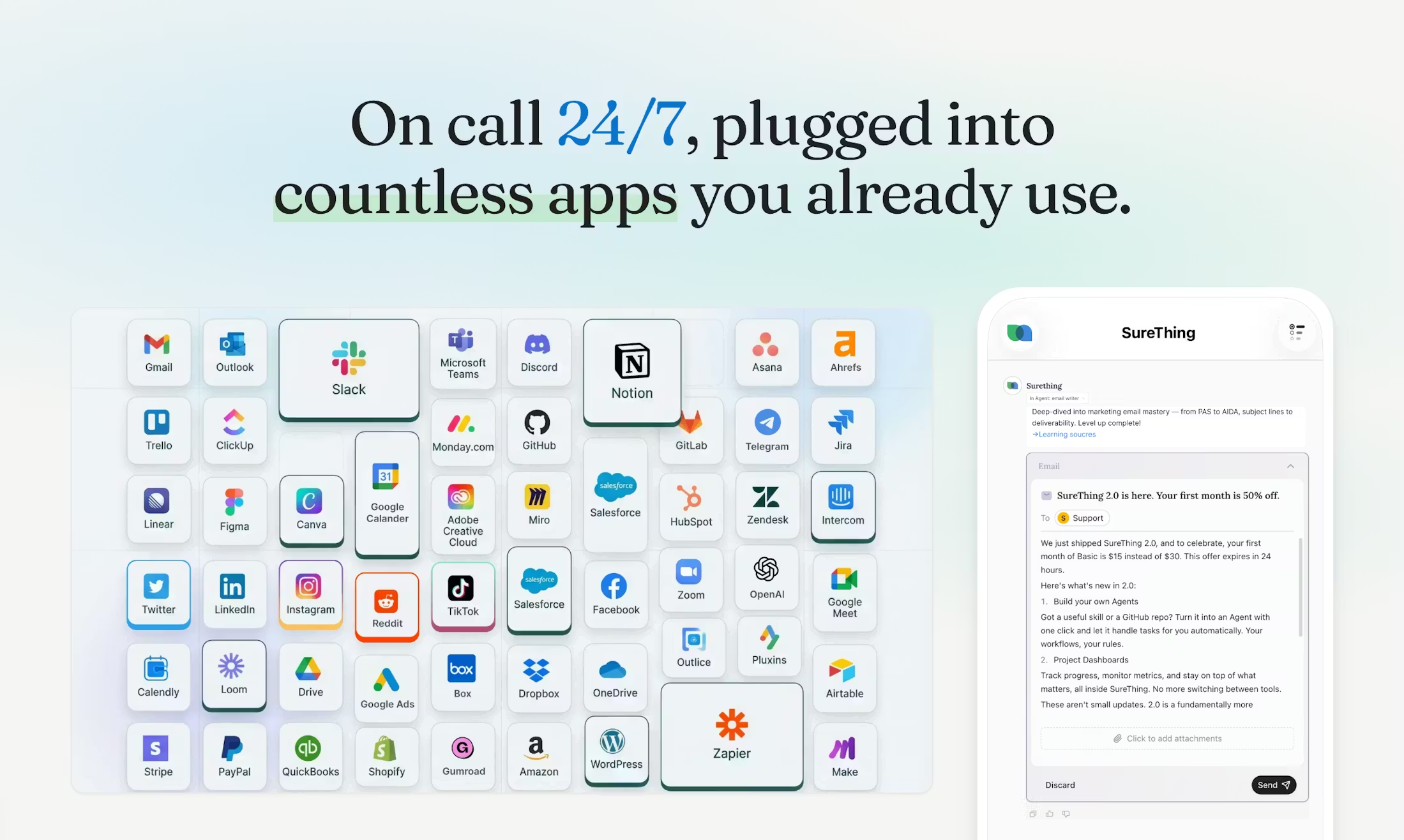
SureThing is an AI agent collaboration platform for solo founders and small teams, positioned like a general AI agency. It coordinates roles such as COO, CMO, and research within shared context, supports 1,000+ app connections, runs continuously in the background, and emphasizes deliverables instead of only suggestions. Compared with single-chat assistants, it is more oriented toward multi-step task orchestration across tools.
Key Features
- Use one workspace to assign tasks, review outputs, and track execution status.
- Keep multiple role-based agents in shared context to reduce information silos.
- Connect external tools such as Slack, Gmail, GitHub, and Stripe for execution.
- Run long task chains in the background and return reports or finished artifacts.
- Use credit-based billing to manage costs based on task complexity.
Use Cases
- A solo founder runs weekly reviews by having agents compile revenue, ad spend, and project progress into a one-page business summary.
- A small team preparing investor communication connects CRM and finance data to draft monthly update materials automatically.
- A growth lead in optimization cycles asks agents to audit ad spend and flag suspicious waste for human review.
- An operations owner during busy periods delegates email and schedule triage, keeping only key decisions for manual handling.
Who is it for?
- Teams that need cross-SaaS coordination without maintaining automation flows themselves.
- Founders who want recurring operations and analysis tasks to run continuously via agents.
- Users who prefer validating fit with free credits before scaling paid usage.
- Not ideal for users who only need simple one-turn Q&A with little external execution.
- Not ideal for teams requiring strict step-by-step manual approval on every action.
How It Compares to Similar Tools?
SureThing leans toward shared-context multi-agent execution across apps, rather than a single chat window or purely rule-based automation. If your main need is fast Q&A and text generation, general chat assistants are usually more direct. If you value visual workflow nodes and granular control, traditional automation tools may fit better. If you want less manual wiring and more continuous autonomous execution with delivered outputs, SureThing is closer to that positioning.
Pricing Details
The site shows a free starting option with no credit card required, including initial credits and daily refresh credits for free accounts. Paid plans are monthly subscriptions delivered as credit packages; publicly visible copy references plans starting around $30/month, and FAQ content mentions Pro tiers at $200/month and above for additional live support. Upgrades generally take effect immediately, while downgrades or cancellations usually apply at the end of the billing period. Credit rollover and expiration follow the plan policy. Pricing and entitlements should be confirmed on the latest official pages.
FAQs
Q: What is the difference between SureThing and a regular AI chatbot?
A: Chatbots focus on direct answers, while SureThing emphasizes multi-step execution in connected tools and returns concrete deliverables.
Q: Do I need to build complex automations myself?
A: Its positioning is to reduce manual workflow wiring, with agents executing toward goals using connected applications.
Q: Can I try it for free?
A: Yes. The FAQ states new users receive initial credits, plus daily refresh credits after login.
Q: How are credits consumed in practice?
A: Usage depends on task complexity, context size, and active integrations; more complex tasks generally consume more credits.
Q: What team size is it best for?
A: It is usually a better fit for solo operators or small teams handling cross-functional recurring work.
Q: Is there public security/compliance information?
A: Site copy references SOC 2 and Google CASA-related compliance claims; verify the latest official documentation for formal evaluation.
Why We Recommend
From a directory-style review perspective, SureThing stands out by combining multi-agent coordination, broad integrations, and continuous execution in one interface. It can be useful for teams that want to lower manual coordination overhead and offload repetitive operational loops. A practical approach is to validate your typical workflows with free credits first, then decide whether paid tiers match your workload and budget.


