
What website is this?
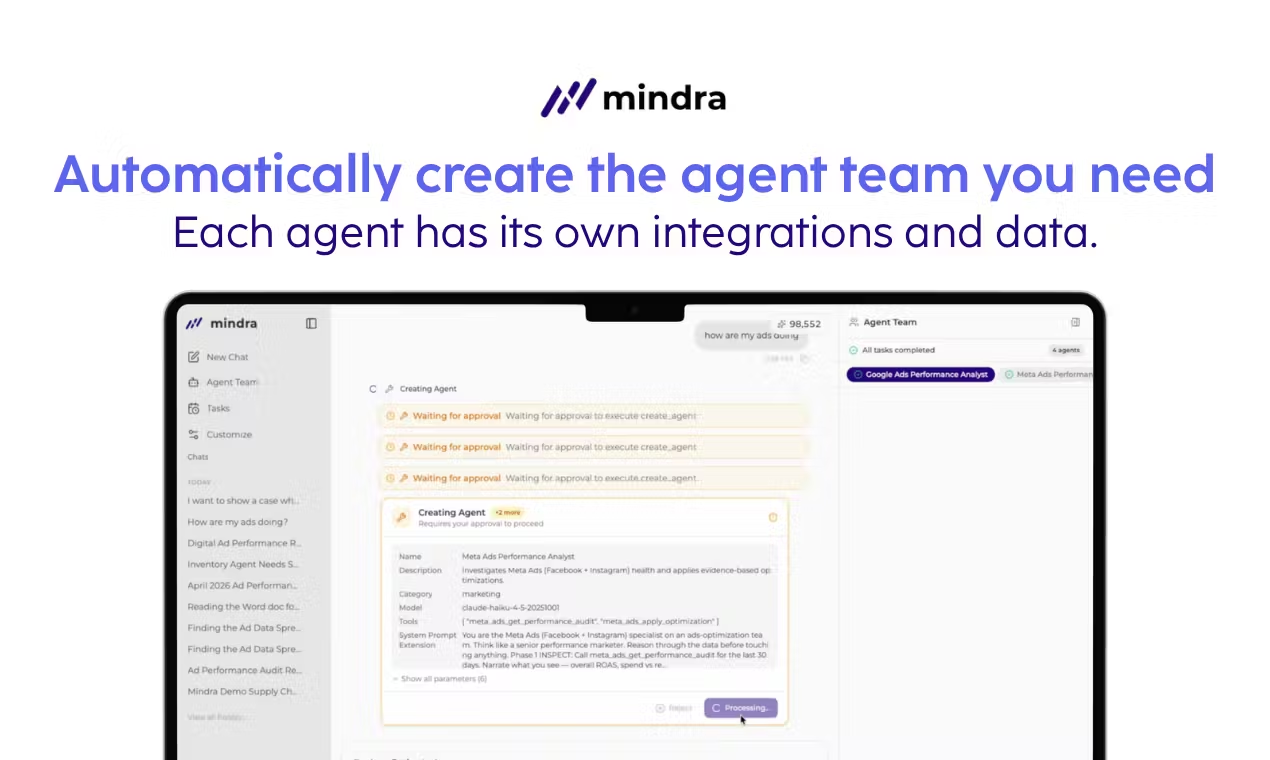
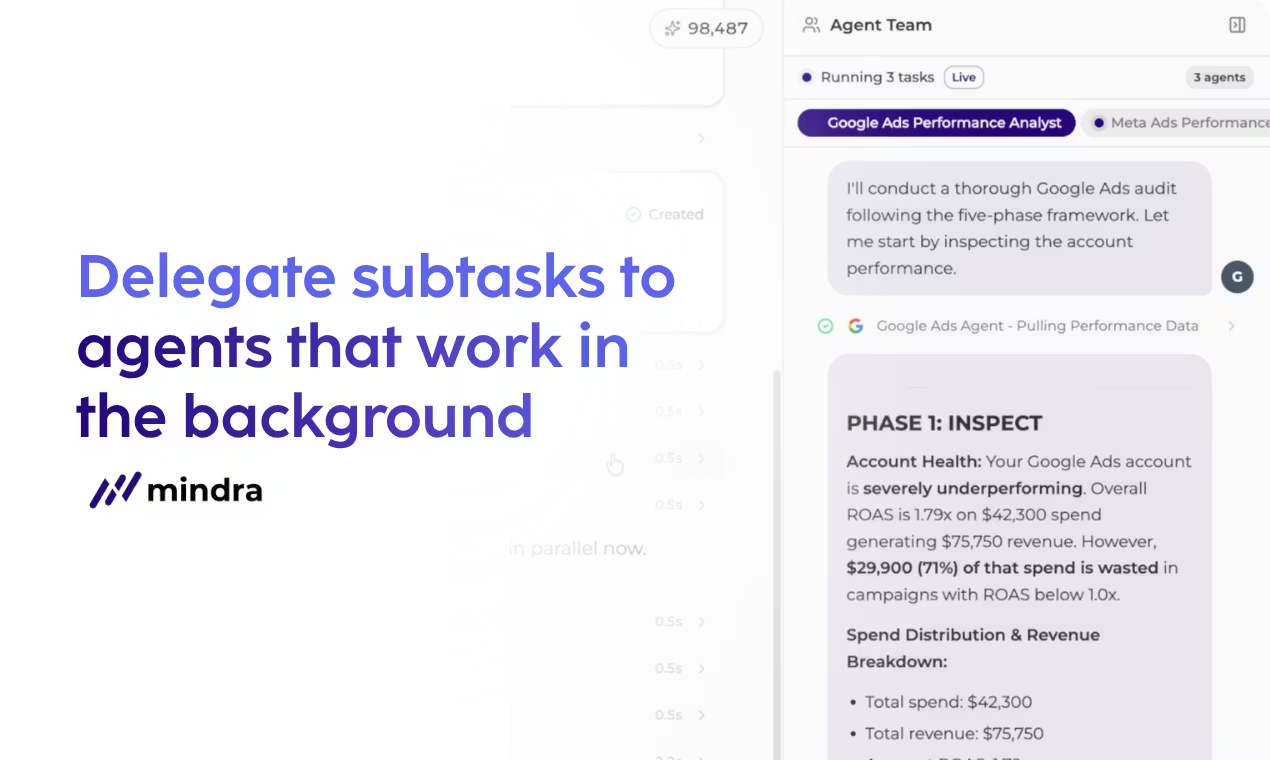
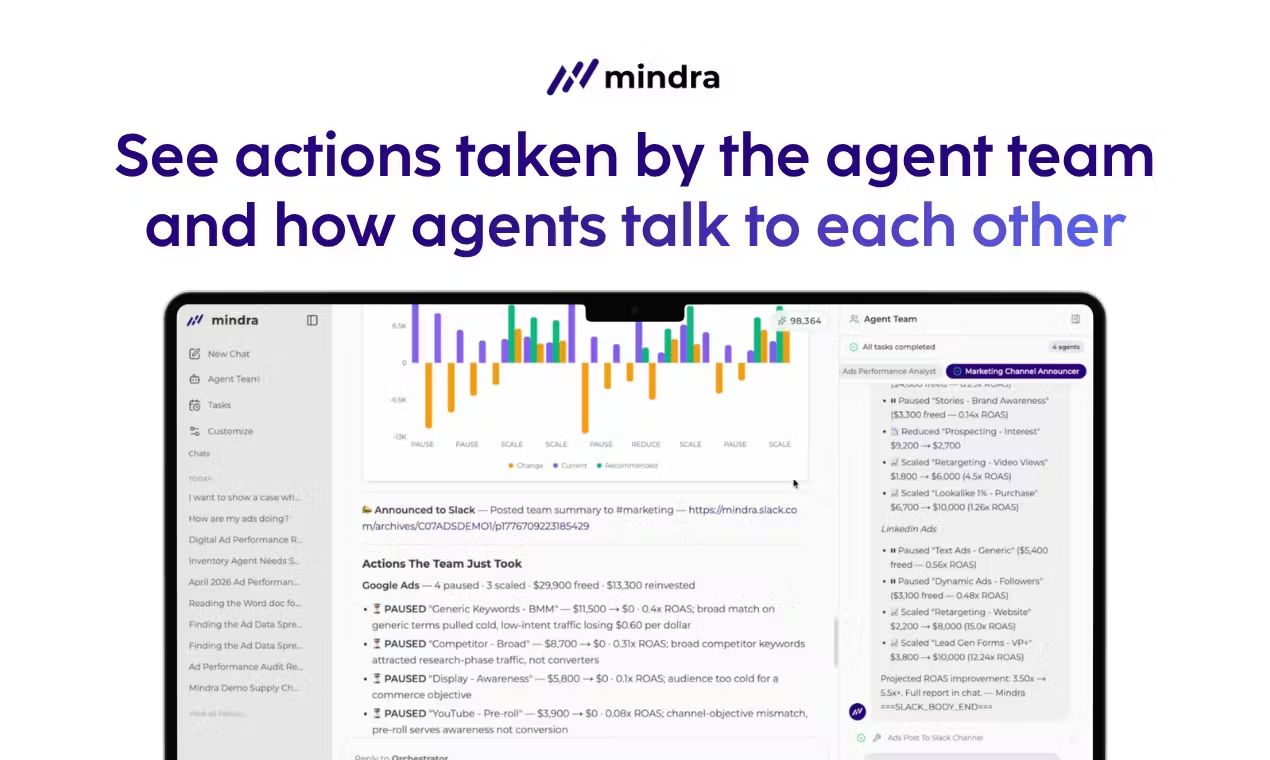
Mindra is an agent orchestration platform for organizations: you describe the business task in natural language, and the system assigns multiple specialist agents by channel and tool so they can jointly conduct audits, analysis, and outward actions; the UI surfaces how agents divide work and reason step by step, and connects pauses, budget shifts, and similar moves to live ad accounts and real systems such as Slack. The main difference from a single-session chat assistant is team orchestration with traceable execution; the marketing site illustrates this with performance-marketing-style examples. If you only need occasional Q&A and do not plan to wire external accounts and approvals into the workflow, a lighter assistant is usually a better fit.
Key Features
- Configure multiple specialist agents split by channel or tool domain for one business objective, coordinated by an orchestration layer.
- Use phased flows with real-time orchestration so tasks hand off across agents in order.
- Surface reasoning and action traces so retries after failures and splitting around API limits are easier to follow.
- Turn analysis into concrete actions (such as ad flight changes) and push summaries to collaboration channels like Slack.
- Enterprise offerings list controls such as human approval, policy guardrails, ZDR, traceability, and security (as stated on the pricing page).
- The home page lets you preview a proposed team structure from one sentence to clarify orchestration intent (whether real actions fire depends on product guidance).
Use Cases
- Growth teams running recurring audits across Google, Meta, LinkedIn, and similar channels: after spotting inefficient spend, agents help pause or scale and sync change summaries to marketing collaboration channels.
- Marketing leaders who want budget moves across ad platforms folded into a reviewable workflow that peers can inspect.
- GTM or sales-ops teams evaluating routing or enrichment workflows against the GTM/Sales Ops shapes shown on the site.
- Supply-chain or product-intelligence roles with recurring cross-system rollups can benchmark against the Supply Chain Ops and Product Intelligence examples against their own stacks.
Who is it for?
- Teams already on mainstream ad or marketing stacks who want routine audits and budget adjustments handled by an orchestrated agent team.
- Organizations that need agent actions logged and reviewable, aligned with Slack and similar collaboration channels.
- Buyers comfortable booking demos and negotiating usage-based enterprise deals instead of pure self-serve checkout.
- Not ideal for users who only need occasional copy or one-off Q&A and do not want to bind external accounts and tools; buyers who require public list prices with instant checkout and avoid sales conversations.
How It Compares to Similar Tools?
Compared with typical single-pane chat products, Mindra emphasizes multi-agent roles, phased progression, and viewing explanation and execution chains together; compared with hand-written fixed scripts, the site highlights splitting work around limits and recovering from failures. If the priority is quick questions with short answers, a general-purpose chat client is lighter; if the priority is domain-specific roles with changes applied to external systems with an audit trail, orchestration platforms in this class merit a look—integration scope and compliance claims still need validation against site materials and demo conversations.
Pricing Details
The pricing page presents an Enterprise custom plan and does not publish dollar amounts, stating that pricing follows usage and requirements. Listed scope includes unlimited agents and integrations, unlimited assistants, team collaboration, human-in-the-loop approval, policies and guardrails, Zero Data Retention (ZDR), enterprise-grade security and traceability, and dedicated support and onboarding; entry is via booking a demo. Plan pricing, billing cadence, contractual terms, and regional differences depend on https://mindra.co/pricing and the latest materials from sales.
FAQs
Q: Do I need to install a desktop client for Mindra?
A: The site presents the product and demo booking in the browser; follow official guidance for any optional local components.
Q: Where are free trials or self-serve signup?
A: The captured pricing page did not list a public self-serve tier; onboarding is described as booking a demo—confirm trial policies on the site or with sales.
Q: Can agent teams operate my ad accounts directly?
A: The home page narrative includes pausing and scaling actions; actual permissions, approvals, and security posture depend on how you connect accounts and your enterprise configuration—refer to product terms.


