

What website is this?
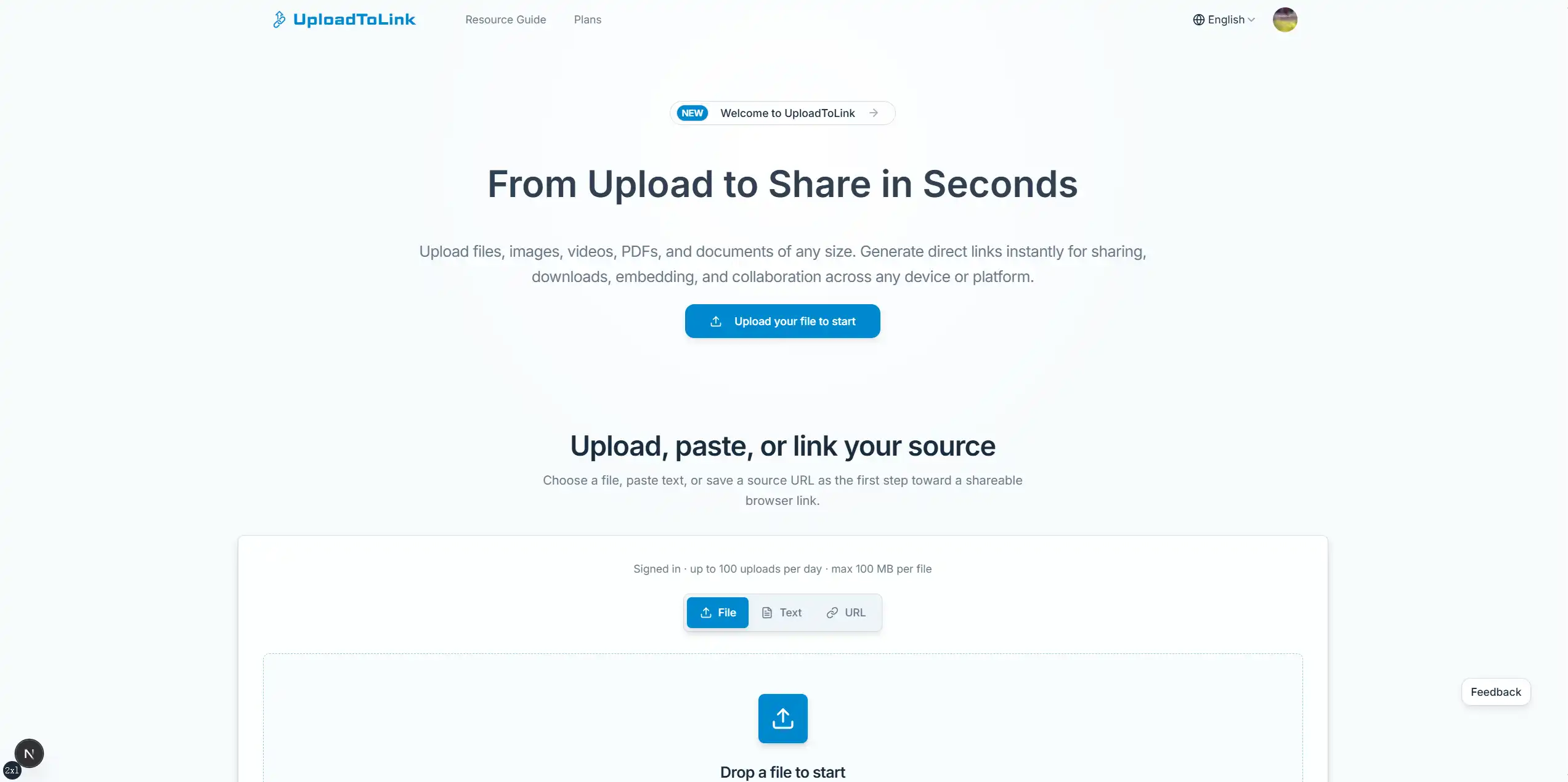
UploadToLink (uploadtolink.com) handles short handoffs where a local file needs to become a web address someone can open directly. You can upload a file, paste text, or save a source URL as the starting point; the site returns a direct link you can drop into chat, tickets, or forms, and recipients preview or download in the browser. Unsigned uploads are capped at about 3 MB per file; signed-in users can upload up to about 100 MB. Delivery runs through Cloudflare’s edge network. It fits screenshots, logs, and form fields that ask for a URL—not long-term storage, as the site’s FAQ also states.
Key Features
- Upload via drag-and-drop or file picker; paste text or save a source URL as the share starting point
- After upload, copy a direct link for forms, chat, tickets, and documentation
- Inline preview for images, PDFs, JSON, and other browser-friendly formats; other types download safely
- Recipients do not need an account; links open on mobile or desktop browsers
- Signed-in users manage shared files in a dashboard; guest and signed-in per-file size limits differ
- Cloudflare global delivery to reduce wait time when recipients open links from different regions
Use Cases
- Support staff attach screenshots, logs, or PDF evidence to tickets with one link instead of multiple attachments blocked by size limits
- Applicants paste a generated link when a form or portfolio page only accepts an image URL or file address
- Content teams send draft images or videos for client review; recipients preview in the browser and focus feedback in one place
- Upload on a phone and open the same link on a computer for cross-device handoff without messaging the file to yourself
- Embed file links in wikis, bug reports, or release notes so collaborators open the source from their workflow context
Who is it for?
- Individuals and small teams who need a quick public link from a local file
- Support and QA staff who routinely share screenshots, logs, and ticket evidence
- Applicants and operators when forms or submissions require a file URL
- Collaborators who want one-off sharing without shared folders and without requiring recipient sign-up
- May not fit: users who need folder sync, version history, or team permissions from a long-term cloud drive
- May not fit: users who must upload very large single files without signing in while no membership expansion is available yet
How It Compares to Similar Tools?
UploadToLink follows upload → link → send, lighter than full cloud drives or collaboration suites. If you need shared directories, co-editing, or archival storage, Dropbox or Google Drive–style products are usually a better match. If you care about pasteable URLs for forms, in-browser preview for screenshots/PDFs, and no recipient account, direct-link tools often involve fewer steps. Compared with image-only hosts, one flow covers PDFs, archives, and mixed documents—but per-file caps are tighter and it is not meant as a primary backup vault.
Pricing Details
Core sharing (upload, link generation, preview, and download) is free on the site. The homepage states about 3 MB per file without sign-in and about 100 MB when signed in, plus dashboard management for shared files. The /pricing page lists separate paid “visibility/directory promotion” plans (e.g., one-time $3.99, $9.90 per 7 days, $5.00 per month) aimed at on-site product exposure—not the same as paying for larger personal upload quotas; the page also notes larger upload limits may arrive later as membership benefits. Amounts, billing cycles, and limits are subject to the latest official pages.
FAQs
Q: Is UploadToLink free? Are there upload size limits?
A: Core flows—share links, preview, and download—are free. Unsigned uploads are about 3 MB per file; signed-in users get about 100 MB. Paid items on the pricing page mainly relate to on-site visibility promotion; check the site for the latest limits before use.
Q: Do recipients need to register?
A: No. They open your copied link in a browser to preview or download on desktop or mobile.
Q: Which files can preview in the browser?
A: Images, PDFs, JSON, and other browser-friendly types usually preview inline; archives and some office documents download instead to avoid unsafe in-browser rendering.
Q: Is it suitable as permanent cloud storage or long-term backup?
A: Generally no. The product targets quick handoff and temporary sharing; the FAQ states it is not a permanent storage system—keep irreplaceable files backed up elsewhere.
Why We Recommend
UploadToLink compresses pick file → copy URL → send into a short path, especially when ticket attachments are capped or forms only accept links. Recipients skip sign-up, and cross-device access is straightforward. Accept the per-file size caps upfront, and do not rely on this kind of short-term sharing as your only copy of critical data.


