
What website is this?
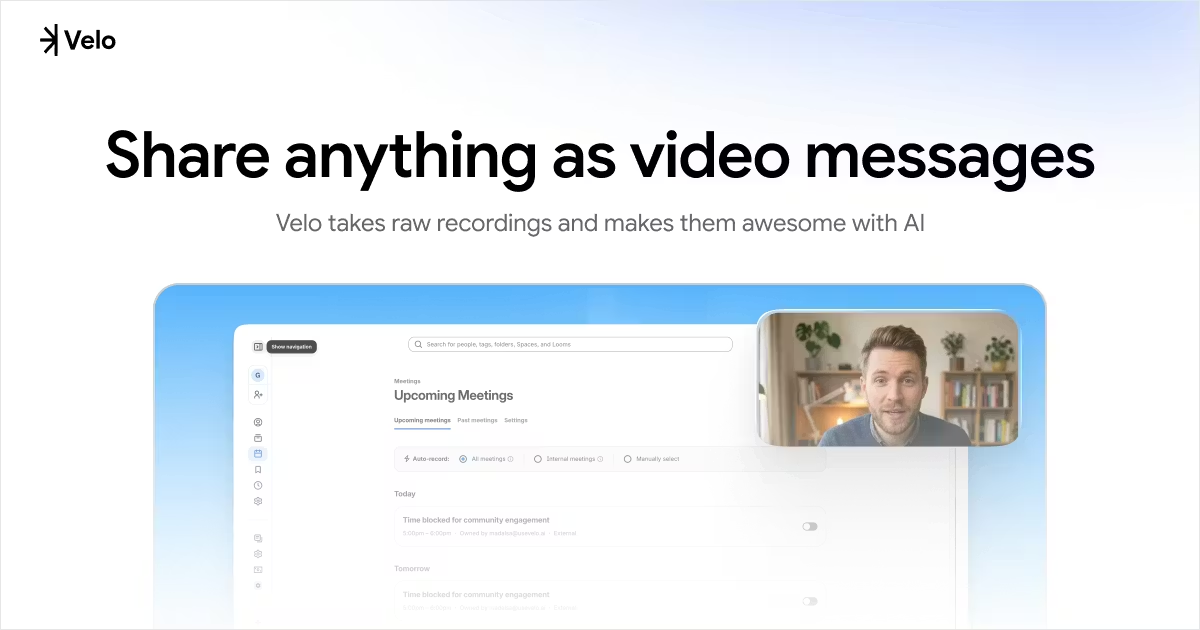
Velo (usevelo.ai) follows a screen capture → AI packaging → shareable video message path: it grabs picture and audio in the browser, handles editing, narration cleanup, and finishing styles, then outputs a link you can send externally. Besides recording to a script yourself, the site offers a browser Agent that can record from your instructions and click paths, plus a Chrome extension to capture full desktop workflows. Unlike communication-style screen recorders that mainly host the raw file, Velo focuses on turning rough footage into explainers you can send to customers or teammates. If your project depends on multi-track timelines, heavy color work, or local NLE project files, a professional editor remains the better primary tool.
Key Features
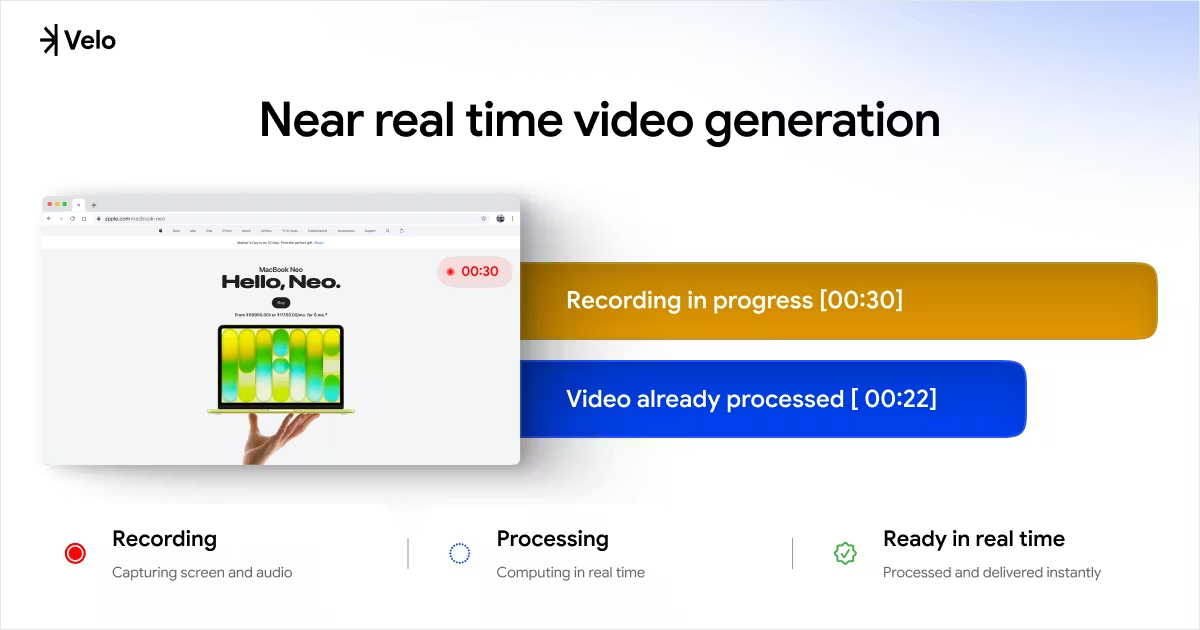
- Captures screen and audio together, processes in the browser in near real time, and outputs a finished clip
- Browser Agent records action paths from instructions so you do not have to stay on camera the whole time
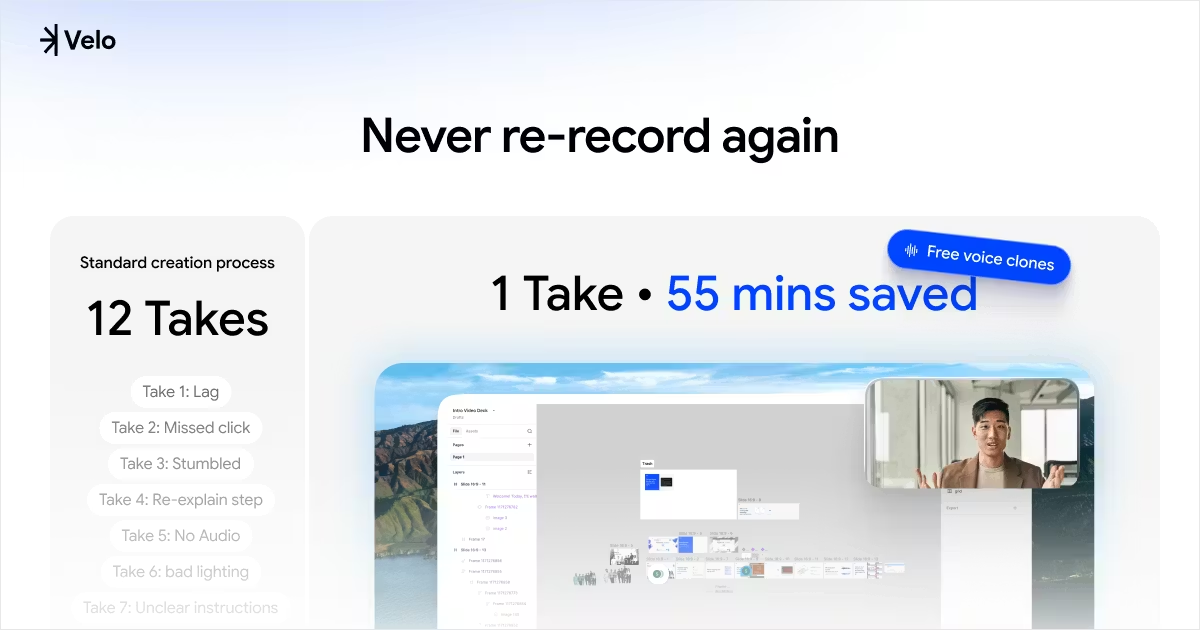
- After voice cloning, new videos can auto-narrate in your voice (the site states this is free)
- Chrome extension covers whole-desktop workflows for cross-app demos
- Finished videos can generate a structured text document in one click for archiving and search
- Editor controls include cursor style, brand kit, personas, script rewrite, and shareable links
Use Cases
- Sales sends product demos to prospects without re-recording whole takes because of slips
- Product managers record new-feature walkthroughs for teams or customers to watch asynchronously
- Support and training roles turn step-by-step work into onboarding videos instead of text-only docs
- Educators and creators make tutorials and review-style content for YouTube, X, and similar channels
Who is it for?
- Sales and GTM staff who send async video messages often but do not want a pro editing stack
- Product, marketing, and support teams that need screen captures turned into external explainers quickly
- Creators and instructors who want less time spent re-recording the same line many times
- May be a poor fit: editors who must deliver multi-track Premiere/DaVinci projects and fine grading
- May be a poor fit: teams whose monthly recording hours far exceed plan minutes and who are very sensitive to usage-based cost
How It Compares to Similar Tools?
- Versus “record and upload” tools like Loom, Velo puts more weight on AI script restructuring, packaging, narration, and companion docs
- Versus pure text-to-video platforms, input is real screen workflow capture rather than generated footage from scratch
- If enterprise review, version libraries, and local asset management come first, traditional editing or MAM fits better; if you need rough screen recordings turned into outbound video messages fast, check Velo’s minute limits and editing depth first
Pricing Details
Pricing page checked 2026-05-17 (monthly/yearly toggle; yearly savings per live page):
- Free: $0/month; 15 Velo minutes/month, full editor, share without watermark, 1 avatar video/month; downloads watermarked by default, $9.99 one-time watermark removal anytime
- Pro (recommended): $20/month; 60 Velo minutes/month; up to ~3 minutes of avatar video, all public avatars, no download watermarks; ~3 script retries and ~3 voice regenerations per video; ~5 link-to-video conversions/month
- Ultra: $200/month; 600 Velo minutes/month; ~30 minutes of avatar video, custom VeloTwins; higher script/voice retry caps; unlimited link-to-video (per page)
Yearly prices, overage billing, and trial terms: see https://www.usevelo.ai/pricing for the latest page.
FAQs
Q: Does Velo have a free tier?
A: Yes. Free includes 15 minutes per month, the full editor, and watermark-free sharing; downloads are watermarked unless you pay $9.99 to remove (per pricing page).
Q: Do I have to record myself on camera?
A: No. Besides manual recording, the browser Agent can record from instructions, and the extension can capture across the desktop—see your account for what is enabled.
Q: How is it different from screen recorders like Loom?
A: Both support video messages; Velo emphasizes AI finishing, script rewrite, voice cloning, and companion docs rather than uploading the raw capture as-is.
Q: What are “Velo minutes”?
A: Each plan includes a fixed monthly allowance (Free 15, Pro 60, Ultra 600); overage rules are in your account and on the pricing page.
Why We Recommend
From a third-party tool-directory angle, Velo suits people who re-record the same walkthrough many times: rough capture goes into the browser, AI tidies narration and styling, then you share by link, with Agent and extension reducing manual recording. Sales demos, product updates, and training explainers are typical fits. Before subscribing, check monthly minutes, download watermark rules, and whether you need pro NLE project exports—those workflows still belong


