
What website is this?
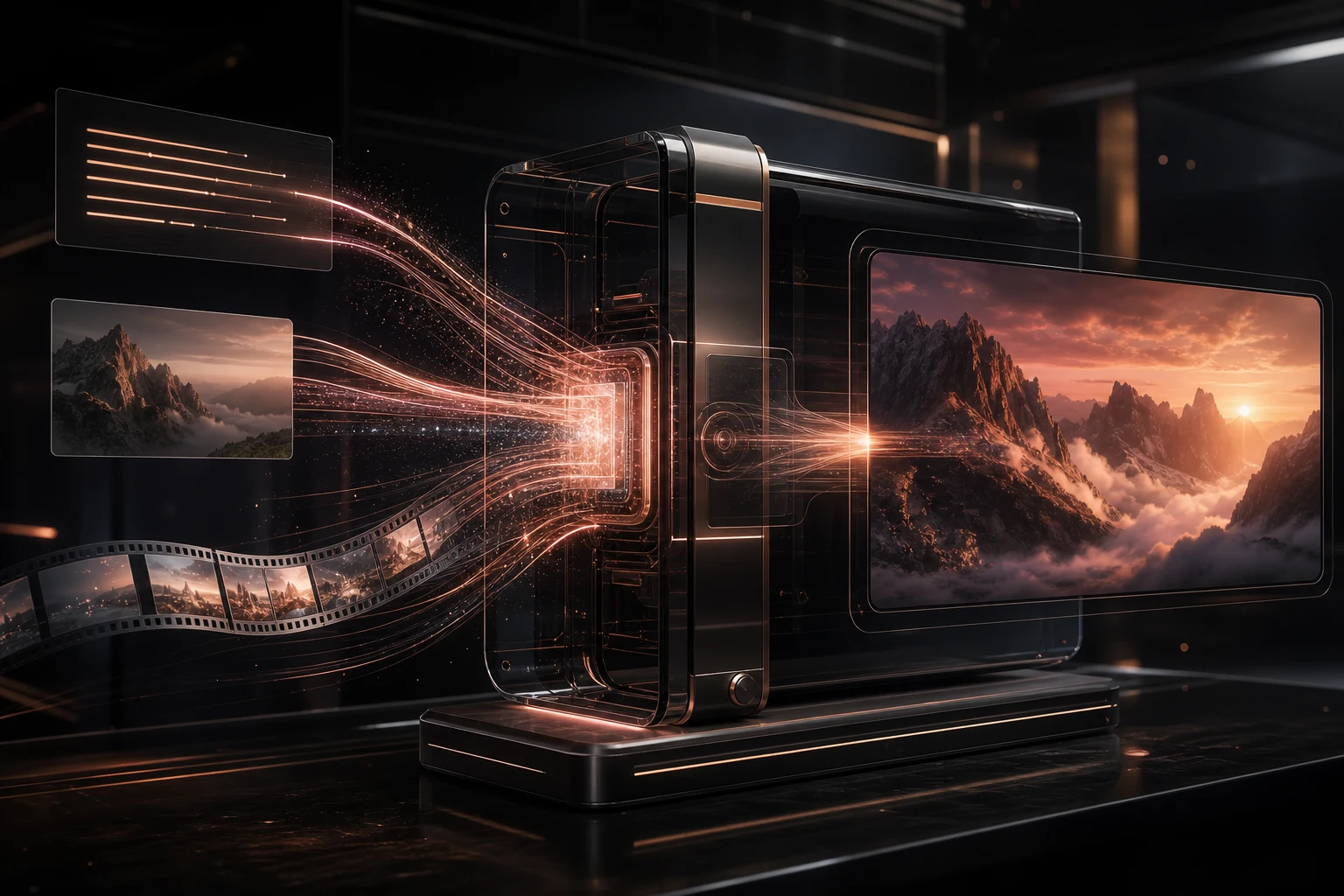
Artaivo is a web-based AI media workspace for creators that brings video, images, avatars, and audio workflows together. It addresses the friction of switching between separate generation tools and moving assets between them, with entry points for text-to-video, image-to-video, and AI image generation. Users can also choose among supported models. It fits people who need to test visual concepts, short clips, or mixed media assets quickly. Those looking only for a single-purpose editor or a fully controlled professional post-production workflow may find it less suitable.
Key Features
- Generate video from a written prompt and choose from the available video models in the workspace.
- Upload a JPG, PNG, or WebP image and create an image-to-video clip with a preset or an editable motion direction.
- Create visual assets through AI image generation and adjust settings such as aspect ratio when supported by the model.
- Keep video, image, avatar, and audio workflows in one workspace, reducing repeated transfers between services.
Common Use Cases
- Content creators preparing social posts can draft a shot from text, then add movement to a still visual with image-to-video.
- Designers exploring a concept can use an existing frame as input and test different camera moves, subject actions, or ambient motion.
- Video makers creating openings, product visuals, or vertical clips can compare available models such as Kling, Veo, and Seedance in one workspace.
- Independent projects that need avatar, image, and audio assets can keep generated variations together before publishing instead of moving them across several services.
Who is it for?
- Content creators who need to test video ideas from text or images quickly.
- Independent makers who want one web workspace for short-form video, image, avatar, and audio assets.
- Designers who want to compare generation models and parameters without maintaining a separate toolchain for each asset type.
- Professional post-production teams that rely on detailed timelines, complex compositing, or offline workflows may not want it as their only tool.
How It Compares to Similar Tools
- Workflow scope: Artaivo puts video, image, avatar, and audio entry points in one workspace, while single-generation tools usually focus on one task.
- Inputs: It covers both text prompts and image references, with motion presets for image-to-video. A dedicated video editor is a better fit when timeline editing is the priority.
- Model choice: The site presents video models including Kling, Veo, and Seedance, which is useful when comparing outputs; capabilities, parameters, and credit use still depend on the current options.
- Cost structure: The pricing page presents subscriptions alongside one-time AI credit packs, so costs can be considered against expected generation volume. Current plans and model usage should be checked on the live page.
FAQs
Q: Can Artaivo turn text directly into video?
A: Yes. Its text-to-video workflow accepts a written description and generates video within the available model and parameter options.
Q: Can I animate my own image?
A: Yes. The image-to-video workflow accepts JPG, PNG, or WebP images and provides motion presets plus an editable motion direction.
Q: Is Artaivo a traditional video editing application?
A: No. It is closer to a generative media workspace. Complex timelines, multi-track editing, and detailed post-production may still require a dedicated editor.


