What website is this?
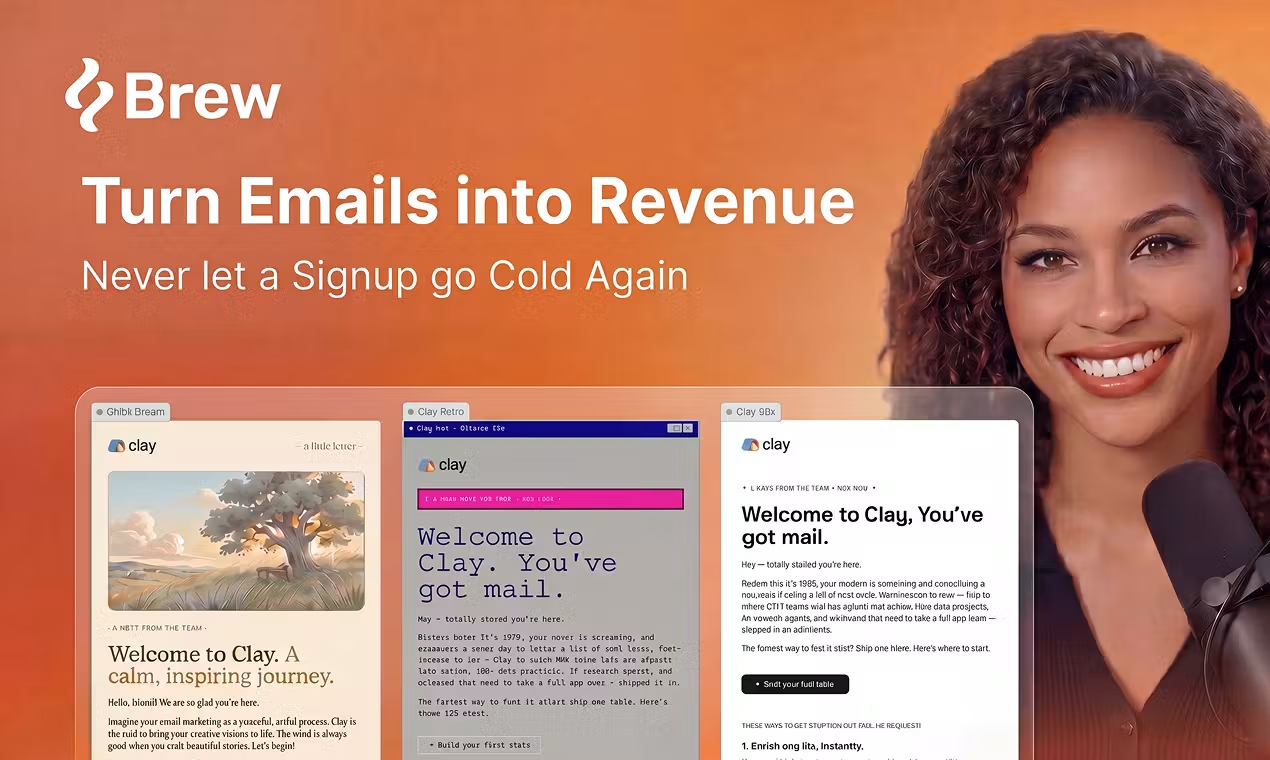
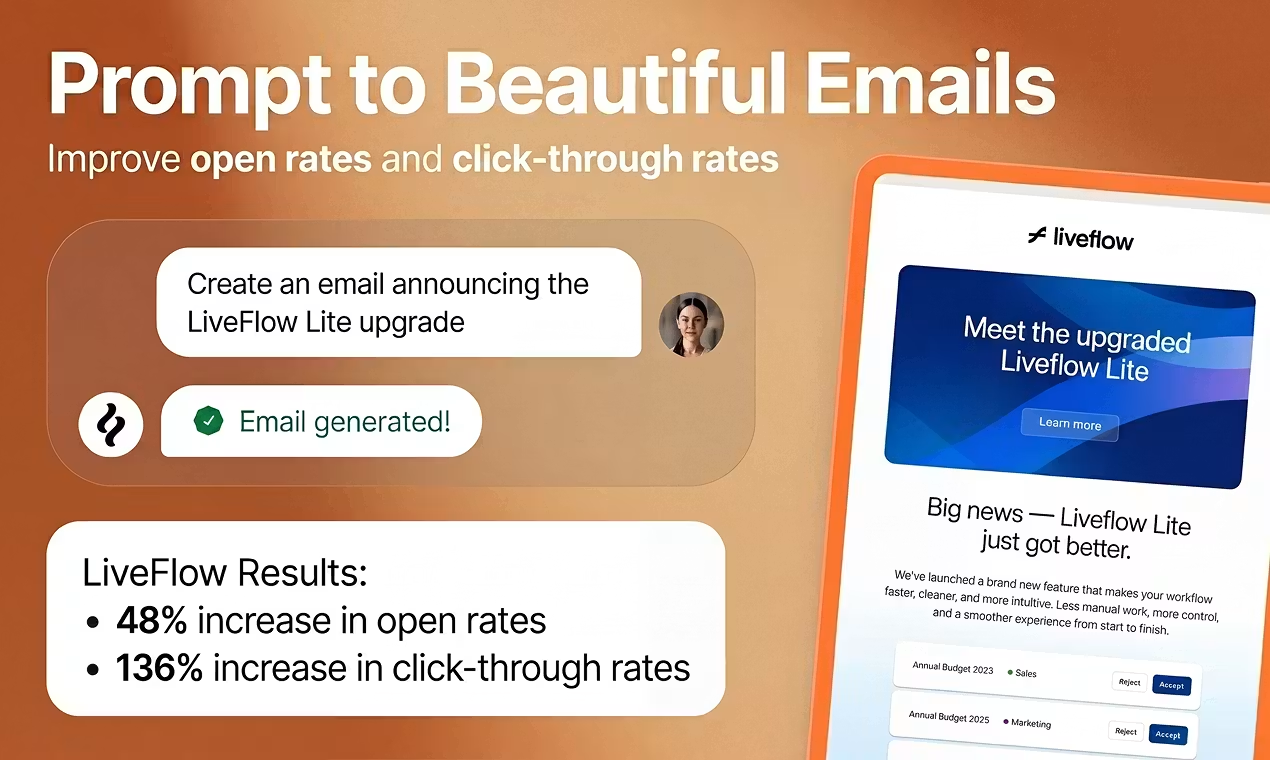
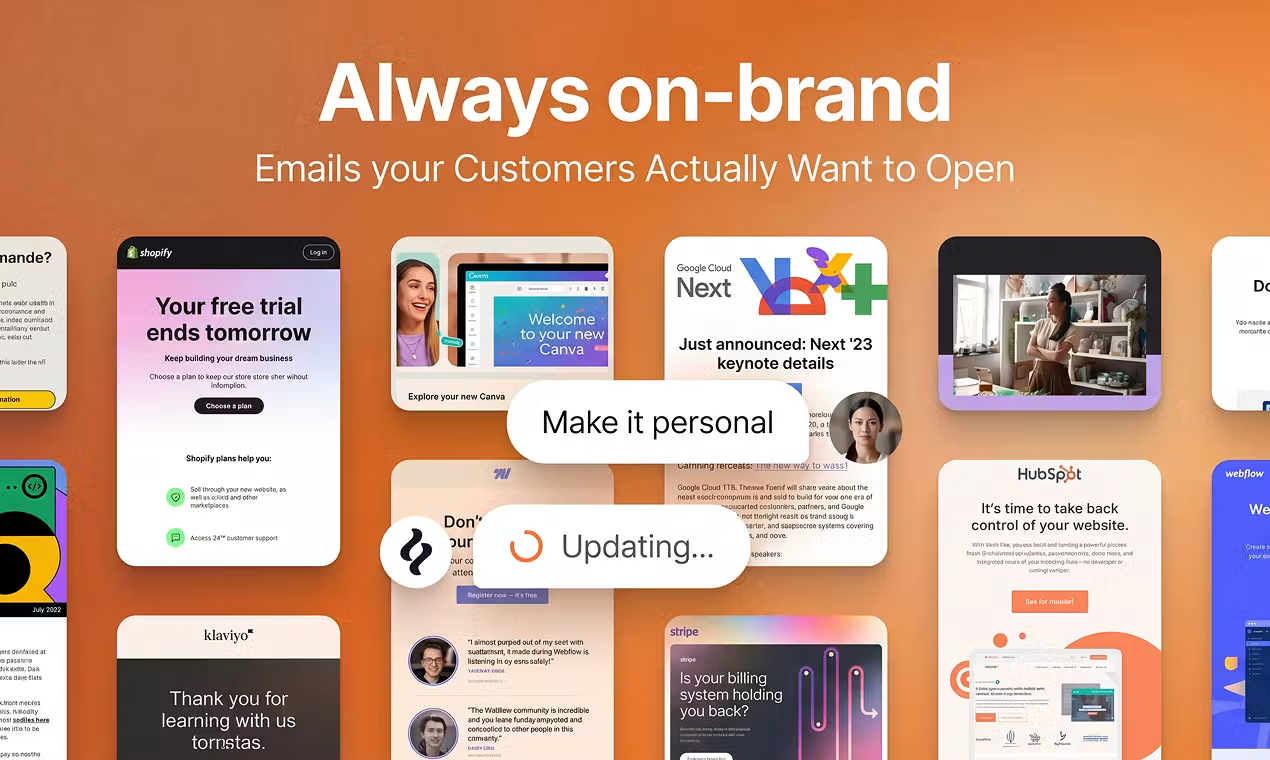
Brew puts email work inside a chat: you describe a campaign or automation, the platform builds editable emails on a canvas, then sends them directly or pushes them to your existing ESP. It first pulls brand visuals and tone from your site, then outputs HTML aimed at multiple inbox clients. The product reads more like an AI-assisted email ESP than a layout-only tool. Teams without dedicated email designers who do not want to maintain drag-and-drop templates usually skip a round of manual assembly compared with classic editors.
Key Features
- Submit your site URL to extract logo, colors, fonts, and voice baselines in about 30 seconds
- Use one chat to generate a one-off Campaign or event-driven Automation from prompts
- Send from your own domain with DKIM/SPF/DMARC, or integrate with Klaviyo, HubSpot, and others
- Remix gallery plus reference emails/HTML to apply your brand on someone else’s layout skeleton
- Automations split marketing sequences vs. transactional mail, with custom events and built-ins like Stripe
- Switch among Claude, OpenAI, Google models in Settings and adjust reasoning effort
Use Cases
- A startup marketer must ship a welcome series today but has no one to drag-build templates
- A team already on HubSpot/Klaviyo drafts fast in Brew, then pushes back to the current ESP
- E-commerce ops builds cart-abandon and post-purchase flows by describing triggers and wait steps in plain language
- A brand sends regular newsletters that stay visually consistent and need quick A/B variants
- Product teams send password resets and order confirmations that must reach even unsubscribed users when required
Who is it for?
- Small teams and solo founders who want “describe need → sendable email” in one place
- Lifecycle/growth marketers on an ESP who lose time only in the creation step
- Teams fine with chat iteration and AI credit metering
- Developers planning to let agents such as OpenClaw or Claude operate Brew workflows
- Not for: large-scale cold email without provable opt-in (the product prohibits cold outreach)
- May be a poor fit: fully offline workflows, or teams that require 100% hand-written HTML with no AI in review
How It Compares to Similar Tools?
If you mainly use Claude Design–style general design tools for email visuals, you still handle HTML compatibility, compliance footers, and routing yourself. Brew bundles generation, variants, automation design, and optional sending. If you already invested in contact governance and reporting on Klaviyo or HubSpot, treat Brew as the creation layer and keep sending there—or move domain, contacts, and campaigns fully into Brew if you want a new stack. When you need pixel-perfect drag control or a full enterprise marketing cloud replacement, evaluate traditional platforms before an AI-native creation ESP.
Pricing Details
The site states every tier includes the same features; differences are AI credits, monthly sends, model tier, brand count, and similar quotas (see the comparison table on the pricing page).
- Free ($0/month): No credit card; includes 500 AI credits and 1,000 sends per month; all features with basic AI models and a Brew watermark; custom sending domain allowed.
- Starter ($49/month), Growth ($99/month), Pro ($249/month): Paid tiers remove the watermark, unlock newer AI models, allow HTML download (Starter and above), and add priority support; higher tiers add more credits and sends (exact numbers on https://brew.new/pricing ).
- Enterprise: Custom send limits, AI credits, dedicated success, migration support—contact sales.
- Billing notes: AI credits cover generation, Remix, images, analysis, etc.; pricing FAQ cites ~40 credits per average generation, resetting monthly with no rollover; each automation run also spends credits, and sends inside flows count toward the monthly send cap. Unlimited team seats on all plans.
FAQs
Q: How much AI and sending does the free plan include?
A: Free includes 500 AI credits and 1,000 sends per month. After that, AI pauses until the next cycle; you can still send manually. Check the pricing page for the latest quotas.
Q: Do I have to use Brew as my ESP?
A: No. You can send end-to-end in Brew, push to Klaviyo/HubSpot, or download HTML for other platforms (HTML download requires a paid tier).
Q: How is this different from only using Claude to write HTML?
A: Brew targets production and delivery: brand extraction, automations, authentication, and inbox-oriented rendering. General chat models behave more like design/code drafts—you still wire ESP and compliance yourself.
Q: What happens when AI credits run out?
A: AI features pause until the billing cycle resets; manual edit/send remains. Chronic shortages usually mean upgrading.
Why We Recommend
Brew links brand extraction, conversational generation, and optional native sending for teams that want a shorter path from idea to inbox.


