
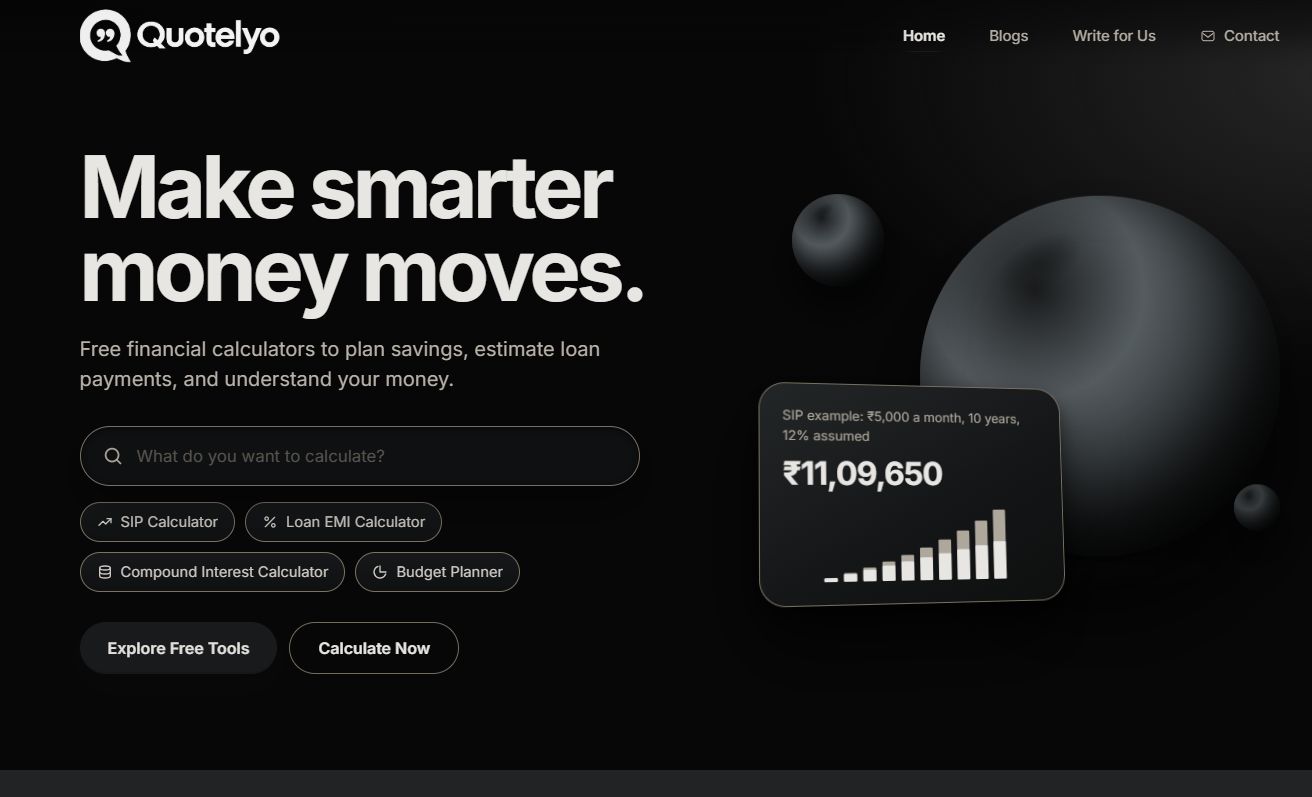
What is this site?
Quotelyo is a set of free, browser-based personal finance calculators. SIP, compound interest, loan EMI, savings goals, budgeting, debt payoff, inflation, and FD/RD tools sit on one page and recalculate as you change inputs. Math runs locally, so you typically do not need an account or to send numbers to a server. It is best for checking amounts, rates, and tenures before you compare bank or product terms—not a substitute for advice, full budgeting software, or live market rates.
Core features
- Switch among eight tools on one page: SIP, compound interest, loan EMI, savings goal, budget, debt payoff, inflation, and FD/RD.
- Results update immediately when you change amount, rate, or term, so you can compare a few scenarios side by side.
- Calculations run in the browser; the site states no sign-up is required and that entered figures are not tracked on a server.
- Each calculator shows the formula and assumptions behind the result so you can verify the math.
- You can change currency display format; the site states amounts are not converted between currencies.
- Defaults are examples only—replace them with real rates or product parameters.
Common use cases
- Planning monthly investing: use SIP or compound interest to estimate approximate future value under different contributions and horizons.
- Before a home or auto loan: use EMI to check monthly payment, total interest, and overall repayment.
- Building an emergency fund or saving for a large expense: use the savings goal tool to back into a monthly amount.
- With a fairly steady income: use the budget tool to see spending, leftover cash, and room to save.
- Comparing fixed or recurring deposits: use FD/RD for maturity estimates, or the inflation tool to sense buying-power changes.
Who is it for?
- Individuals and households who want quick what-if math without opening a spreadsheet.
- Students or beginners who need clear SIP, EMI, and compound-interest basics.
- Privacy-minded users who prefer local calculation without creating an account.
- Poor fit: anyone who needs live rates, account sync, multi-account bookkeeping, or advisory guidance—defaults are not live quotes, and there is no advice.
- Poor fit: cross-currency conversion or tax filing—the currency control only changes how amounts are displayed.
How does it compare to similar tools?
Use these checks to decide if it is enough:
- Coverage: whether it includes the SIP, EMI, and FD/RD math you actually use, not a single calculator.
- Friction: whether login or data upload is required; Quotelyo stresses in-browser calculation.
- Auditability: whether formulas and assumptions are shown when you need to verify the method.
- Depth: bank linking, categorized budget sync, or portfolio research need a different kind of product.
FAQ
Q: Do I need to sign up for Quotelyo?
A: Per the site, the calculators work in the browser without registration.
Q: Are my amounts and rates uploaded?
A: The site says calculation stays local and inputs are not server-tracked; still avoid entering passwords or other secrets into web forms.
Q: Are the default rates live bank rates?
A: No. Defaults are examples—replace them with figures from your bank or product.
Q: Does changing currency convert amounts?
A: No. Currency only changes display formatting; it does not convert between currencies.


