
What website is this?
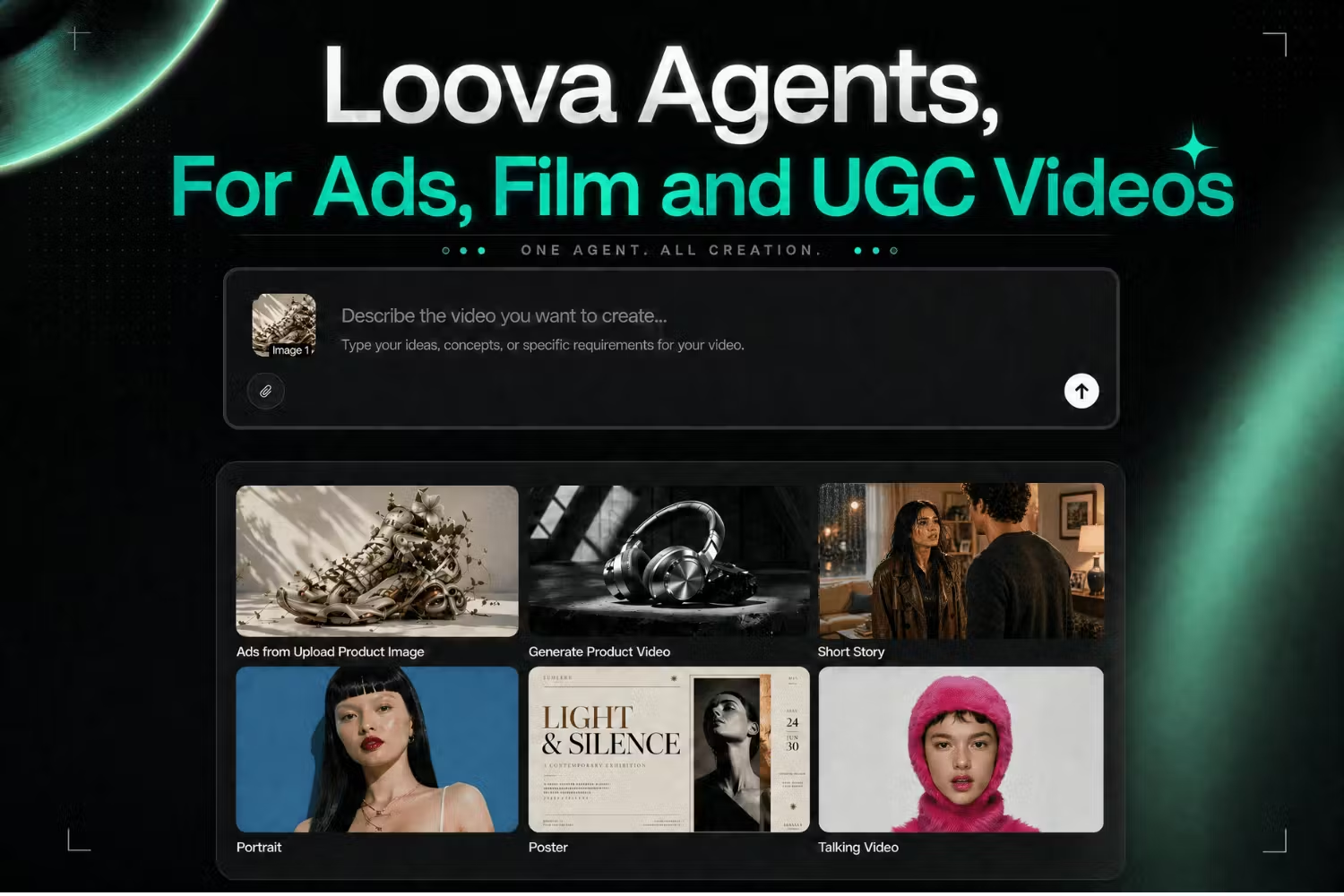
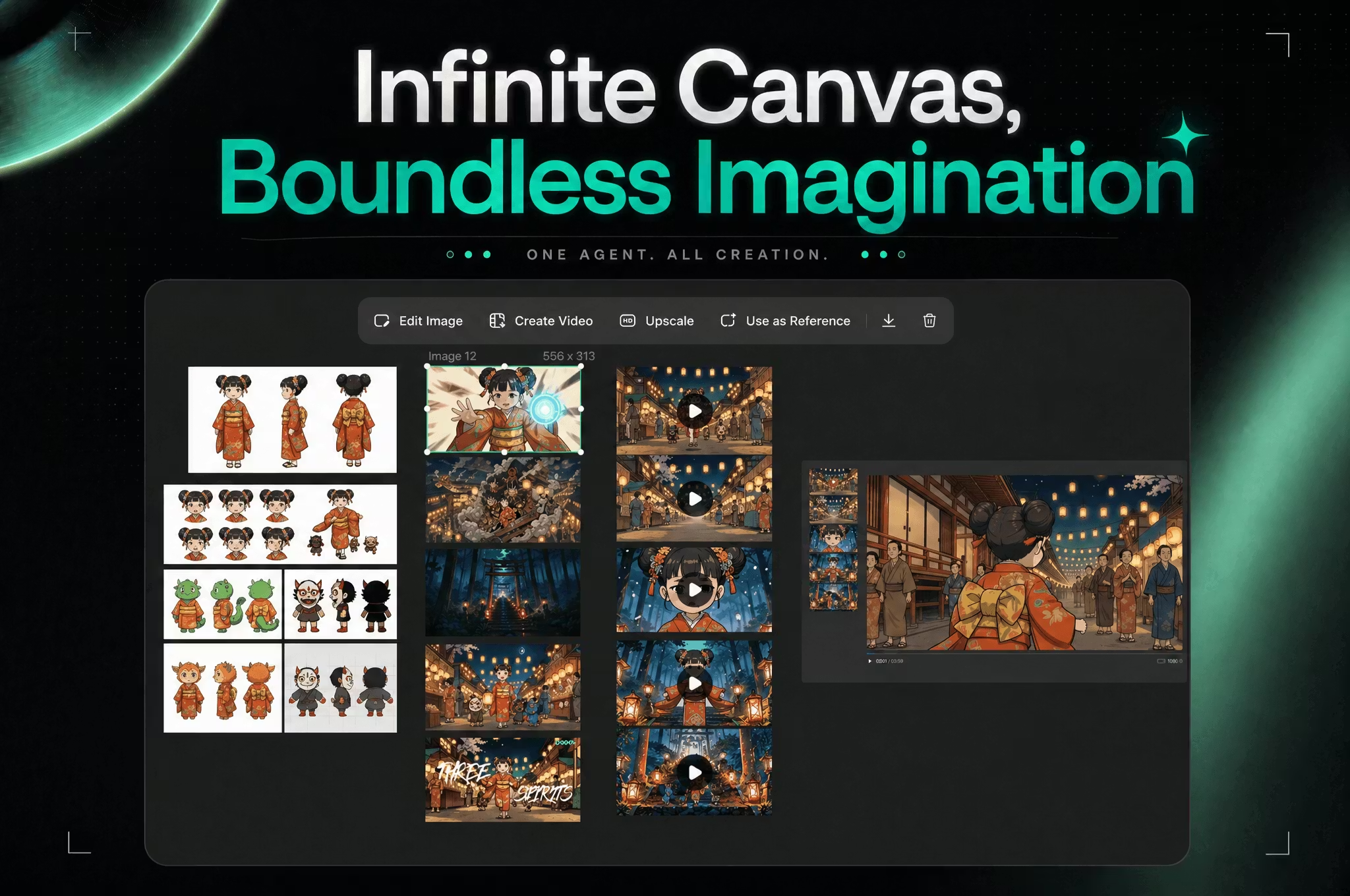
Loova (loova.ai) bundles multiple mainstream image and video models into one browser workspace: text-to-image, image-to-image, text-to-video, video editing, and product ad clips can all run under a single account. Loova Agents help plan shots, while templates and a studio-style canvas organize sequences—useful if you want to quickly test ad spots, explainers, UGC-style clips, or multi-shot shorts. If your day-to-day workflow depends on local asset libraries, multi-track timelines, and fine color grading, it is not built like a traditional editing suite.
Key Features
- Switch among video models such as Seedance, Kling, Veo, and Sora in one UI and submit generations
- Use GPT Image 2, Nano Banana, and similar models for text-to-image and image-to-image with aspect ratio and batch count controls
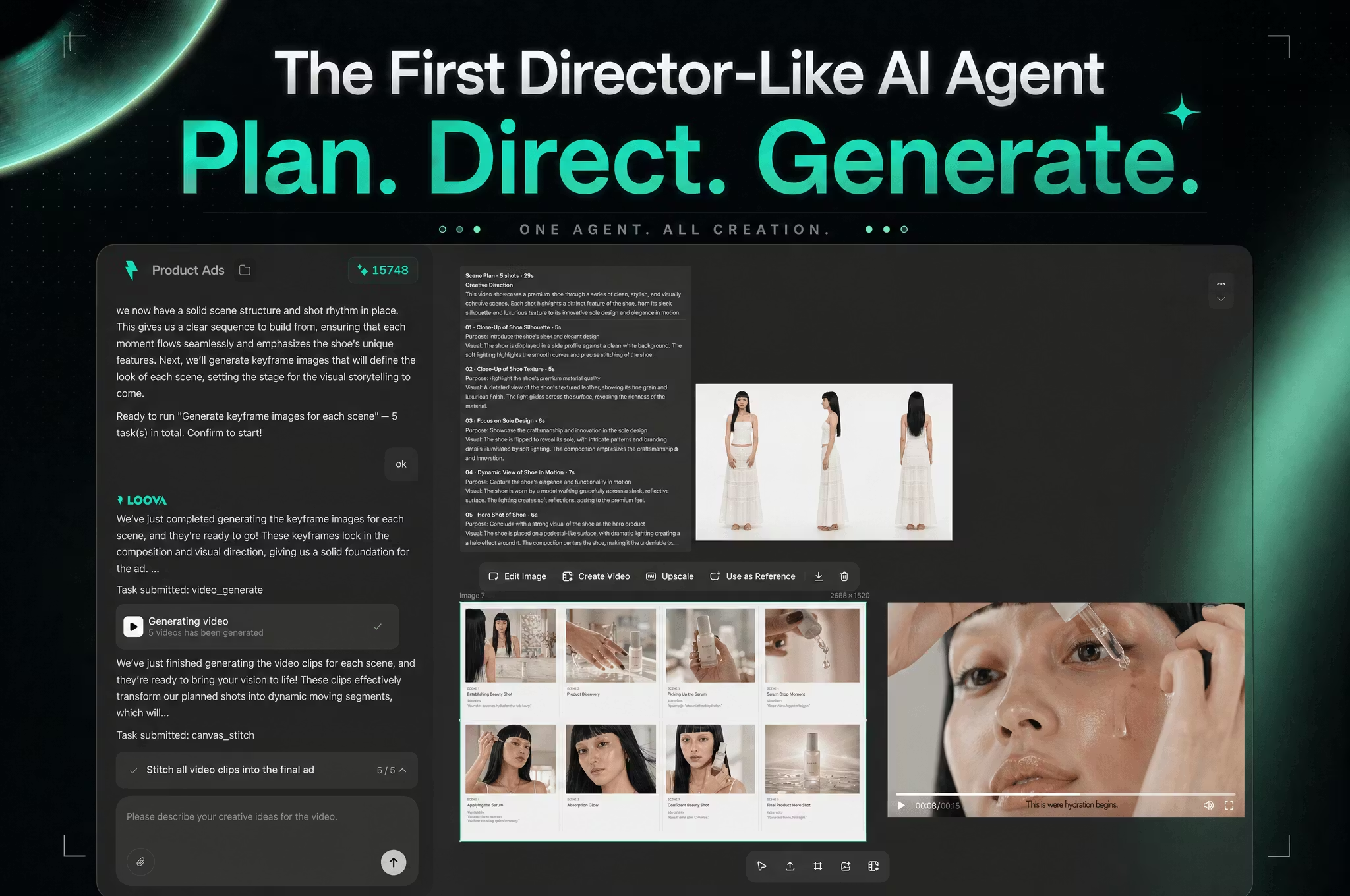
- Loova Agents arrange shots by storyboard for ads, cinematic shorts, and explainers
- Product Ads workflow pairs GPT Image 2 with Seedance 2.0 for UGC-style product videos
- Targeted editing entries include AI video object removal, add object to video, and Video to Video
- Subscription tier sets monthly credits, concurrency, and whether select models get “365 unlimited” benefits
Use Cases
- E-commerce operators receive new product assets and need vertical ad clips and hero image variants the same day
- Creators plan 3–5 shots with Agents, generate each beat, then assemble an explainer video
- Brand marketers try different model styles on one canvas to pick what fits TikTok best
- Designers upload references for image-to-image, then export stills for landing pages or ad covers
Who is it for?
- Creators and small teams who want many video/image models in one account without signing up on each vendor site
- People focused on AI ads, UGC promos, or funny shorts who accept credit-based billing
- Marketers who want templates and effect categories to start fast without self-hosting GPUs
- May not fit: editors who must stay in DaVinci Resolve/Premiere multi-track pipelines with custom plugins
- May not fit: high-volume pipelines that need penny-precise per-generation costing and refuse extra credit packs
How It Compares to Similar Tools?
- Positioned as a multi-model hub plus template workflows, not a single-model official playground
- Compared with text-to-video-only tools, it also covers image generation, product ad workflows, and some video edits
- If you need enterprise review, versioning, and local project files, traditional cloud editors or MAM systems still fit better; if you need to compare models quickly and ship ad samples, this kind of aggregator is worth a look
Pricing Details
The official Pricing page (checked 2026-05-17; confirm the latest page) uses fixed monthly credits plus unlimited perks on select models, with monthly/annual billing (the site notes ~52% savings on annual):
- Lite: about $15/mo on annual billing, 300 credits/mo; access to selected video and image/editing models, concurrency around Video 2 / Image 4; pricing table shows no Seedance 2.0 main access, Seedance 2.0 Fast includes 10 free gens, etc.
- Pro: about $39.2/mo on annual billing (strikethrough $49 shown), 1200 credits/mo; all video models and all image/editing models, concurrency Video 6 / Image 8; includes Seedance 2.0 free allowance, Seedance 2.0 Fast 7-day unlimited items (per page).
- Max (marked Most Popular): about $59.4/mo on annual billing (strikethrough $99), 3000 credits/mo, concurrency Video 8 / Image 12; multiple “365 UNLIMITED” items (e.g., Nano Banana Pro/2, GPT Image 2—see pricing table).
- Ultimate: about $119.5/mo on annual billing (strikethrough $249), 8000 credits/mo, concurrency Video 12 / Image 12; fuller 365 unlimited list and extra-credit discounts on the page.
Buy Credits is available separately. Terms state subscription fees are generally non-refundable unless otherwise noted; you can cancel renewal in account settings. The homepage offers Sign up for Free.
FAQs
Q: Can I start Loova for free?
A: The site offers free registration; daily/monthly free allowances and whether a card is required depend on in-account credit info and the latest pricing/terms.
Q: Can I use generated images or videos commercially?
A: The text-to-image page states users own usage rights even on the free plan; scope still depends on Terms of Use and your jurisdiction.
Q: How is Loova different from a tool tied to one video model?
A: It keeps many image/video models, Product Ads, Agents, and some edits in one credit account—helpful when you need to compare outputs across models.
Q: How do credits and “365 Unlimited” work?
A: Each tier includes fixed monthly credits for per-generation charges; some higher tiers mark time-limited or 365-day unlimited access for specific models—see Unlimited Generation and Credit-Based Generation on the pricing page.
Why We Recommend
From a third-party tool


