
What website is this?
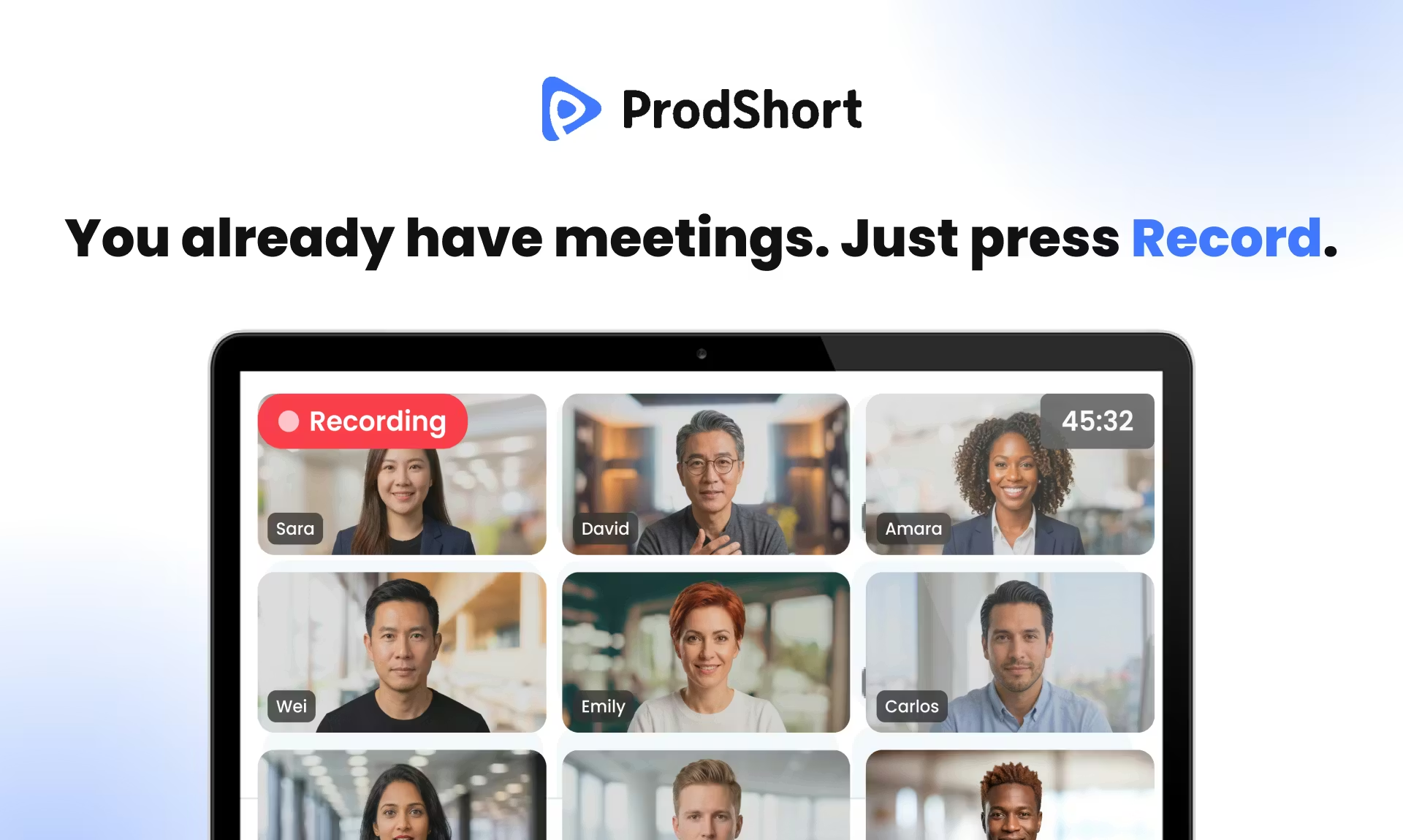
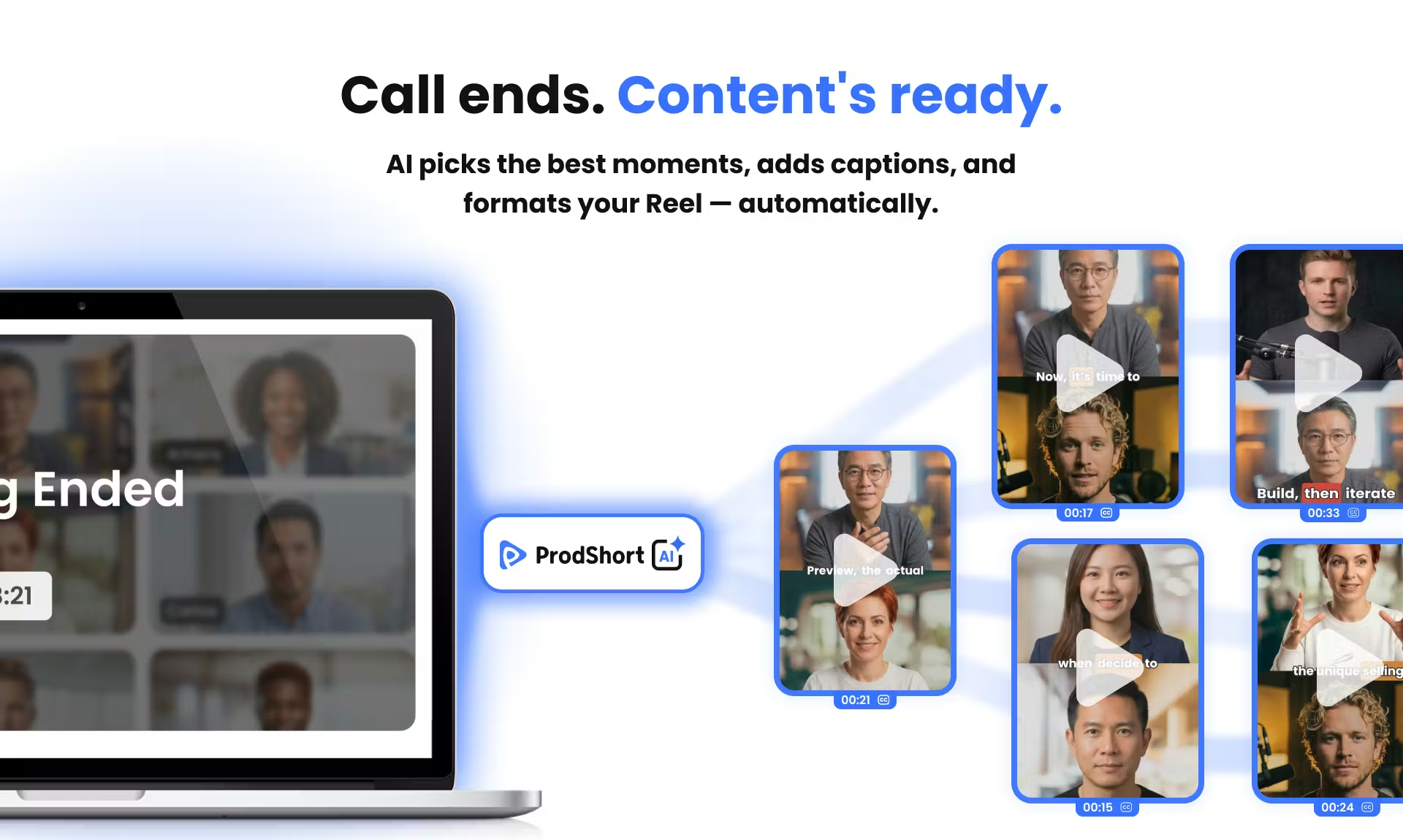
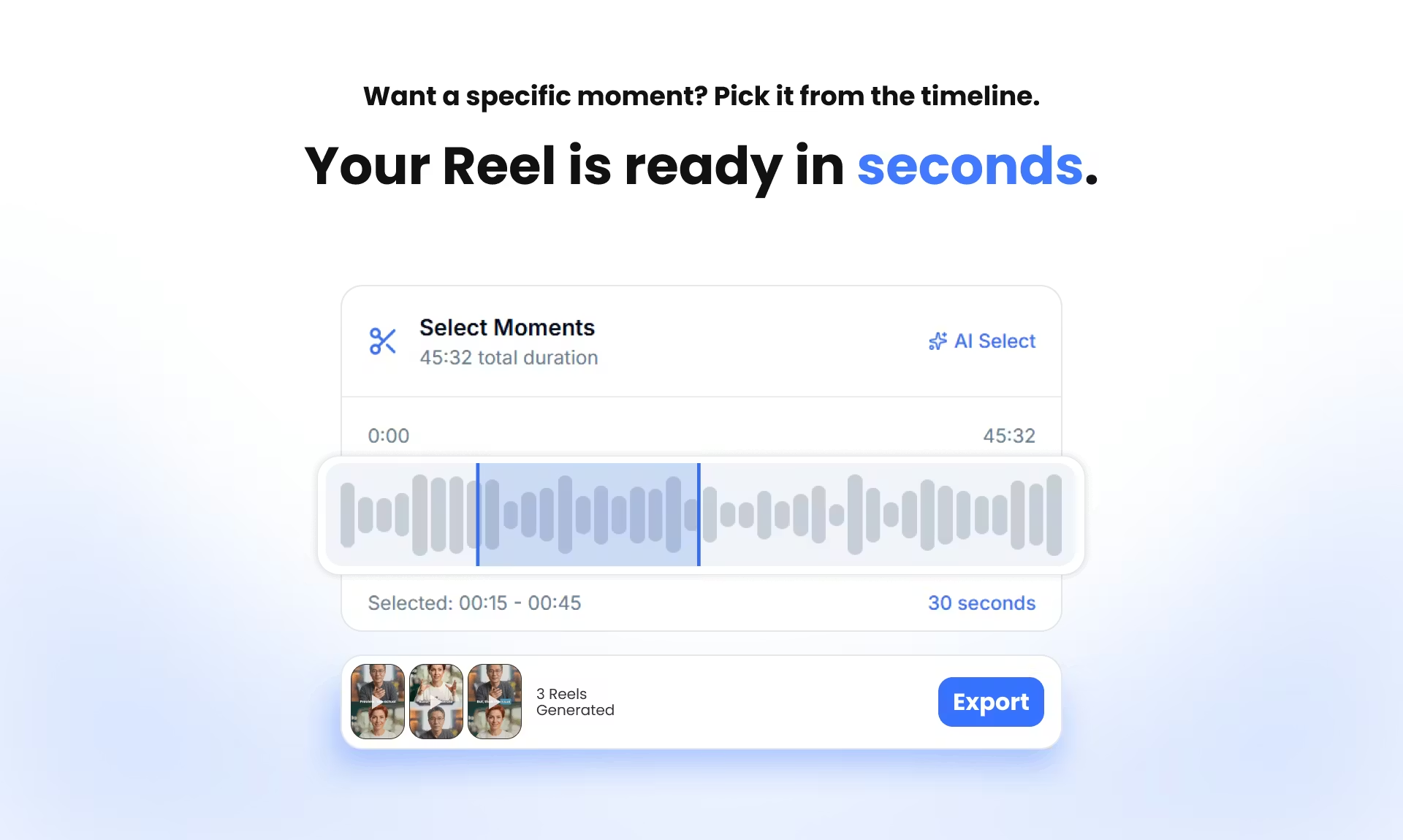
ProdShort is a vertical short-video tool built around online meetings. You schedule a recording bot to join Google Meet, Zoom, or Microsoft Teams; after the call, you trim segments on a timeline or use system hints for likely high-engagement moments. It then generates word-by-word animated captions, applies your logo and color template, exports 1080p MP4 files, or queues posts to LinkedIn, TikTok, and Instagram. It targets people who already said useful things on a call but do not want to spend an hour in a desktop editor—founders and content operators who meet regularly—not workflows centered on offline B-roll and multi-track finishing in a traditional NLE.
Key Features
- Schedule a bot to join and record Meet, Zoom, and Teams without a browser extension or manual upload
- Pick clips on a timeline or jump to moments flagged as high engagement
- Transcribe speech into word-level animated captions and edit the text in the editor
- Set logo, speaker layout, and caption colors so clips look consistent
- Connect LinkedIn, TikTok, and Instagram, rewrite captions per platform, and queue publishing
- Render 1080p vertical MP4 in minutes instead of waiting all day in a queue
Use Cases
- A founder meets investors or customers weekly and wants two or three sub-one-minute clips from the same call
- Marketing hosts a live demo or panel and needs several subtitled vertical cuts for different platforms
- A small interview show records on Zoom and batches branded captions instead of hand-aligning every line
- Customer success hears shareable stories on Teams reviews and turns excerpts into LinkedIn post assets
Who is it for?
- Creators and founders on Meet, Zoom, or Teams whose call content can be quoted publicly
- Small teams that need a fixed brand look and monthly batches of vertical exports
- People who want record–trim–caption–publish in one web flow and can live with export quotas
- May be a poor fit: producers who rely on offline shoots and cinematic editing, with few online meetings
- May be a poor fit: clients who require local multi-track mixing, grading, and effects in a pro NLE
How It Compares to Similar Tools?
- Closer to a “meeting record + short-clip pipeline” than a full general-purpose nonlinear editor
- Unlike meeting AI that only outputs text notes, the deliverable is publish-ready vertical video plus platform copy
- If fine multi-track editing and film-style effects matter most, tools like Premiere still fit better; if the pain is finding quotes in calls and shipping clips the same day, a bot-plus-export stack is worth evaluating
Pricing Details
The Pricing section on the official site (as checked; confirm the latest page) lists three monthly plans with no required annual term:
- Indie: $0/month—5 exports/month, 5 meetings/month, 30-day history, animated captions, custom templates, ProdShort watermark on exports.
- Builder: $49/month (marked Popular)—40 exports/month, unlimited meetings, 90-day history, no watermark, custom logo, LinkedIn/TikTok/Instagram publishing, AI captions per platform.
- Chronicler: $99/month—unlimited exports and meetings, 180-day history, no watermark plus logo, all publishing features, priority processing.
All plans include a 14-day money-back guarantee and cancel anytime; the homepage also offers free recording with no credit card.
FAQs
Q: Can I start using ProdShort for free?
A: The homepage states you can start recording without a credit card; Indie is $0/month with caps on monthly exports and meetings—see Pricing for details.
Q: Do I need a plugin or to upload meeting recordings myself?
A: Per the site, a scheduled bot joins and records on the three platforms—no browser extension and no manual upload of meeting files.
Q: How is it different from general editing apps?
A: The focus is trimming meeting recordings, captions, brand styling, and social scheduling; complex multi-track edits and effects still belong in dedicated editors.
Q: How do I choose a plan for exports and publishing?
A: The free tier has a watermark and fewer exports; for no watermark, social publishing, and higher quotas, compare Builder and Chronicler on the site.
Why We Recommend
From a third-party tool-directory angle, ProdShort’s strength is chaining bot join, clip selection, word-level captions, and brand packaging in one web flow instead of opening a separate edit project. Teams that meet online often and want calls turned into vertical social assets usually spend less time than exporting full recordings and cutting by hand. Before subscribing, check monthly export limits, history retention, and watermark needs; if the core job is grading or multi-track sound design, keep a pro NLE as the main tool.


