
What website is this?
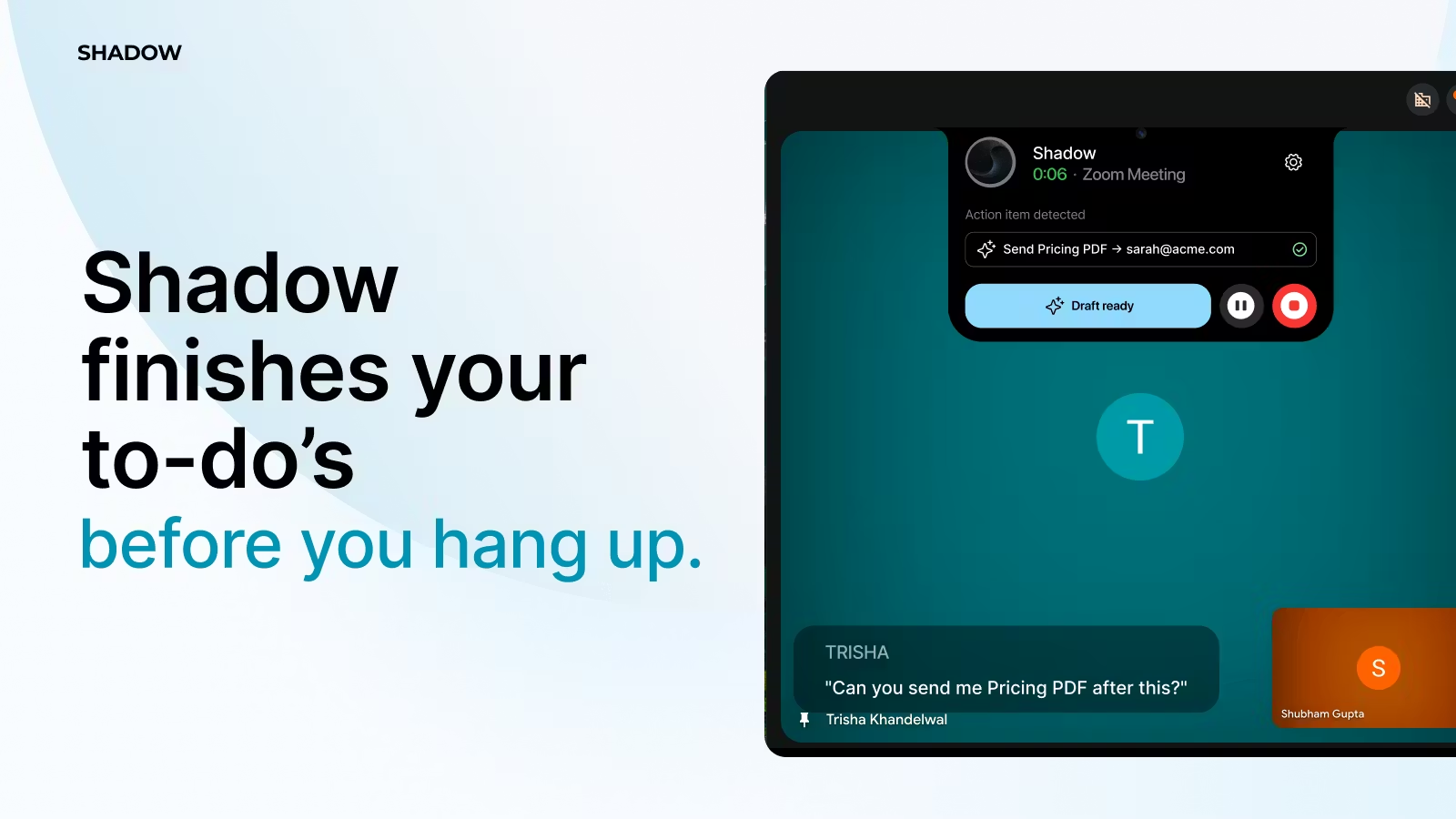
Shadow (shadowlabs.ai, operated by Shadow Labs AI) targets live online meetings: while a call is in progress, it pulls commitments, action items, and key details from the conversation, produces recap drafts, tasks, and follow-up text earlier in the workflow, and connects with calendars and common collaboration tools. Compared with transcription-first tools that mostly export a post-call summary, Shadow emphasizes in-call prompts and orchestration before the meeting ends; fit depends on how much automation you want, which integrations you need, and what privacy authorization your organization allows.
Key Features
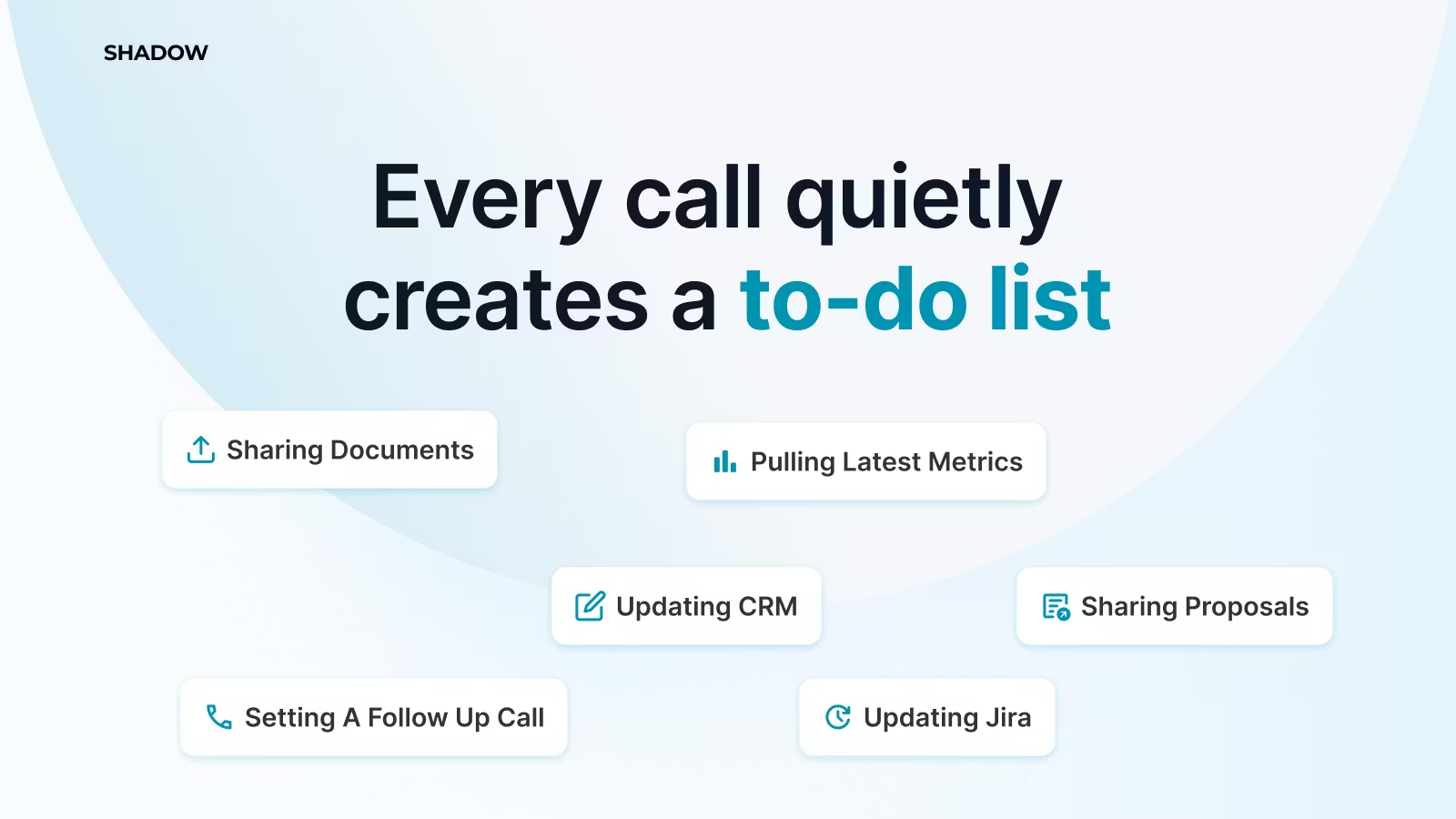
- Detect commitments and tasks during a call and surface next-step prompts as cards (Live AI Wingman cards).
- Generate meeting notes, action-item lists, and follow-up drafts to reduce manual cleanup after calls.
- Sync with Google Calendar for scheduling and to link prep with post-call review.
- The homepage claims speech recognition and understanding across 60+ languages for multilingual meetings.
- Integrates with tools such as Slack, Zoom, Google Meet, Microsoft Teams, and Notion; see the official site for the full list.
- The privacy policy describes encryption at rest and deletion paths; recording and live processing require compliant consent.
Use Cases
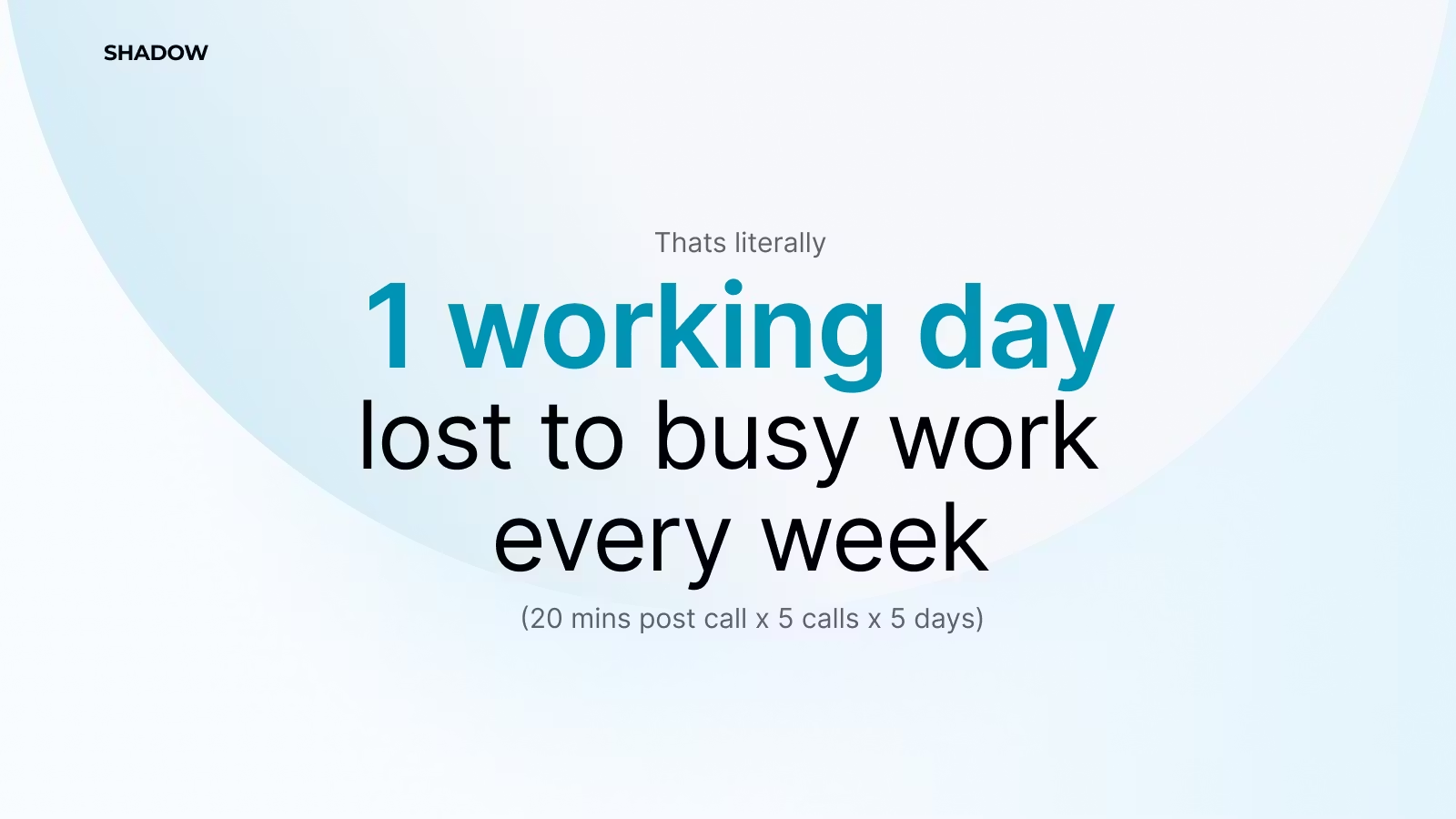
- Sales and customer success teams run many outbound calls or demos each day and want commitments and follow-up email talking points captured before hanging up, reducing late CRM entry.
- Project managers work across time zones with dense meetings and need recap scaffolding synced to project tools instead of rebuilding notes overnight.
- Consulting teams collaborate constantly and want tasks pushed into Notion or similar stacks with same-day reminders rather than lost in chat logs.
- HR and recruiting hold multiple interviews in one day and need structured notes and candidate follow-up drafts they can send the same day.
- Small teams have uneven meeting volume and want to validate Free-tier monthly caps before upgrading to unlimited meetings.
Who is it for?
- Individuals or small teams with heavy calls and costly follow-up who can grant calendar and collaboration access to an assistant.
- Users who want notes and tasks to land in Slack, Notion, or similar tools instead of staying in local documents only.
- Buyers or admins who read privacy policies carefully and verify retention and deletion workflows.
- Not a fit: Teams that rarely meet online or forbid third-party assistants in meetings, or users who only need offline transcripts without in-call automation.
How It Compares to Similar Tools?
Start with focus: note-taking products skewed toward post-meeting collaboration and templated exports often excel at multi-person editing and formatting; Shadow’s positioning leans toward in-call card prompts and follow-up drafts with mainstream meeting and collaboration apps listed as integrations. Whether it reaches your CRM or ticketing stack still needs a checklist review; Enterprise is marked Coming Soon on pricing, and SSO, team management, and custom integration claims should be tracked on the official site.
Pricing Details
Summarized from public information on shadowlabs.ai/pricing; checkout flows, promotions, or policy updates may differ—follow the latest pages.
- Free: $0/month; includes 10 meetings per month, 2 data sources, Live AI Wingman cards, meeting prep and review, Google Calendar sync (per the pricing page).
- Pro: $59/month; unlimited meetings and data sources, Live AI Wingman cards, meeting prep and review, Google Calendar sync, priority support (per the pricing page).
- Enterprise: labeled Coming Soon; described as Pro plus team management, SSO/SAML, custom integrations, a dedicated account manager, and custom AI agents (pricing-page overview).
FAQs
Q: Is there a free plan? What are the limits?
A: The pricing page lists Free with caps on monthly meetings and data sources; see the plan table for fields.
Q: Do I have to install a desktop client?
A: The site emphasizes integrations with common meeting and collaboration tools; whether a local client is required depends on your setup—follow onboarding or docs.
Q: Which languages and platforms are supported?
A: The homepage cites 60+ languages; integration examples include Slack, Google Meet, Zoom, Microsoft Teams, and Notion—confirm the full list on the official site.
Q: Is my meeting data used to train models?
A: The privacy policy restricts certain uses of Google user data (for example, not using it for ads or model training in the stated sense); broader handling follows the full policy and FAQs.
Q: What changes from Free to Pro?
A: The pricing page lists Pro as unlimited meetings and data sources with priority support; Free has monthly limits.


