

What website is this?
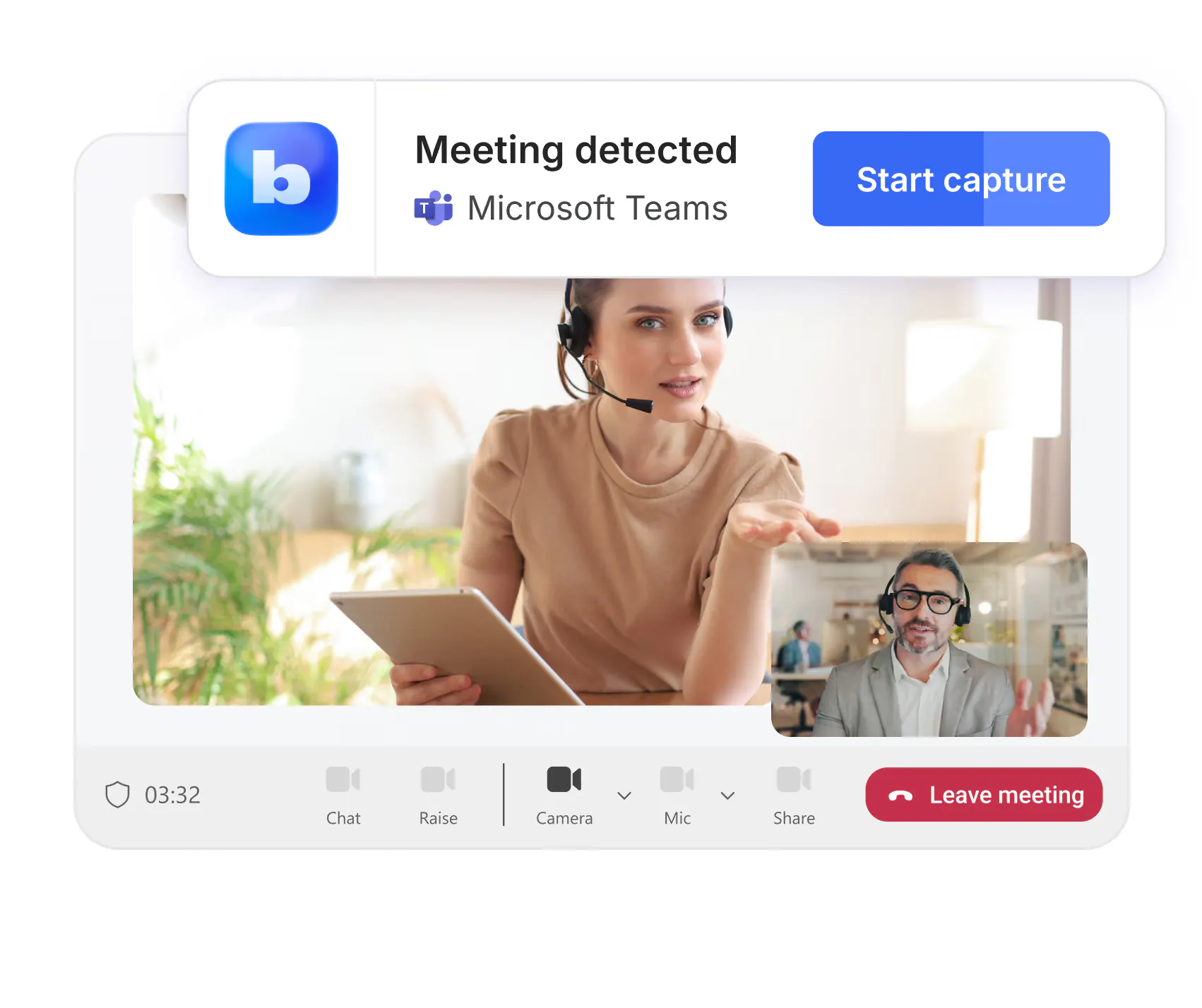
Bluedot is a meeting note tool that records, transcribes, and summarizes without adding a bot to the participant list. Online meetings are captured with a browser extension or a desktop app, and in-person conversations with a phone. It takes on the work of listening, writing notes, and later sending the points to a CRM or a document. It fits teams that need searchable shared notes, not meetings that must show a recording bot.
Key Features
- Record a browser meeting with the Chrome extension, or keep only the transcript.
- Use the Mac and Windows desktop apps for calls that open in their own programs.
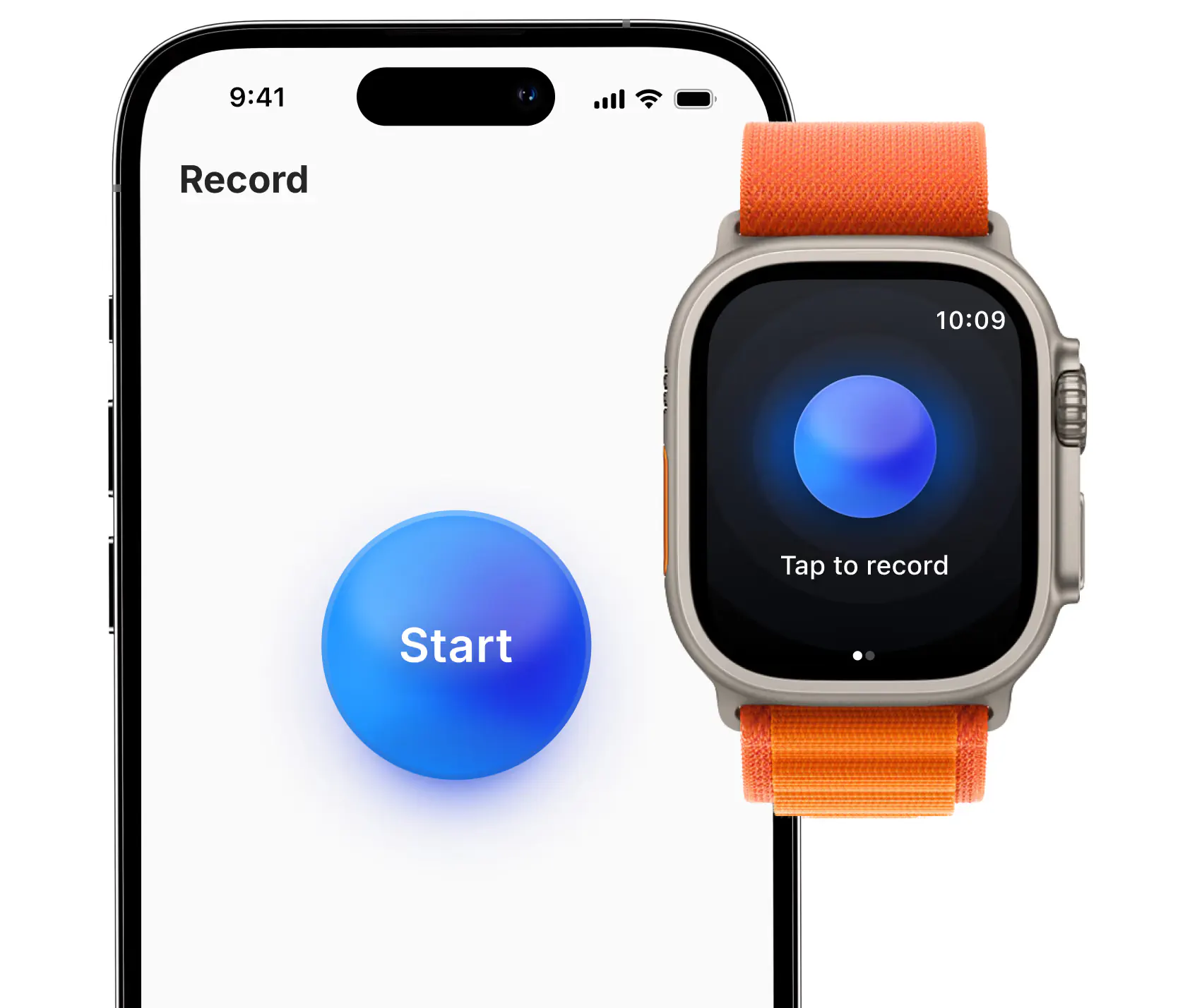
- Start an in-person recording from iPhone, Android, or Apple Watch.
- Search notes across meetings and sync them to a CRM or Notion.
- Upload common audio or video and get a transcript plus a structured summary.
Use Cases
- A salesperson meets on Zoom or Meet and writes the notes into the CRM afterward, instead of assigning a person to take notes during the call.
- A recruiter watches the candidate, records the in-person conversation on a phone, and sends the points into the hiring system.
- A founder looks up an earlier decision by asking across meetings, instead of searching several chat logs.
- Someone who needs a transcript later uploads an existing MP3 or MP4 and gets text and a summary.
Who is it for?
- Teams that meet online and do not want a recording bot in the participant list.
- Sales, recruiting, and customer success people who sync notes to other systems after the meeting.
- People who need in-person recording and will capture it on a phone or watch.
- People in places that require a clear recording notice, who do not plan to tell participants, should check local rules first.
How It Compares to Similar Tools?
Capture happens in the person's browser, desktop, or phone, rather than through another account joining the meeting. The free allowance is 5 meetings for the life of the account, not ongoing unlimited free recording. Notes can be handed to an existing Claude or ChatGPT setup, or used through MCP. The model itself is not what Bluedot sells.
Pricing Details
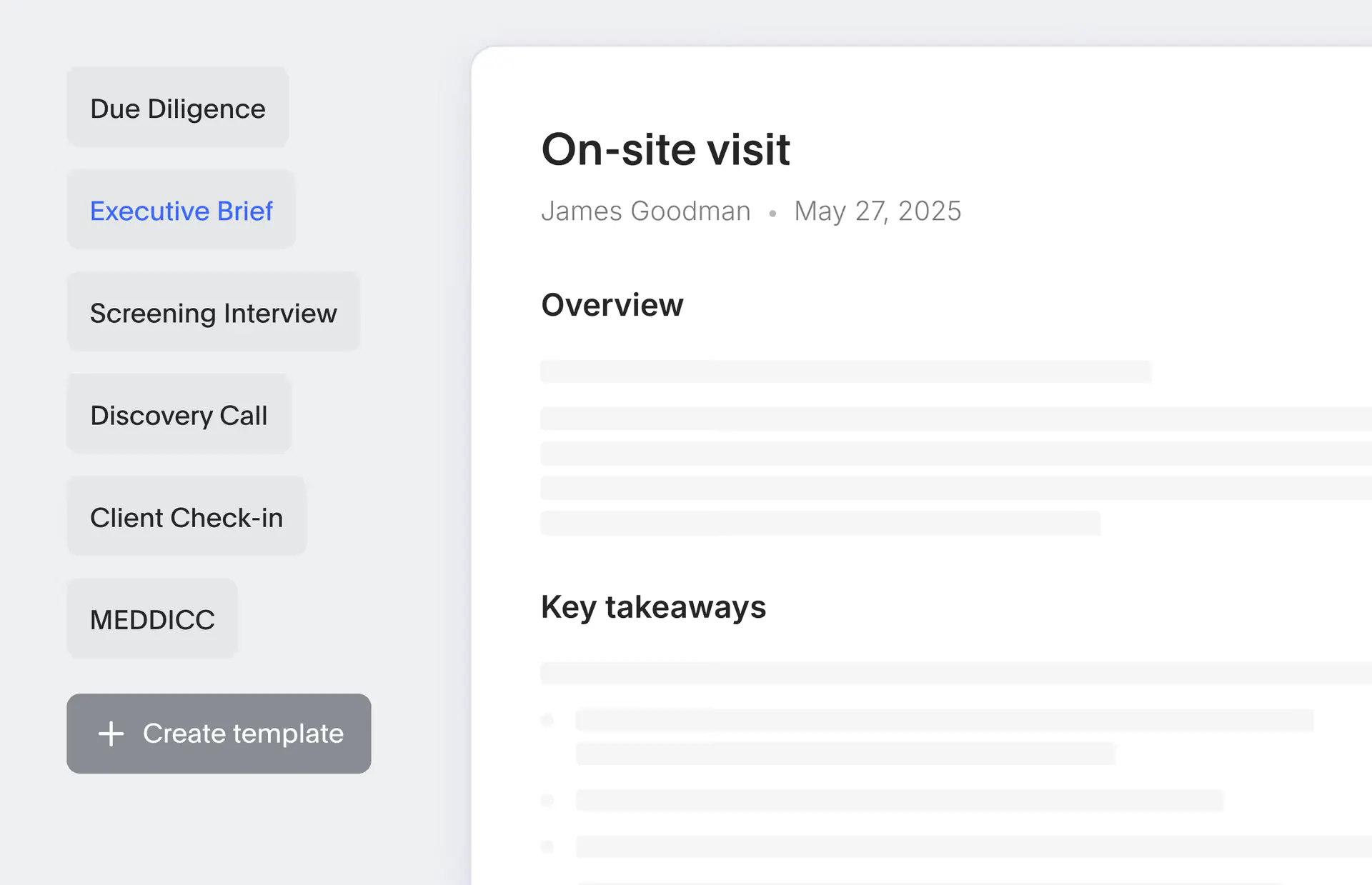
The pricing page bills per user per month and separates annual and monthly prices. Free is $0 per user per month, with 5 meetings for the lifetime of the account, plus the extension, desktop and mobile apps, and Slack, Notion, Zapier, and Make. The homepage FAQ calls those 5 meetings a lifetime trial and says this is not a free meeting note taker. Annual billing lists Basic at $14, Pro at $20, and Business at $32 per user per month. Monthly billing lists Basic at $18, Pro at $25, and Business at $39. Basic is audio only, with unlimited meetings and storage, a one-hour cap per recording, webhooks, and MCP. Pro adds video, unlimited recording length, custom templates, and Zoom and Google Drive imports. Business adds CRM and ATS integrations, admin controls, SSO and SCIM, custom retention, and organization-wide MCP and webhooks. A company-wide flat rate is quoted on request. Billing is for users who record. Prices can change on the page.
FAQs
Q: Does Bluedot have an ongoing free plan?
A: Free on the pricing page is $0, but only for 5 meetings over the life of the account. The FAQ calls that a trial. Continued recording needs a paid plan.
Q: Do other people see a recording bot in the meeting?
A: The site says a bot is not added to the participant list. Telling other people is the user's decision, and consent rules differ by place.
Q: Do I have to be the meeting host to record?
A: No. A participant can capture with the extension or app, without host permissions in the meeting platform.
Q: Do the phone and the computer use the same account?
A: One account covers meeting data on the web, the desktop apps, and iOS and Android.
Why We Recommend?
When a participant list should not gain a bot, capture can stay on the person's own device and still leave searchable notes. Sales, recruiting, and in-person notes are easier to sync to tools the team already uses. The free allowance is only 5 meetings for the life of the account, continued use depends on Basic, Pro, or Business, and recording consent still follows local rules.
Sources
- Pages: https://www.bluedothq.com/ , https://www.bluedothq.com/pricing , https://www.bluedothq.com/chrome-extension , https://www.bluedothq.com/desktop
- Last checked: 2026-11-19
- Prices and features follow the current official pages. Annual and monthly prices are what the pricing page showed at that check.


