

What is this website?
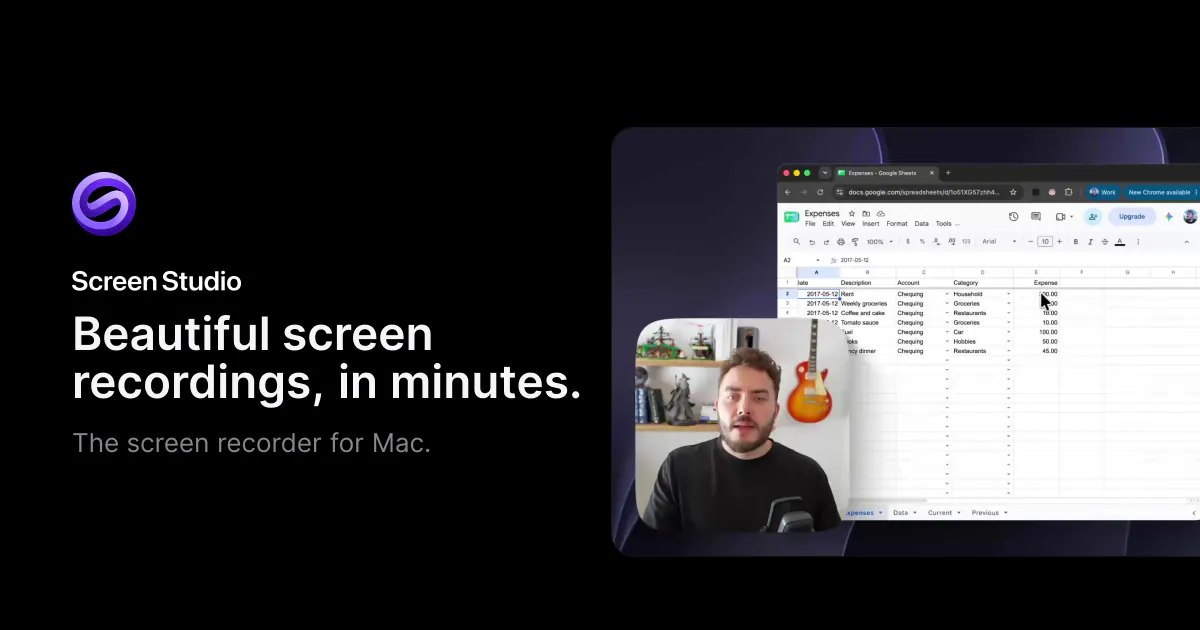
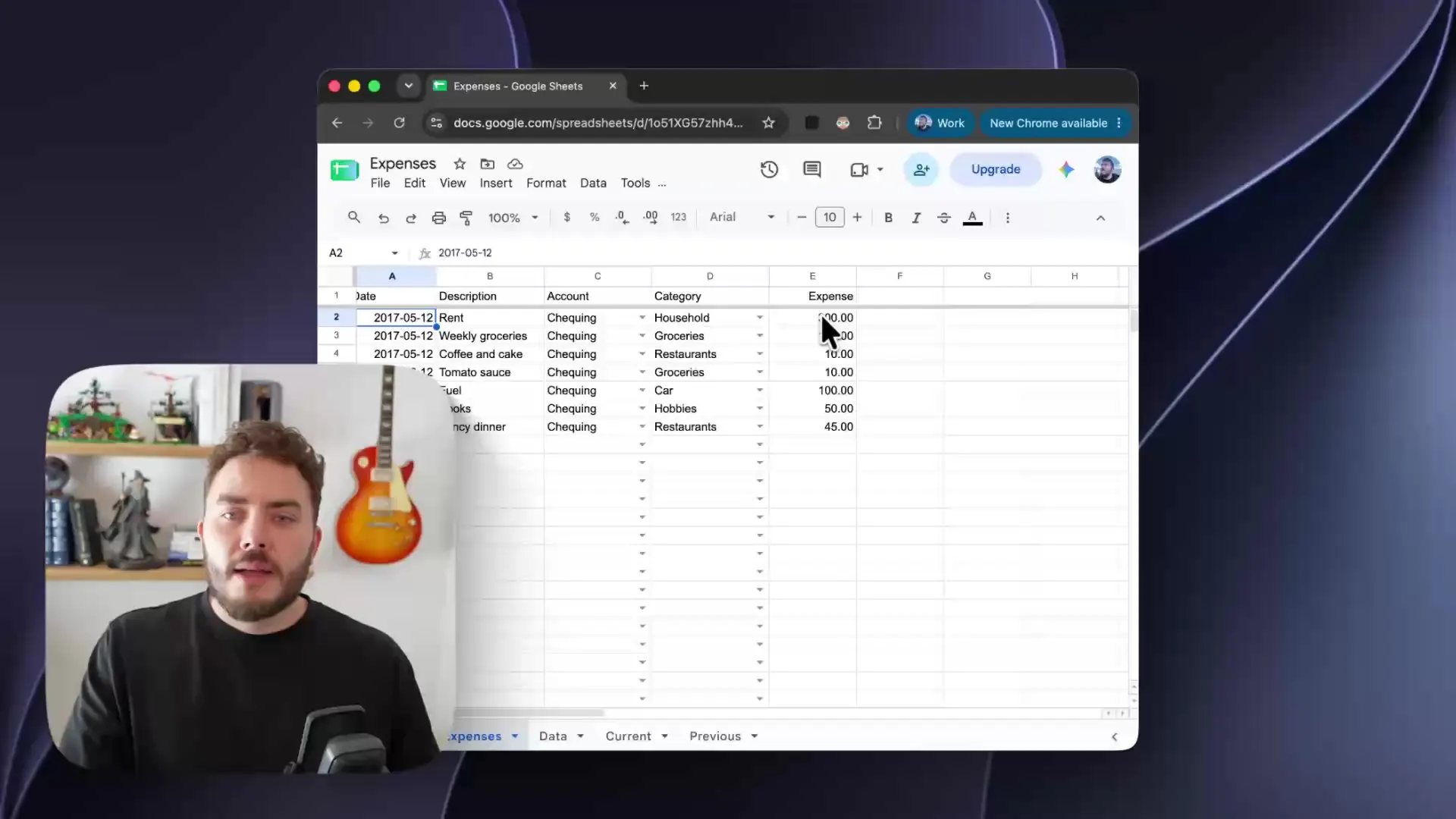
Screen Studio is a desktop screen recorder that runs only on macOS. It turns one take into a product demo, course, or tutorial. The screen image and the mouse path are stored separately, so zooms, the cursor, aspect ratio, and captions are applied after recording rather than burned into the raw frame. The site says there is no Windows version. It fits people who publish from a Mac and want those steps in one app.
Key Features
- Record the full screen, one window, or a region, together with the camera, microphone, and system audio.
- Store the pointer path apart from the picture, then smooth it, restyle it, and add a click ripple.
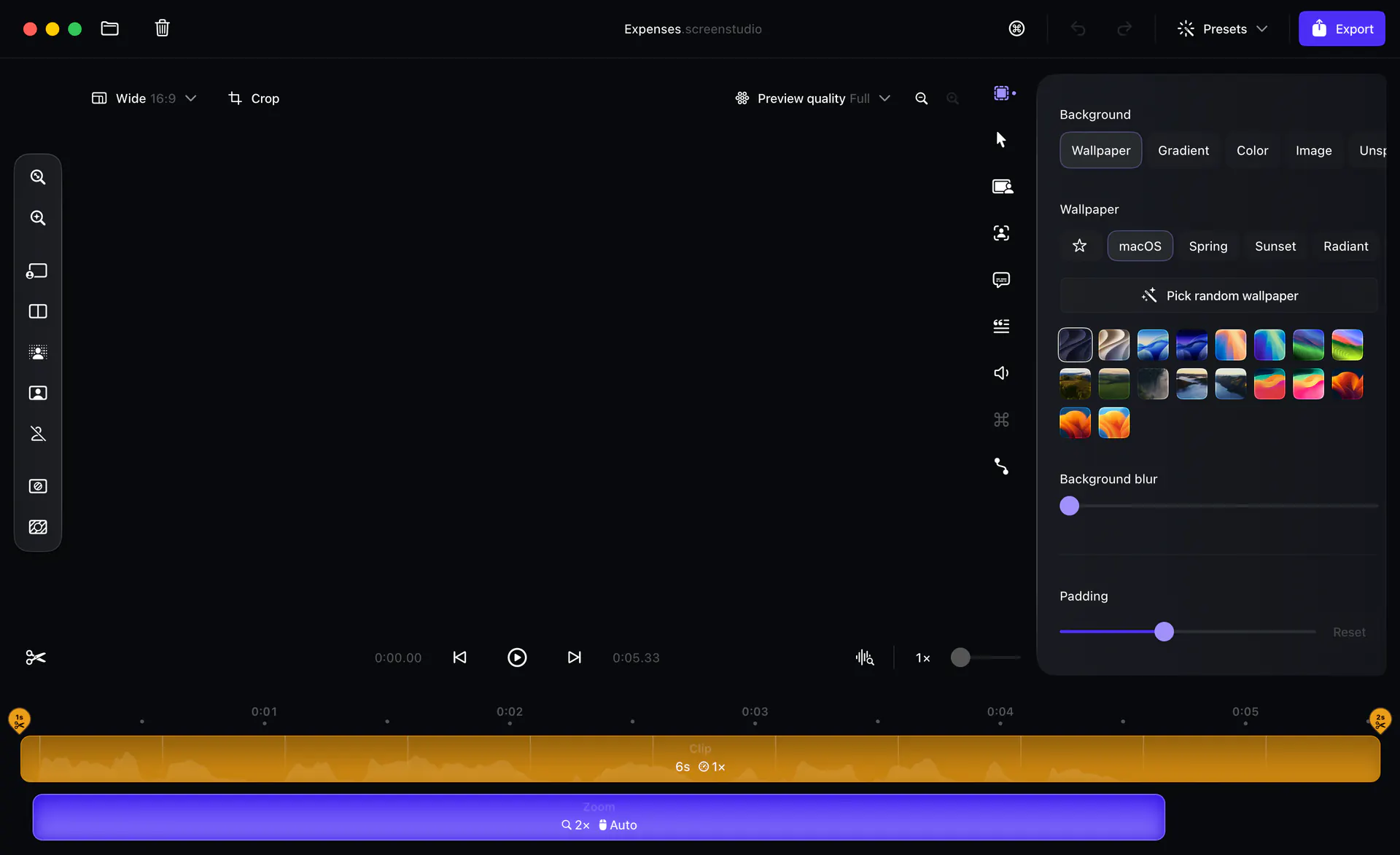
- Build zooms from clicks, or place a classic zoom or loupe zoom on the timeline by hand.
- Delete a sentence in the transcript to cut that part of the video, and shorten filler words and long pauses.
- Reframe the same take as 16:9, 1:1, or 9:16, then export MP4 or GIF.
Common Use Cases
- A product manager records Mac clicks before a feature review, marks them with automatic zoom, and exports the result.
- A course author records from a script, cuts mistakes and pauses in the transcript, and generates captions on the Mac before any upload.
- An indie developer making a social post turns the same recording vertical and uses Reel mode to see whether an Instagram or TikTok frame would cover the content.
- An app author connects an iPhone or iPad over USB, records the device, and wraps it in a frame that matches the model.
Who is it for?
- People making product demos, courses, or tutorials on a Mac who still want to change zooms and the cursor after the take.
- People who want noise reduction, captions, and camera cutout to stay on the machine by default, rather than uploading every finished video.
- People who mainly work on Windows, or who need to edit the same take with others in a browser, will find a poor fit.
- A meeting recording that should stay untouched is a heavy use of the zoom, layout, and preset workflow.
How does it compare with similar tools?
- If changing the cursor, zooms, and aspect ratio after the take matters more, Screen Studio keeps those edits for later. Tools that record the cursor into the picture usually cannot change that path afterward.
- If recording in a browser and sending a link immediately matters more, look at web recorders first. Screen Studio records and edits inside the Mac app; a share link is an optional step after export.
- If a team needs one Windows tool, or must work across systems soon, the FAQ says macOS is the only platform and that a Windows version is not planned for the near term.
Pricing Details
The download page says that without an active plan every feature remains available except exporting video files. A paid plan is required to produce an exported video. The two plans on the homepage list the same features.
- Yearly: listed at $9 per month, marked Save 69%. It includes every feature, export up to 4K at 60 fps, shareable links, cloud transcription, and project sharing.
- Monthly: $29 per month, with the same entitlement list as yearly.
- Education: students and educators can request 40% off. Without an educational email, send proof of student status to team@screen.studio.
- One-time licenses are no longer sold to new buyers. An older license remains valid; if update access has expired, it can be renewed.
Prices and discounts follow the live page at https://screen.studio/.
FAQ
Q: Can Screen Studio be used without a subscription?
A: The download page says that without an active plan every feature except video export still works. Exporting a finished video requires the yearly or monthly plan.
Q: Is there a Windows version?
A: No. The FAQ says only macOS is supported, with no near-term Windows plan. macOS 13.1 or later is recommended, with separate Apple Silicon and Intel builds.
Q: Are recordings and captions uploaded automatically?
A: The site says recording, projects, local transcription, noise reduction, and export stay on the Mac by default. Share links, shared projects, cloud transcription, and AI voiceover leave the machine only when you choose them, and the app says so first.
Q: Does an older one-time license still work?
A: Yes. The site says older licenses remain valid. If access to the latest updates has expired, it can be renewed, but new buyers cannot purchase a one-time license.
Why We Recommend?
Zooms, the cursor, and aspect ratio can be changed after the take, so Mac users making product demos do less work in a second editor. Courses and short clips can also change frame and add captions on the same recording. That assumes you use macOS only, and that exporting video requires a paid plan.
Sources
- Pages: https://screen.studio/ , https://screen.studio/download
- Last checked: 2026-11-02
- Note: Prices, system requirements, and features follow the current official pages.


