

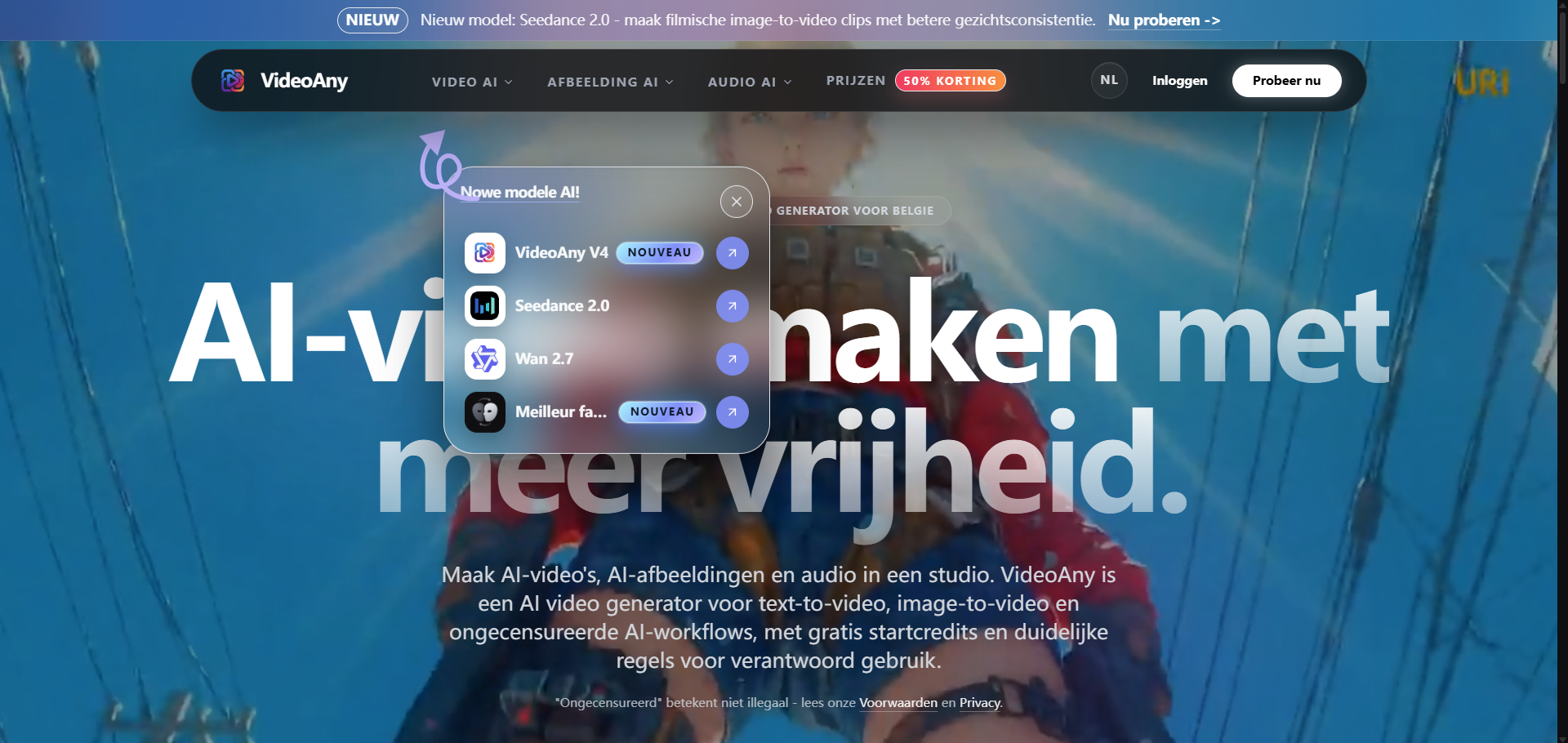
What website is this?
VideoAny is an online AI creative studio centered on turning text or still images into short videos, with image generation, audio generation, and video processing alongside it. It brings several creation entry points into one account and credits system, making it better suited to creators testing assets, motion, and sound combinations than as a replacement for professional post-production software.
Key Features
- Turns text prompts into short videos, with descriptions for subjects, actions, visual style, and camera movement before generation.
- Generates moving clips from uploaded images, using prompts to control subject action and camera changes such as push-ins or pans.
- Generates or edits AI images in the same workspace, then uses them as source assets for later video work.
- Offers audio-related entry points for text-to-music, video-to-audio, image-to-audio, and audio-to-video.
- Includes short-form workflows such as video-to-video, video extension, transitions, face swap, lip sync, and AI avatars.
Use Cases
- Before publishing short-form content, a social media creator makes several vertical animated assets from a product image and a concise motion prompt, then selects versions for Reels or Shorts.
- Without a live shoot, a small brand uses text-to-video to make low-cost samples for a product concept, atmospheric shot, or campaign teaser.
- After creating character art or an illustration, a designer imports the image into an image-to-video workflow to check motion, composition, and camera movement against a storyboard direction.
- Someone who needs to review sound and picture together creates music, voices, or sound effects beside a video draft to judge pacing without repeatedly exporting between separate generation sites.
Who is it for?
- Independent creators who want to test prompts, reference images, short videos, and audio in one place.
- Small marketing and design teams producing short assets for social content, concept pitches, or storyboards.
- People with existing images, character concepts, or product photography who want to try image-to-video.
- It may not be a match for professional production teams that need frame-by-frame editing, precise color grading, complex timeline collaboration, or predictable long-form delivery.
How It Compares to Similar Tools?
VideoAny's public pages place video, image, and audio generation entry points within one creative environment, which suits continuous experimentation around the same source asset; tools focused on a single video model or image capability often separate the workflow more narrowly.
It also offers short-asset operations such as image-to-video, video-to-video, face swap, and lip sync. When the priority is quickly testing motion and camera work from an existing image, compare image inputs, model selection, and credits consumption first; for professional editing and post-production control, a traditional editor may be a better fit.
Pricing Details
VideoAny offers free starting credits, while its pricing page lists one-time credits packages rather than requiring an automatically renewing subscription. Purchased credits are marked as non-expiring, though actual use per generation changes with the tool, model, and output settings.
- Creator: EUR 49 for 1,500 one-time credits.
- Momentum: EUR 99 for 3,800 one-time credits, including 600 bonus credits.
- EUR 200 credits package: EUR 199 for 9,000 one-time credits, including 2,000 bonus credits.
- High-volume credits package: EUR 999 for 80,000 one-time credits, including 20,000 bonus credits.
The pricing page also shows estimated output counts across models and settings, and notes that these are not fixed quotes. Free credits, available models, generation costs, and payment methods should be checked against the latest official pages.
FAQs
Q: Can I use VideoAny for free?
A: The site says users can start for free with starting credits and also lists daily login credits. Higher credits allowances and broader model access should be confirmed against the current plans or credits packages.
Q: Is VideoAny suitable for turning images into videos?
A: Yes. Its image-to-video flow supports uploading an image, selecting a video model, and describing subject action and camera movement in a prompt. A clearer source image and more focused motion description make the direction easier to control, but do not guarantee identical output every time.
Q: Is VideoAny's credits system subscription-based?
A: The pricing page emphasizes one-time credits packages and states that there is no automatic renewal and purchased credits do not expire. The credits used by a generation depend on the selected tool, model, and output settings, so check the current rate in the creation tool before generating.


