

What Is This Website?
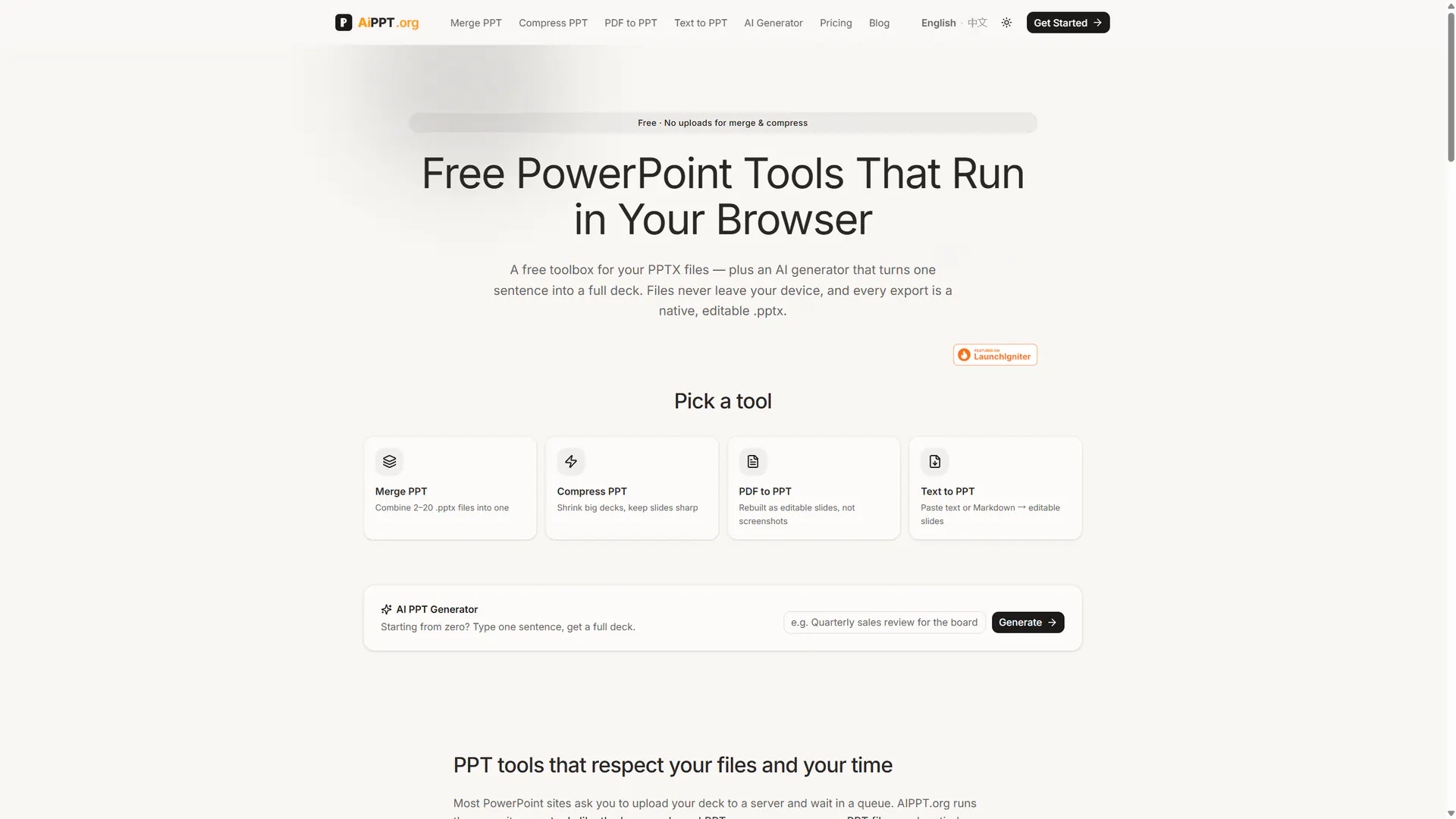
AIPPT.org is a browser toolbox for PowerPoint files. Merge and compress stay on your device.
AI generation, text-to-slides, and PDF-to-slides can show the first three slides first. Downloading an editable PPTX spends credits. It fits people who need a deck quickly and still want to change the wording in PowerPoint, WPS, or Google Slides.
Key Features
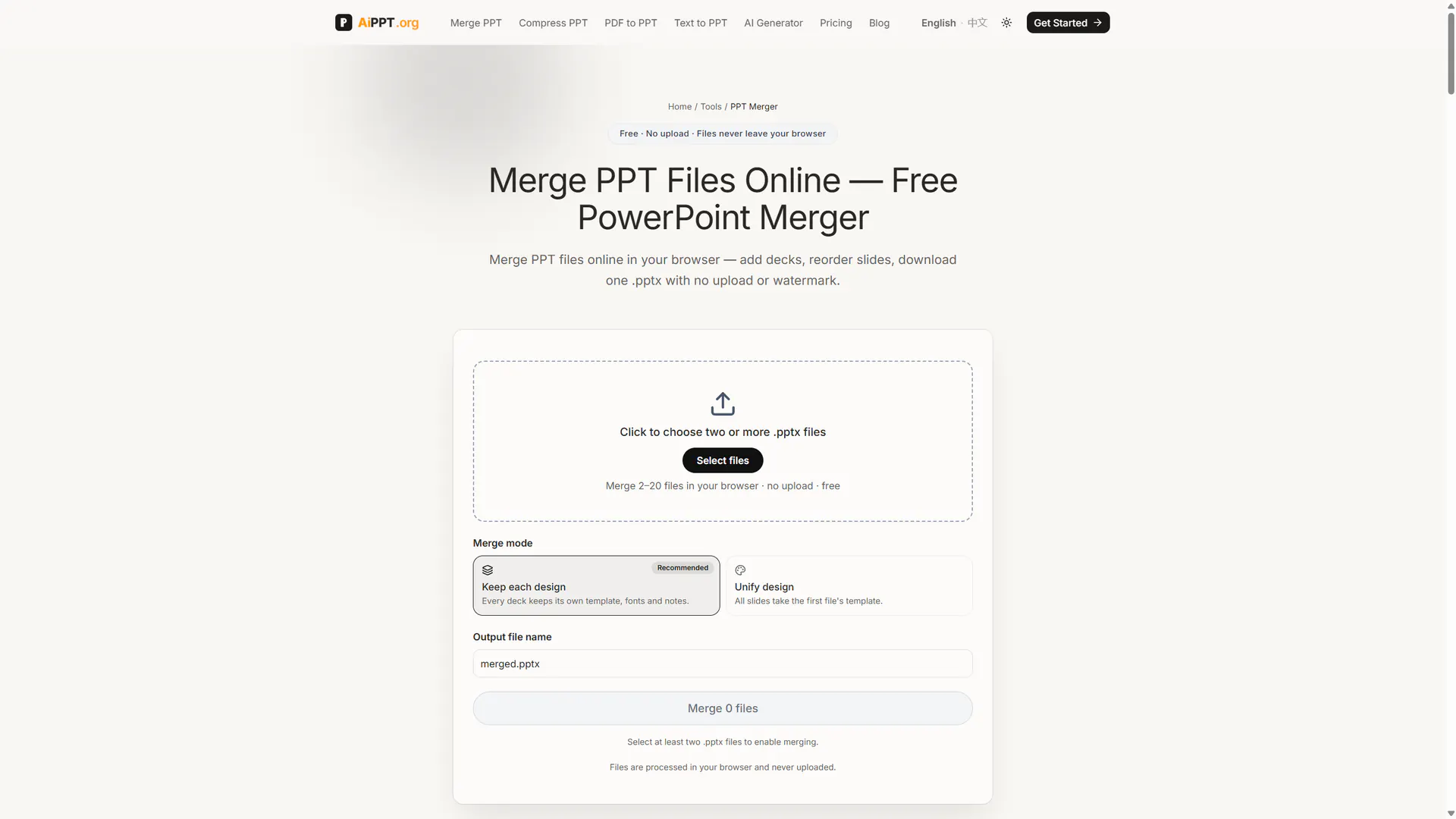
- Merge 2 to 20 PPTX files in the browser, keeping each design or applying the first file's template.
- Compress an oversized deck locally, without sending the original file to the site's server.
- Generate a structured deck from a one-sentence topic and export a native PPTX you can keep editing.
- Turn pasted notes, Markdown, or PDF text extracted in the browser into slides.
- Merge and compress do not require an account. AI tools can show the first three slides before a download.
Common Use Cases
- After several people finish their sections, someone combines them in speaking order in the browser before a meeting, without uploading the files to a drive first.
- When an email host rejects a large attachment, local compression shrinks the deck before it is sent.
- Near a deadline, a teacher or student turns a topic, class notes, or a paper PDF into a lesson or defense deck that can still be edited.
- A developer turns a Markdown note into a briefing, with headings becoming slide sections.
Who Is It For?
- People who need to merge or compress a PPTX and do not want the file left on a server.
- Students, teachers, and office users who want an editable draft from a topic, notes, or a PDF.
- People who want Chinese, Japanese, or Korean text to keep a steadier layout in the exported PPTX.
- People who only want to refine masters, animations, and complex charts in desktop PowerPoint. This site is a place to start, not that design application.
How Does It Compare?
- If keeping the file on the device matters most, start with merge and compress. Both run locally in the browser.
- If a full deck from a blank page matters most, use the free first three slides as a check, then spend a credit only when the download is worth it. Read the wording yourself.
- If masters, animation, and precise layout matter most, desktop PowerPoint is still the closer fit. This site cuts down uploads and queues, and the export can still be edited.
Pricing Details
Merge and compress are unlimited, need no account, and add no watermark. PDF-to-PPT, text-to-PPT, and AI generation can preview the first three slides for free. Downloading the full editable PPTX uses 1 credit.
Prices on the official page are in USD, and tax may be added at checkout: 5 credits for $4.99 and 25 credits for $9.90. Credit packs last one year and do not auto-renew. Pro is $5.90 per month for 50 generations, and unused monthly credits do not roll over. Pro Yearly is $49.90 for 600 generations granted up front and usable until that subscription year ends. A pack and a subscription can be held together. Refund terms are on the site's refund page.
FAQ
Q: Do merge and compress upload the file?
A: The site says both run locally in the browser, the file stays on the device, and no account is required. AI features send the topic or extracted text you choose to the model.
Q: How far can I get without paying?
A: Merge and compress have no stated usage cap. AI, text-to-PPT, and PDF-to-PPT preview the first three slides. A full editable PPTX download needs credits or a subscription.
Q: Is the export a collage of screenshots?
A: The site describes a native PPTX that can be edited in PowerPoint, WPS, or Google Slides. Check animations and fonts after you download it.
Q: Is this the same company as AIPPT.com?
A: The About page says AIPPT.org is an independent project and is not affiliated with AIPPT.com. Do not assume the accounts or prices work across both sites.
Why We Recommend?
Local merge and compress suit people who do not want to hand a deck to a server. A topic, notes, or a PDF can become an editable PPTX before a deadline, then be revised in a familiar app. You pay when you download a full deck, but the generated text still needs a human check, and this does not replace desktop PowerPoint for fine layout.
Sources
- Pages reviewed: home, /pricing, /about, /merge-ppt
- Last checked: 2026-11-29
- Prices, credits, and features follow the live site and can change by region or date.


