

What Is This Website?
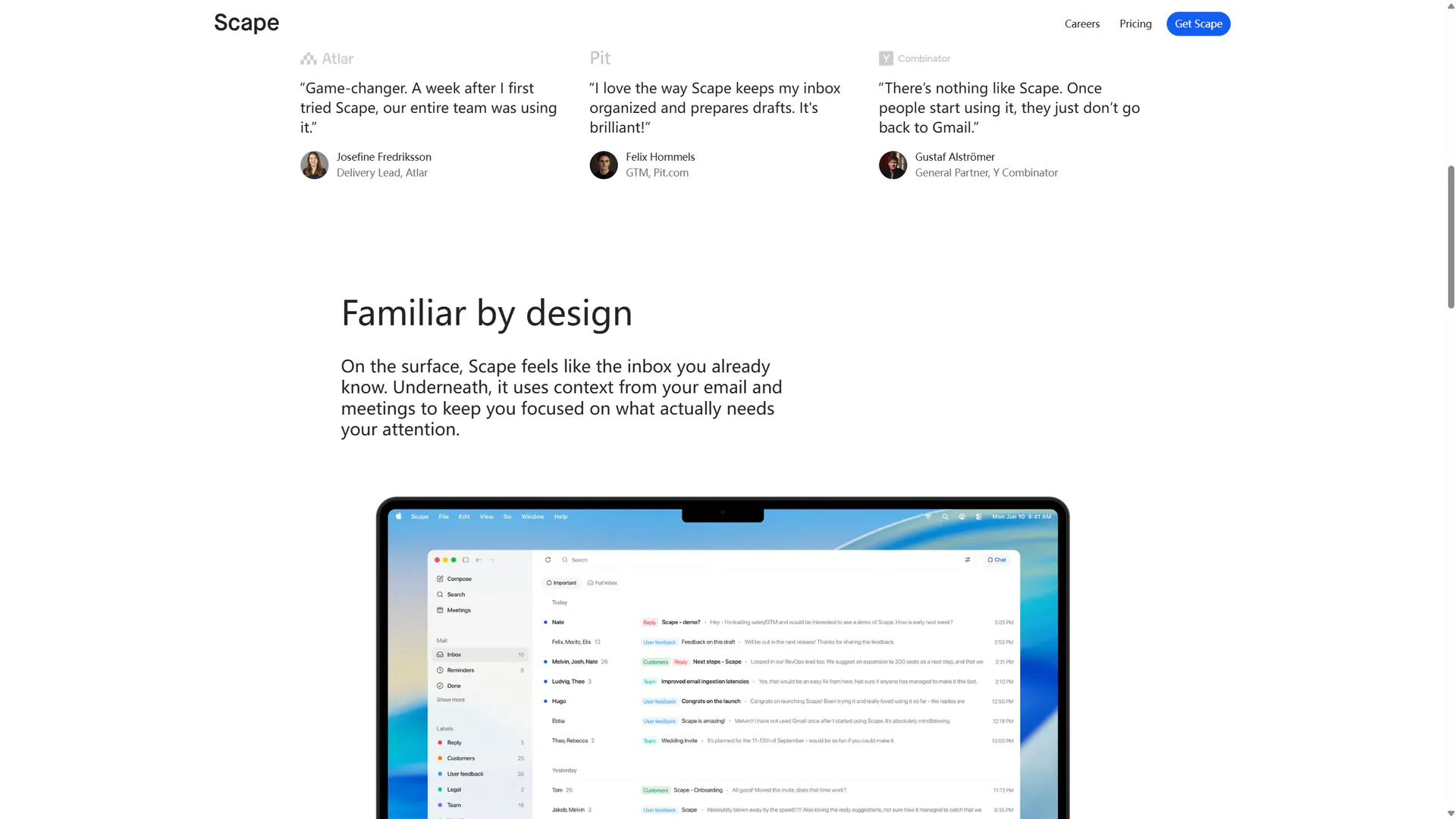
Scape is a Mac desktop email client. It drafts replies in the inbox and moves mail that needs attention into view. After install, a Google account connects mail and calendar. Meeting capture also needs microphone and system-audio permission. Login opens the desktop app, not a browser mailbox. The download page offers only a Mac installer. Drafts can use email, meeting transcripts, the calendar, and attachments. The user confirms them before sending.
Key Features
- Connect Google mail on a Mac and sort the inbox with labels.
- Draft a reply from the open email, and send only after you have read it.
- Record Zoom, Meet, Teams, FaceTime, and in-person talks.
- Keep recordings on the machine. The page says no meeting bot joins the call.
- Transcribe in the 99 languages named on the site, for later drafts.
- Keep a lasting free individual plan, and raise AI usage on paid plans.
Common Use Cases
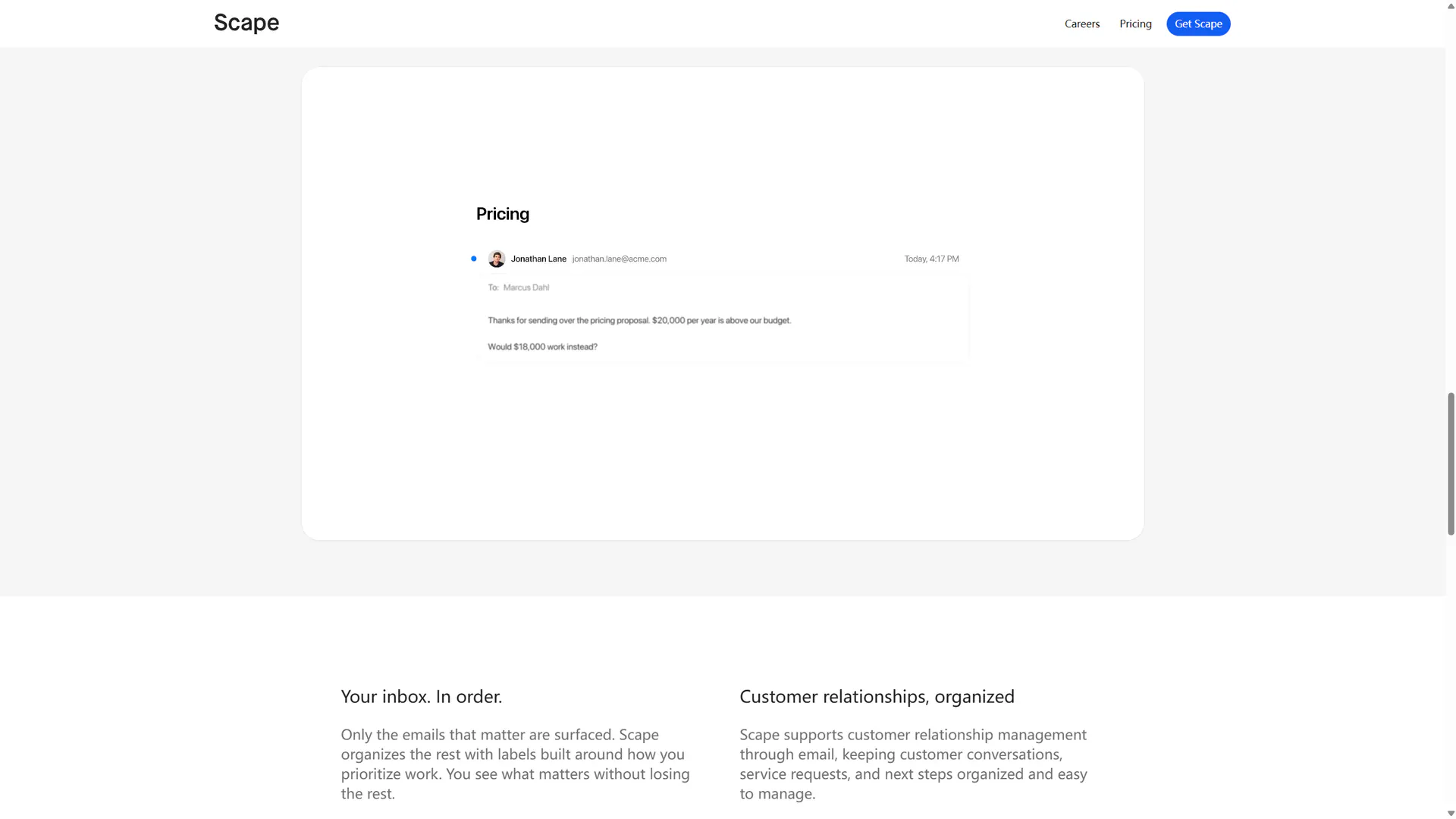
- A salesperson gets a counteroffer. Scape drafts a reply from the thread, and they edit it before sending.
- After Google Meet, a consultant keeps the transcript on the Mac and uses it in the follow-up.
- Someone with several inboxes handles mail labeled as needing a reply, or as a customer, first. The rest stays listed.
- A small team that wants one bill moves to Teams, invites members, and centralizes billing.
Who Is It For?
- People who handle work mail in Gmail, mainly on a Mac.
- People who want meeting context in drafts, but still press send themselves.
- People who want the free inbox before paying for a higher AI allowance.
- People who need Windows or a native phone app are a poor fit. Only the Mac download is offered.
- People whose mail is not on Google do not match the download page sign-in steps.
How Does It Compare?
Only tradeoffs the public pages support are compared here, not share or scores.
- Transcripts stay on that Mac, as the site says, and no bot is sent into the call.
- Mail is not read in the browser. Login returns you to the installed desktop app.
- To start at no charge, individual Free is $0 per month and says no credit card is required. Automations, a higher allowance, and unlimited quick drafts start at Plus.
Pricing Details
Prices are on https://scape.app/pricing, shown per month, and may change.
Individual:
- Free: $0 per month. The copy says free forever, with no credit card. It lists unlimited inboxes, meeting recordings, and no use of data for model training. No cap on free recordings or drafts is stated.
- Plus: $20 per month. It includes Free, plus automations, a higher AI allowance, unlimited meeting recordings, unlimited quick drafts, and unlimited app connections.
- Max: $100 per month. It includes Plus, plus five times the AI usage of Plus, more memory and context, advanced models, and early access.
Team:
- Teams: $40 per month. It invites members and includes advanced models, unlimited meeting recordings, unlimited quick drafts, centralized billing, and spend controls.
- Pro: $100 per month. It includes Teams, plus five times the usage and the highest memory and context.
- Enterprise: the price is Custom. It lists enterprise security, single sign-on, customized onboarding, and dedicated support, and says it includes Plus.
Every plan says data is not used for model training. That is the site's statement, not an independent audit. Security pages also list SOC 2 Type II, ISO 27001, and GDPR as the vendor's public claims.
FAQ
Q: Does Scape have a free plan?
A: Yes. Individual Free is $0 per month, described as free forever with no credit card. Automations and a higher AI allowance are on Plus and Max.
Q: Can it be used on Windows or in a browser?
A: The download page has only a Mac installer, and login opens the desktop app. No Windows, iOS, or Android client is listed.
Q: Does meeting capture send a bot into the call?
A: The site says recording stays local on the Mac and a meeting bot does not join. The recording is kept for later drafts and follow-ups.
Q: How does Free differ from Plus?
A: Plus is $20 per month. Above Free it adds automations, a higher AI allowance, unlimited meeting recordings, unlimited quick drafts, and unlimited app connections.
Why We Recommend?
It fits people who already work on a Mac with Google mail and want reply drafts to carry meeting context. The free plan can show the inbox first. Paying raises the AI allowance and the quick-draft allowance. It is not a browser mailbox, no Windows build is published, and you still read a message before it goes out.
Sources
- Source pages: https://scape.app/ , https://scape.app/pricing , https://scape.app/download , https://scape.app/login
- Last checked: 2026-10-30
- Prices, platforms, and the recording method follow the official pages on that date. Compliance claims and the no-model-training statement were not independently verified.


