

What Is This Website?
Yoroll has both a creation side and a playback side for interactive video. Creation can turn a premise, script, image, or clip into a playable scene with player choices, and the site lists storyboard, character-sheet, editor, and trailer tools. A separate browser flow makes HTML5 mini games and shareable links. Playback is an iOS and Android app. The U.S. store listing shows a free download for watching interactive video, talking with characters, and changing later scenes. The official site says in-app purchases exist, but it does not print the amounts.
Key Features
- Creator Studio builds a first scene with branching choices from a premise, script, image, or clip.
- The features page lists branching stories, storyboards, character sheets, an interactive editor, video-to-story conversion, and trailers.
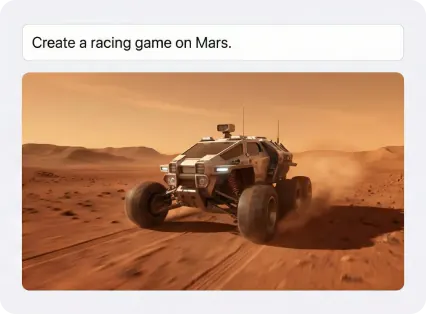
- Yoroll Code makes HTML5 mini games or levels in the browser, then shares a link after a playtest.
- The mobile app is for interactive video: watch, talk with characters, and change what happens next.
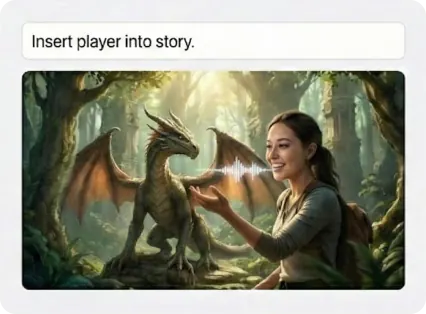
- The homepage also describes prompt-based making without a traditional game engine, plus an option to place a face or voice into a story.
- The U.S. App Store lookup shows a free download, and Android has an official store link.
Common Use Cases
- A writer sets a premise and two outcomes, then builds a playable first scene in Creator Studio.
- Someone making a browser mini game describes rules and an ending in Yoroll Code, then playtests and edits on the web.
- A viewer opens the iOS or Android app, swipes into an interactive video, and changes later scenes through talk and choices.
- Someone who needs character sheets or storyboards prepares images with the listed tools, then connects branches in the editor.
Who Is It For?
- Creators who want a playable story from text, images, or existing clips rather than from 3D modeling.
- Viewers who want to watch interactive video and talk with characters on a phone.
- People prototyping an HTML5 mini game that can be shared by link.
- Teams that need a fixed quote, an offline engine project, or a published enterprise price will not find those figures on the site.
Comparison with Similar Tools
- If the work depends on a traditional game project, level editor, and a local engine, Yoroll's pages emphasize prompts, reference clips, and a video runtime instead of installing an engine.
- If the point is making choices while watching, the store description groups watching, conversation, and changing the story.
- If the need is a browser mini game rather than a long video, the site lists Yoroll Code as its own HTML5 flow. Generation quality is not given as a comparable score and has to be tried.
Pricing Details
The pricing page does not list plan prices. It says the mobile app offers in-app purchases and tells visitors to check the App Store or Google Play for the device and region. A U.S. App Store lookup shows a free download, with seller LinearGame Pte. Ltd. Billing questions for Yoroll Agent or Yoroll Code are directed to support@lineargame.ai, and the page asks which product is in use. Specific in-app prices, quotas, or billing cycles are not published here. Whether creation has a free allowance depends on the live store page and the creator tools.
FAQ
Q: Does the Yoroll mobile app require payment before download?
A: The U.S. App Store lookup shows a free download. The pricing page also says in-app purchases exist, with items shown in the store.
Q: Can playable content be made without writing code?
A: The creation pages say a branching scene can start from a premise, script, image, or clip. HTML5 mini games go through Yoroll Code and still need a browser playtest and edits.
Q: Why is there no price table on the site?
A: The pricing page only says the mobile app has in-app purchases and points creator billing questions to support email. It does not publish numbers.
Q: Are the creator tools and the player app the same product?
A: The site places Creator Studio, Yoroll Code, and the mobile app under the Yoroll name, for scenes, mini games, and interactive video.
Why We Recommend?
It keeps branching-scene creation and phone playback under one name, which suits people who want a playable scene before an engine project. The browser HTML5 flow and the mobile watching flow are separate entrances. The U.S. download price is shown as free, but in-app items and creator billing have no published numbers, so the store page or the support email comes first.
Sources
- Source pages: home, features, pricing, Game Maker, Yoroll Code, and the U.S. App Store lookup
- Last checked: 2026-11-23
- Note: In-app items and amounts follow the store at the time of viewing. Creator billing follows the support reply.


